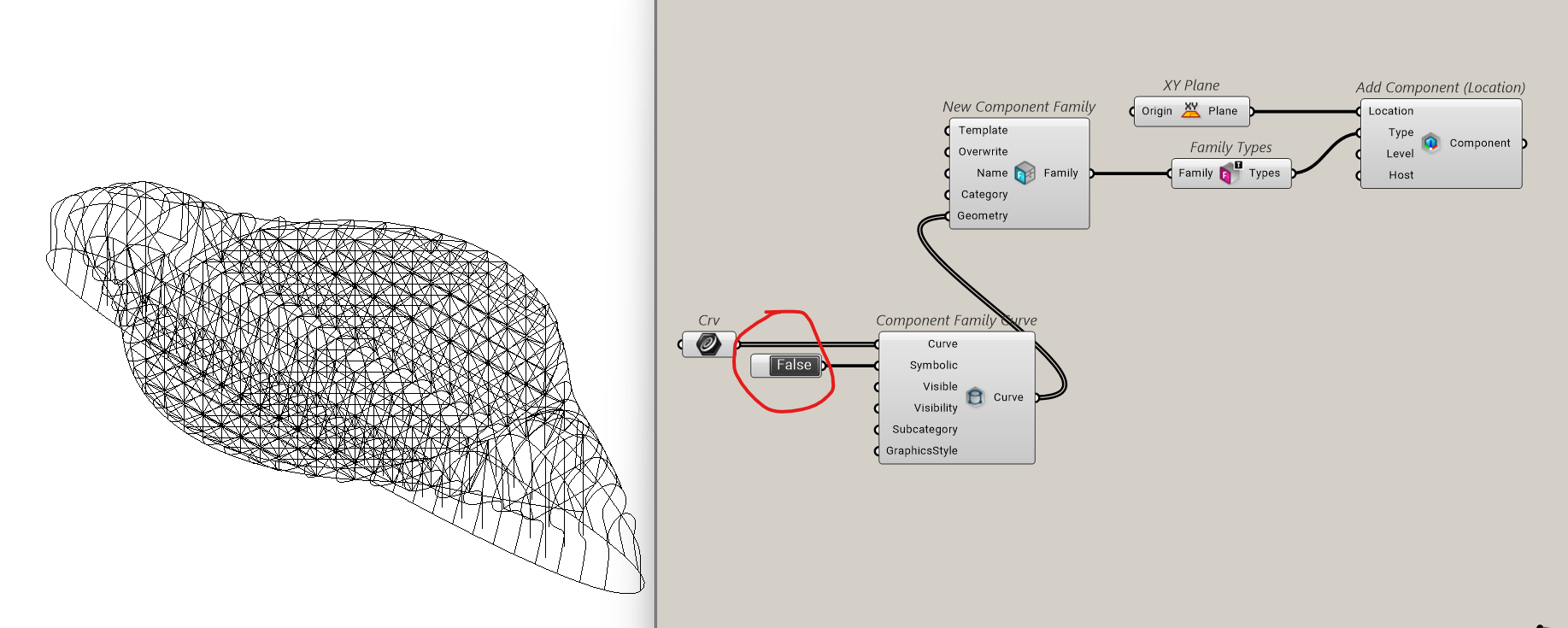
Curve should be C1 continous tolerance 0.1 degree error

I get this error when trying to load organic curves from rhino to revit with Rhino inside Revit; curve should be C1 continous tolerance 0.1 degree. Picture shows curves that should go to Revit, some orange point appear ? + Internalised GH document.


Mcneel forum RIR.gh (184.0 KB)

Are you trying to create Model lines?

1 Like

I have created Model lines and I don’t see any issues

The following error occurs using creating detail lines (if you inputs lines are polyline).

1 Like

Thank you, but those lines, all of them, need to become beams. When i try to convert the curves from grasshopper to revit with Revit Beams component , it gives an error.

Just explode the curves and then use them as curve input

1 Like

Thanks. I tried your previous method, maybe i could create beams directly inside of Revit from the polylines. But the geometry does not appear in Revit ? I did exactly like your script.

Mcneel forum RIR.gh (192.2 KB)

With this method you are just creating the model lines not the beam elements.

1 Like

Ok. My idea bas to bake the lines in Revit and crate the beams from Revit, not grasshopper. But we will have the same problems ? Also do you know why the model is not showing in 3d ? I did exactly like your script.

Set Symbolic option to true. It will create Symbolic Lines.

Set Symbolic option to False. It will create Model Lines.

The model appears in leevel 1 Revit, but in 3d nothing happens. Even with symbolic like you did.

Symbolic lines are view specific. they will not appear in 3D

Sorry it should be False.

Set symbolic option to False for creating Model Lines.

1 Like

It works but it is using to much CPU. Thank you, i’ll do the other method step by step.

1 Like

Hi @Bilan_Gumus,

You can massage the curves a bit before feeding the ‘Add Structural Beam’ component like this.


RiR-BeamsFromCurves.gh (200.2 KB)

The component could do it automatically but I do prefer you have full control about what tolerance values are used and how the curves are converted to be valid for Revit.

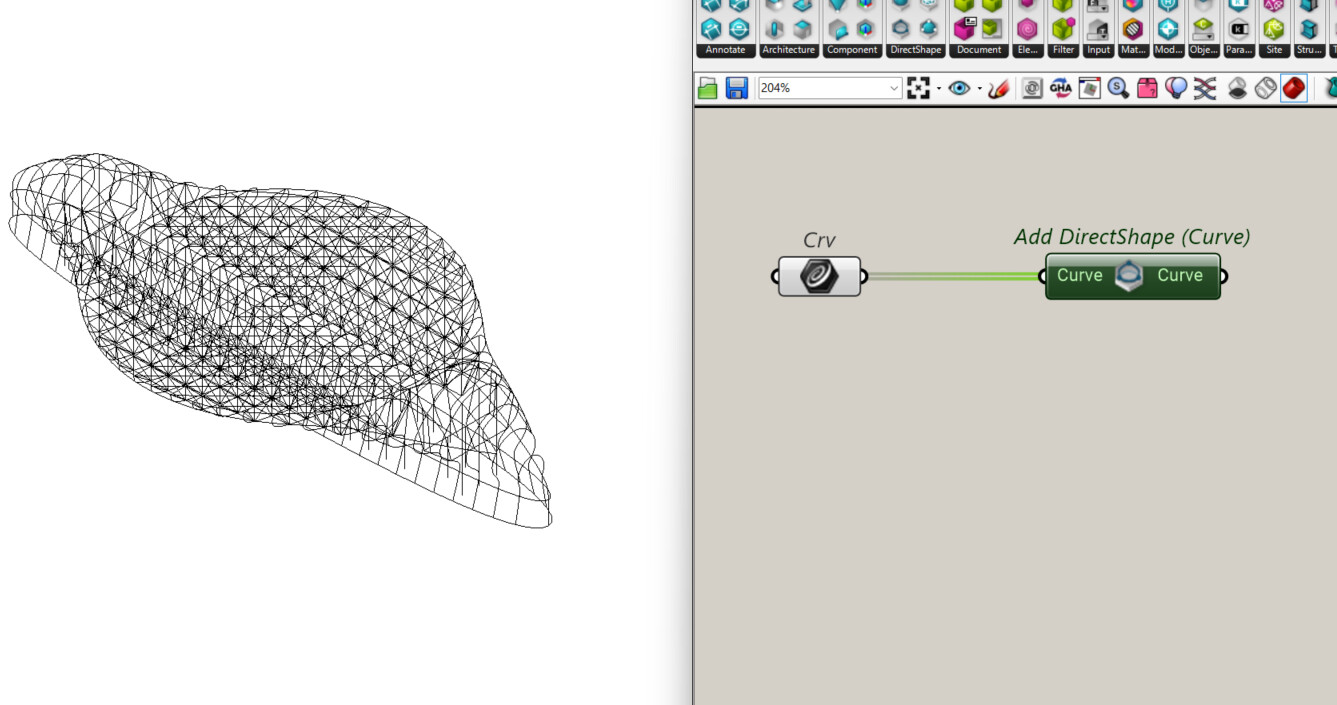
In this case there is still pending to deal with the three closed curves you have on your input.
Revit requires open curves to create beams.

1 Like