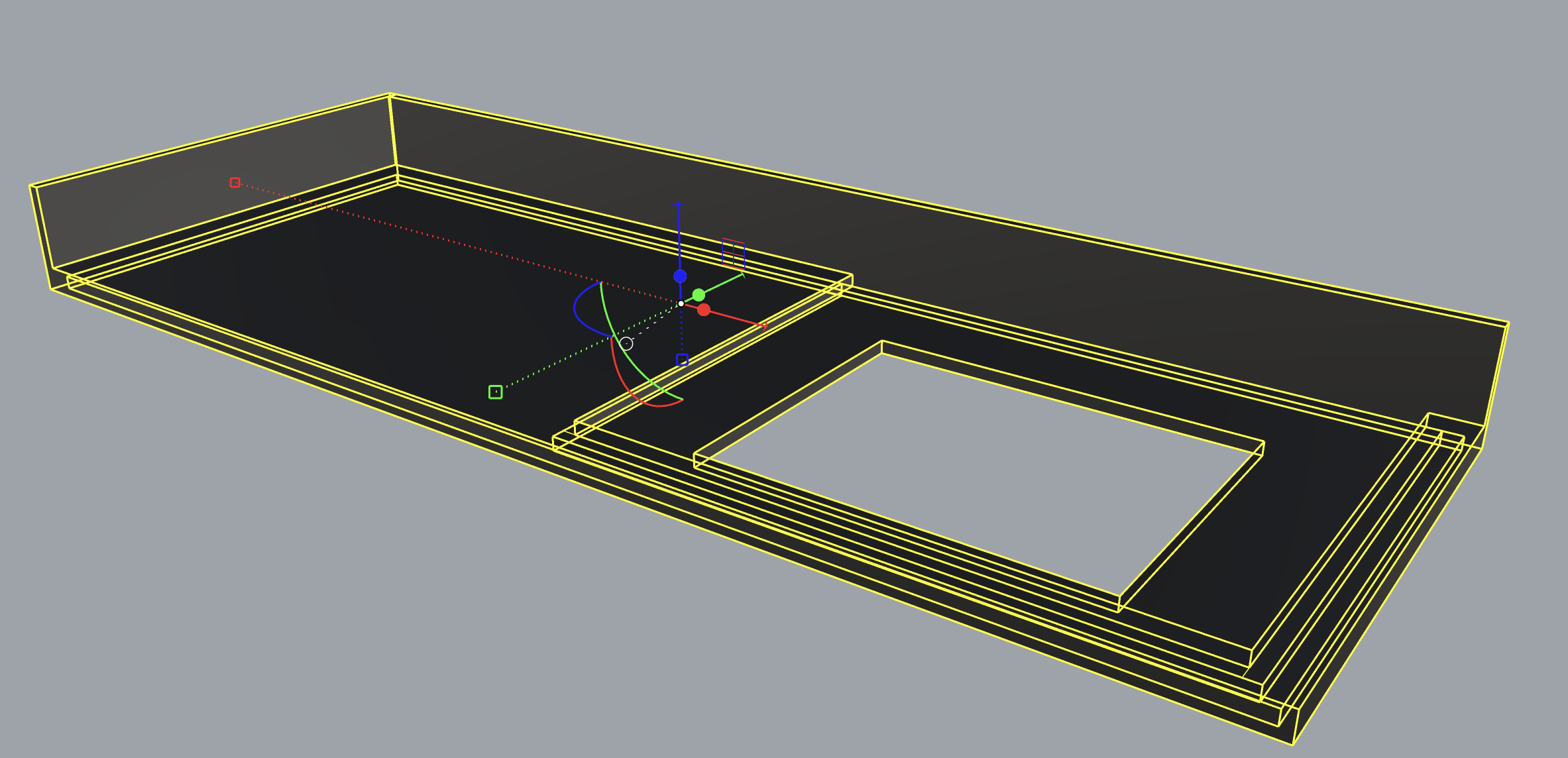
Hi, I’m having an issue when importing models from SketchUp into Rhino.

It seems that some of the mesh faces come in inverted, even within the same face, which causes holes to appear. It also looks like there are overlapping or intersecting sub-meshes in certain areas. The model looks fine and well-built in SketchUp, but this problem occurs during export/import.
Is there any way to fix this without having to remodel everything from scratch?
I’ve attached a sample file showing the issue.
BugMeshFaces.3dm (2.0 MB)
Note that McNeel have a youtrack open on this issue. By now I just want to fix my geometry, I’m plannin to import some 3D Warehouse models to do a interior design project and in case of bug I want to have a quick fix. I tried MeshRepair but it did not solve it.
Thanks for your attention.