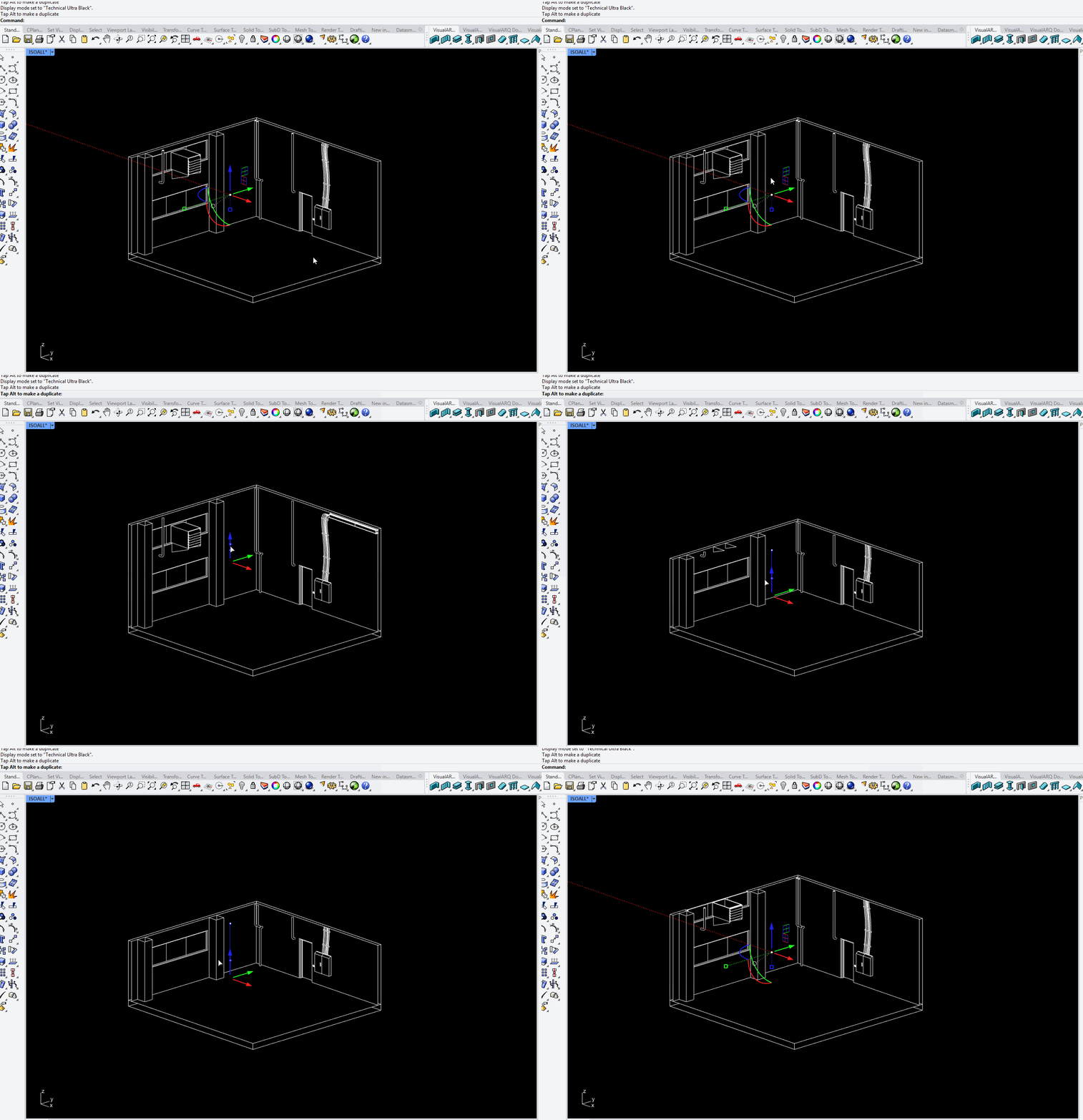
Hey, I’d like to create proper drawings from my layout. I’m working with VisualARQ walls and slabs, but unfortunately, the wall edges don’t show up. My sections are made with V-Ray section cuts. Does anyone have recommendations on how to fix this?
Hi @Jesse_Altmann can you share the 3dm file as well? how does Rhino geometry behave in that case? are the section edges displayed?
Which Rhino, VisualARQ and VRay versions are you using?
If you are using that display mode for drawings, how do you plan to print that? raster/vector? paper/PDF?
I’ve done a small test, using a wall and a box, also a VRay clipping plane and setting the section styles of both objects to “By Clipping Plane”. The section edges are displayed. Only section fills aren’t, but this is how your custom display mode is set.
@Jesse_Altmann I’m not sure what’s going on here. Your model looks fine in my PC. The only difference, I’m using the 3.6 RC1 version of VisualARQ (you can download it here: VisualARQ 3 - Version 3.6 RC1 released )
How do you create those? as far as I know VRay can use the Rhino clipping planes, right?
Hi Jesse, what do you use as a VRay clipper? I can see you need to design a geometry in the model as a clipper, is that right? But I’m not sure if you can select the Rhino clipping planes for that.
Have you tried to reproduce this issue with VisualARQ disabled? (then VisualARQ objects should be recognized as block instances).
Hi @lio got your file. It looks fine in my PC. If you select that wall and run the vaUpdate command, does it show up correctly? I’ve tested this with the VisualARQ 3.6 RC1 version though. You can download it here, just in case the Update action doesn’t work: