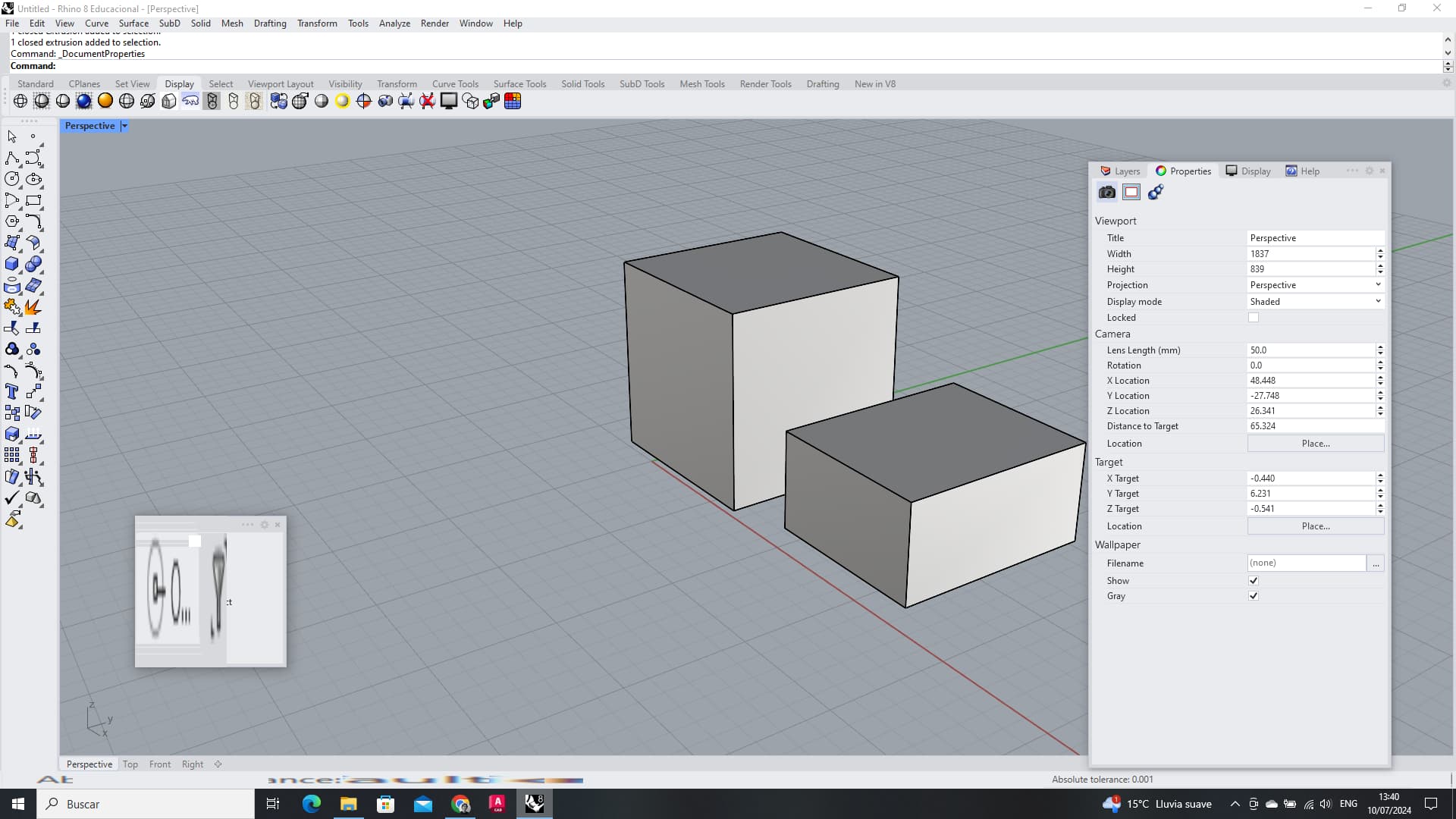
I’ve noticed some glitches while working in Rhino 8 for Windows, especially when clicking on Grid snap and the rest of the options.

Can you describe these glitches? Can you provide us a way to repeat?
Thanks,
– Dale
@Andres8 Looking at your screenshot I see some weirdness in the status bar. Pls run _SystemInfo in Rhino and post back the results.
Systeminfo.txt (2.4 KB)
@Andres8 Looking at your systeminfo, I don’t see anything that might cause this. Other than the stretched text in the statusbar, do you experience other issues?

I recently opened the program to try it out, but there are many more issues. Some parts of the program work well, but others are a disaster. The program interface has more oddities, like titles disappearing and tool icons disappearing, and when I move things around, it becomes a mess. They appear again when I move the cursor over them.


@Andres8 as a test could you set your computer language, region, formatting to English, United States? Then restart Rhino?
Windows 10 scaling issue, maybe?