Eugen
October 17, 2023, 7:56pm
1
Hello!
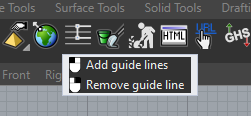
After switching to dark mode, the tooltips show a white border:
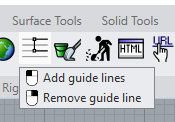
After restarting Rhino, they look ok:
When switching back to light mode, it looks ok immediately:
Resizing the calculator doesn’t look too good:
Package manager:
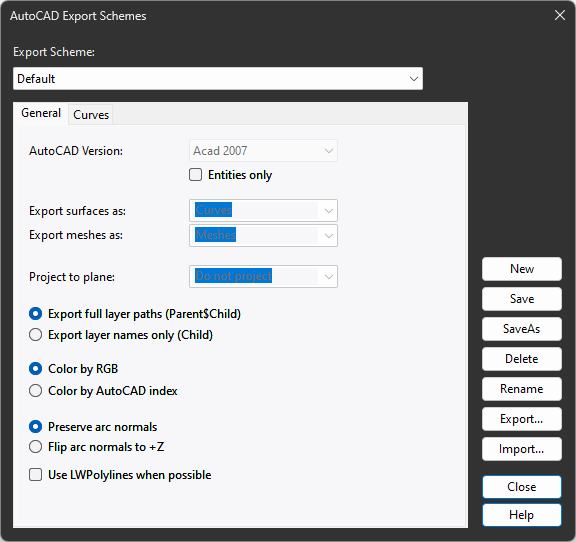
This dialog looks unfinished yet:
Not that I need it that often, but:
Keyboard shortcuts. Could the background be a little more subtle? Something else than white.
-Command History background:
That’s it for now. Thanks!
pascal
October 18, 2023, 8:28am
2
Hi Eugen- Got it, thanks, I’ll check these.
The first item is fixed, here.
RH-77792 Options > Keyboard colors
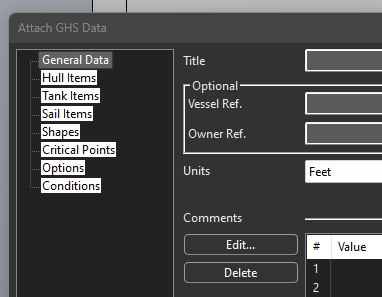
RH-77793 GHS: dialog is ugly in dark mode
RH-77791 PackageManager: Search bar contrast
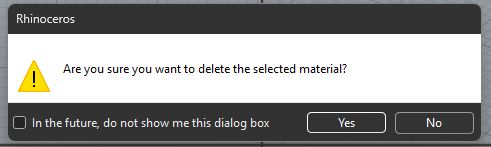
RH-77794 Warning dialog colors out of sync in dark modes
-Pascal
Eugen
October 21, 2023, 7:33am
3
Thanks!
It still flickers here, same as before.
Some others I found:
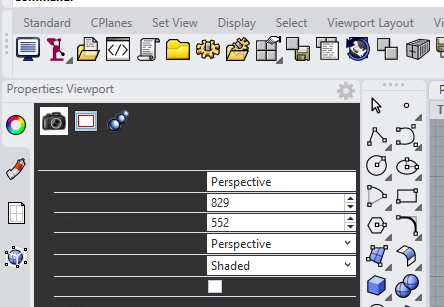
Switching from dark to light mode does not update the property panel immediately.
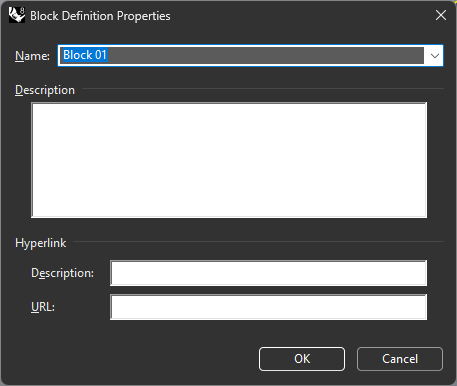
Another unfinished one in dark mode:
Best regards
wim
October 21, 2023, 7:45am
5
Hi Eugen -
That’s something that is not possilble to get fixed without it getting completely redone → RH-76438 FileExplorer: Light in dark mode
brian
October 25, 2023, 12:23am
6
RH-77792 is fixed in the latest BETA