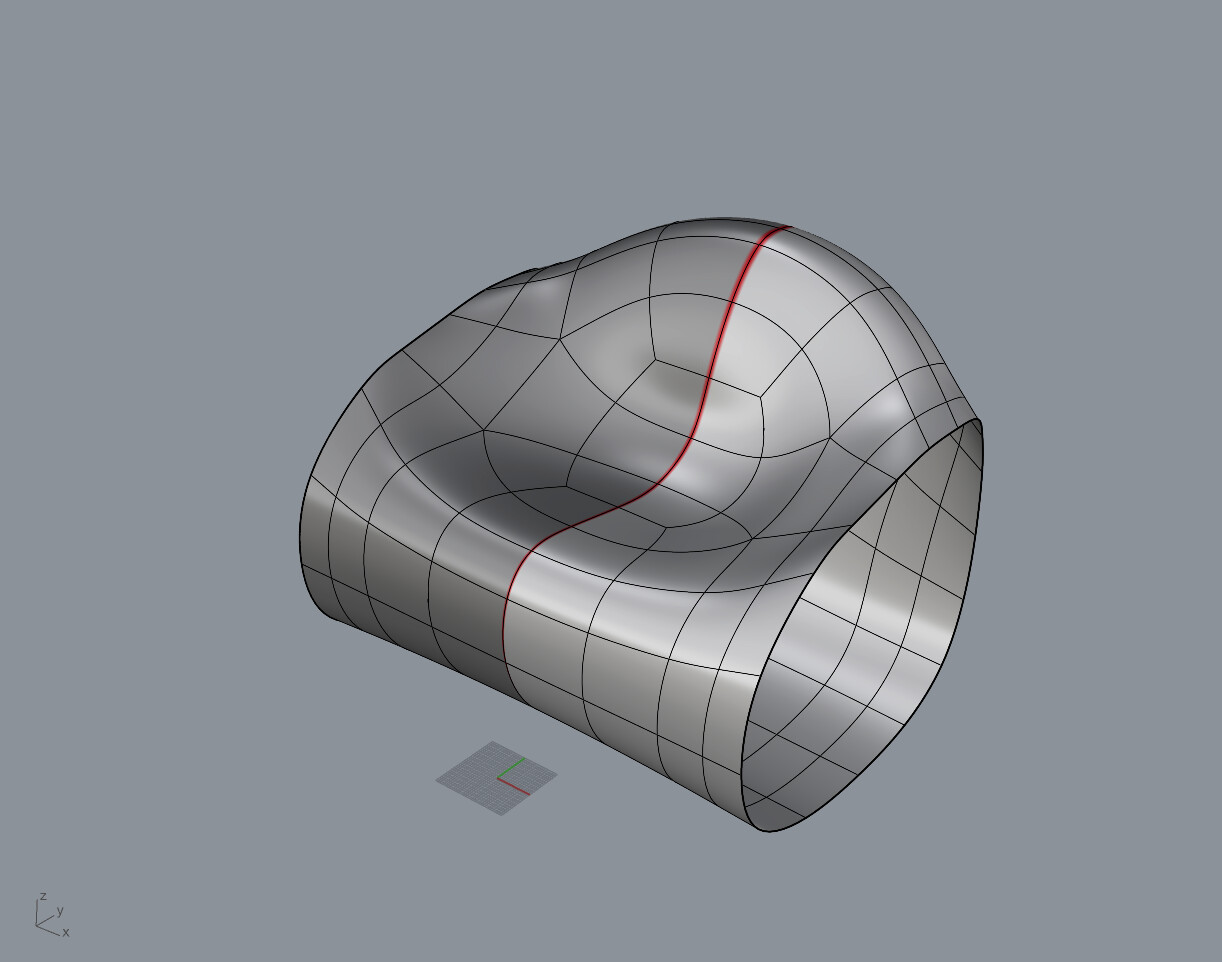
are you working with the reduced amount - the rough model i suggested ?
i think i just used MoveUVN - and looked at it from the front view… nothing to special.
you can start with the inner Section of CV’s move them 2
then add the next CVs move all togehter 2
then more → 2
thenmore → 2
… so you move 8, 6, 4, 2 (steps, units or what ever…)
maybe some Gumball-ing but not so sure what i did last week…
if the new softtransform supports MoveUVN - this would be the fastest approach.
When I use the editPton I can drag and move each individual point along the x,y,z axis but getting it to look like a nice smooth curve is what I am struggling with.
I am still a newbie at this software. (I am a lot better at solid works)