Hi There,
I am having an issue with the print settings in Rhino 8.
I am trying to plot something on an A0 sheet from Rhino - in the print setup window, it is constantly resetting to “Scaled to fit” and “inches on paper” whenever a file is closed and opened, which is kind of annoying.
It’s then doing something very strange with the scale - it’s set at print scale 1:1, and intitially looks correct in the preview

If I go into the Window - Set to move the print “sheet”, it is an incorrect scale - seems to be 1:4
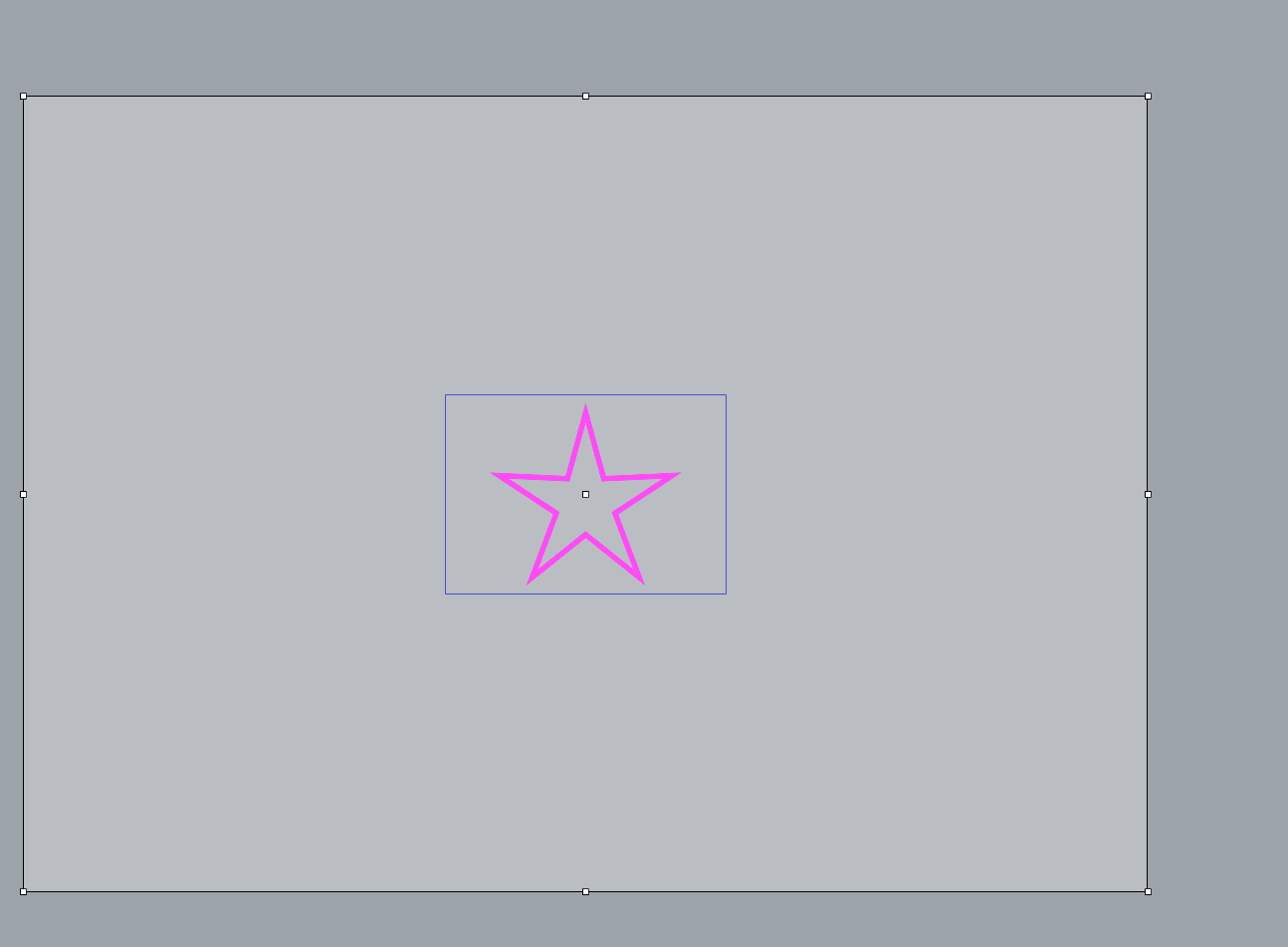
Resizing and moving the “sheet” in the set mode seems to work

When closed back to the Print Setup window again it changes it to some random size in the preview - it looks like 1:2. It still says it is 1:1 in the scale settings however.
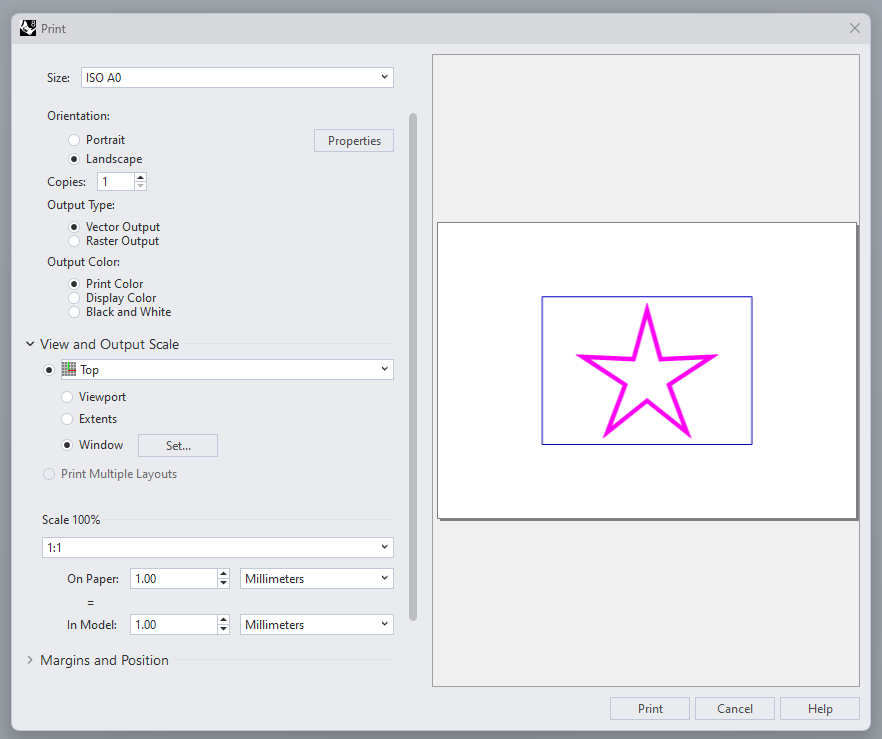
Hitting print seems to print what was selected in the “Window - set” command - so it just seems to be the preview it shows in the Print Settings is wrong.
If I set the printer to Rhino PDF the preview works correctly - any other printer listed on this computer and it the above problem happens.
In Rhino 7 this is not happening.
If anyone has a solution to these issues that would be great.
Thank you very much