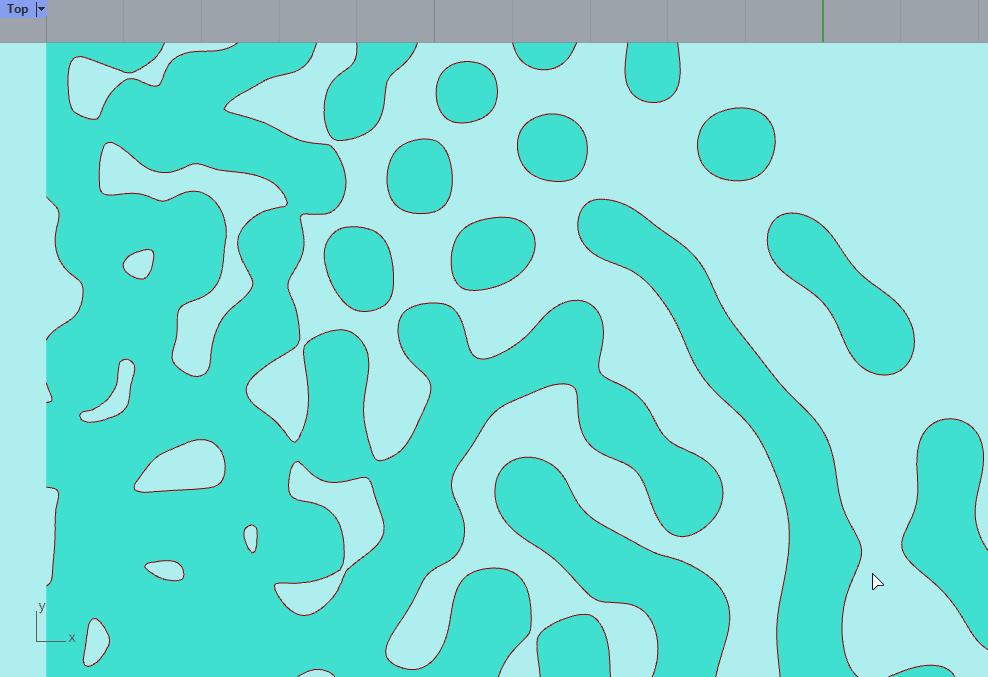
Is there a way to get reaction diffusion pattern as curves? I found a lot of mesh implementation but they all need to be super dense for the pattern to show. Visually, it seems that the pattern is the result of pipes along curves (though I am aware that this is now how reaction diffusion works)
Or your question is not clear or you didn’t search a lot.
Reaction diffusion output values on mesh. Theses values/double can be transformed to displacement or color or be used by mesh iso spliting. All the tools are in Nautilus plugin. I made some more advanced way to have nice curves.
Mesh iso spliting outputs meshes or curves.
Come back with a script or better description if there is a problem
Hello all, esspessially @laurent_delrieu been following your stuff for years.
Recently got a gig with a client and they are after hexagon reaction diffusion.
Its kinda a balance between chaos and order. Tried attacking it many ways but getting mixed results.
I downloaded various VS/c#/python code and a few gh hacks. best if found is @laurent_delrieu Nautilus plugin, for speed of exicutions on the Reaction Diffusion on the mesh input. Also has nice synergy with @DanielPiker Kangaroo by making a mesh have non uniform triangular faces driven from circle packing code.
Wonding if you ninjas have a few good ideas. Attached the picture of the mood board.
If i get some where ill let you guys know.
This (and RD) is, it turns out, simple to do on 2D images, as you and Pfotiad0 kindly pointed out. Though I’ve yet to figure out how to transfer this process to mesh, the faces/vertices of which do not cleanly fall into a non-sparse 2d matrix (reaching the limit of my vocabulary…). I’m reading the code you kindly shared to study how to proceed.
Hello
very cool to see some very nice work. For the integration of you tool why not. I have done mine that will be in Nautilus plugin. It is quite generic (I hope).
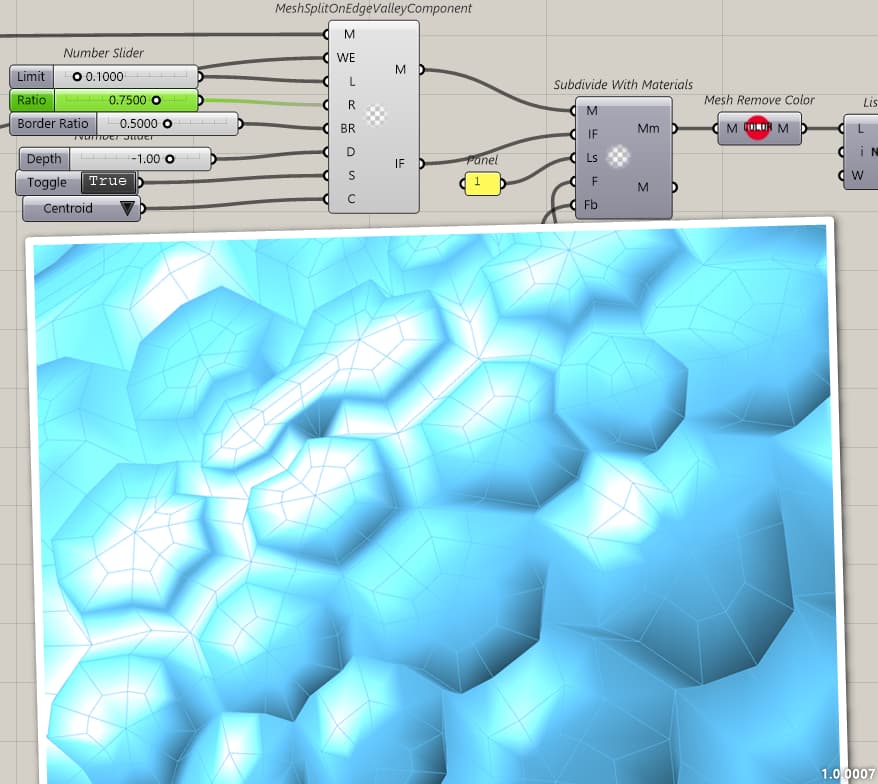
The logic is to put a weight on the edge and if above the limit, there will be a Valley crossing this Edge.
So I have made some tool to add weights on edges.
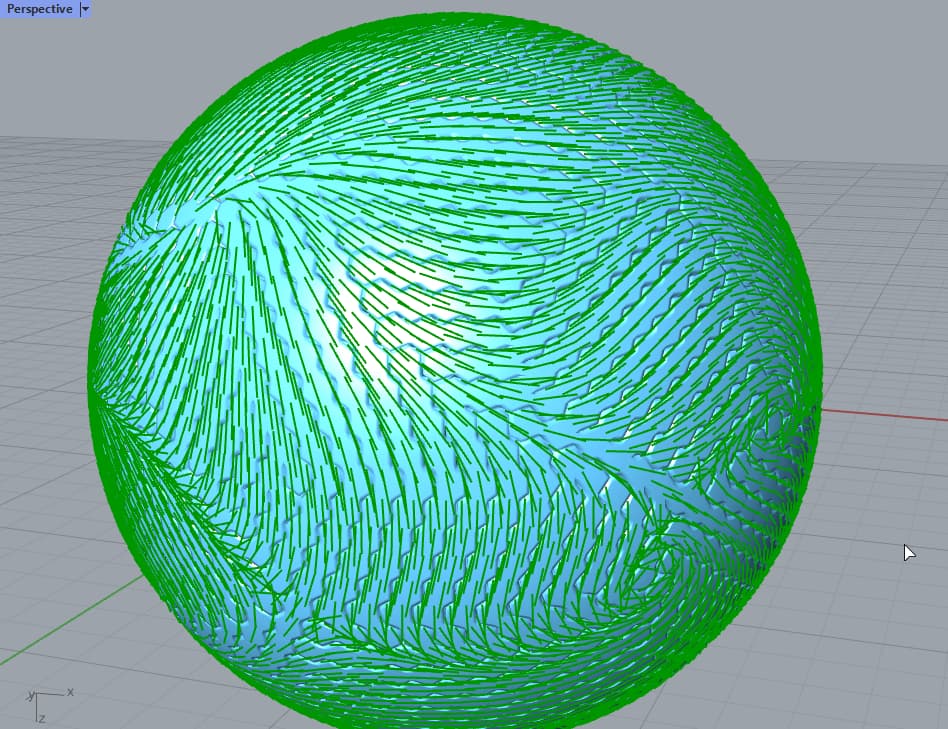
For example here sort of curvature (like Entagma) along the edge and on the side of the edge
Using these values on edge , I have now this component that make the meshes, each face as an index (0 1 or 2) so it could be possible to assign different material but also to Subdivide the whole mesh using Catmull and Clark subdivision and keeping material
Give this guy a detective job. Spot on.
in the process of making diffrent data driven treads for our clients. then they can choose what they want on the foot and the use case also effects the parameters.
the pic you just linked is a partnership with a company called Balena. scan foot, create shoe, 3dp, recycle back to nature.
I’ve been exclusively been wearing VivoBarefoot for about 5 years now .. so i know my brand , hahaha great to see how creative code, ideas & techniques with gh are being used worldwide in so many different industries
Hi Laurent! I really like this pattern you made. If you have time, could you please share some insights on how you (it seems) ‘filleted’ the edges of the mesh?
I’m referring to the golden outlines on the sand-blue mesh, or the green meshes of the red-green-blue picture. I’m coming from this question Fillet mesh edge (I got completely stuck )
Hello
Examples could be foun in example zip on Nautilus page on food4rhino. They are in mesh directory. You ll find images also that will help you to find the good script.
if I drag Nautilus, to components folder, it says there are license problems, and only give partial result
if I uninstall and let package manager find, it says ‘No compatible distribution found for Nautilus (1.2.0.0)’ I saw your comment on the plugin page that it should be 1.3.0?
I also tried download from package manager but the result is same as 1)








 )
)