Hi,
I am having some issues with the drawing order, specially coming to blocks.
I have read old threads and see that the development on this is on hold.
I am aware of the workarounds (exploding blocks, using distance to camera), my issue is that the results from PDF print seem to be inconsistent and differ from what I get when working in “drawing mode” (top view) and layout.
Hope the explanation is clear.

Working in top view, I can use the Z height to get my blocks drawing correctly. Doing a print test also gives the expected result (in raster mode only)

In layout mode, everything looks OK in Rhino (left), but when printing the bottom objects appear on top (right). Same print settings
I have tried modifying layer order, clearing draw order, pretty much everything I can find in the forums without luck.
So I guess the questions are
a) Is there a way for me to go around this without having to explode the blocks?
b) I read in the forums about a mixed raster / vector print mode? Should I be using a different printing engine than the OSX one?
c) Is this a mac issue? I would be happy to Rhino to a windows machine if this issues are gone.
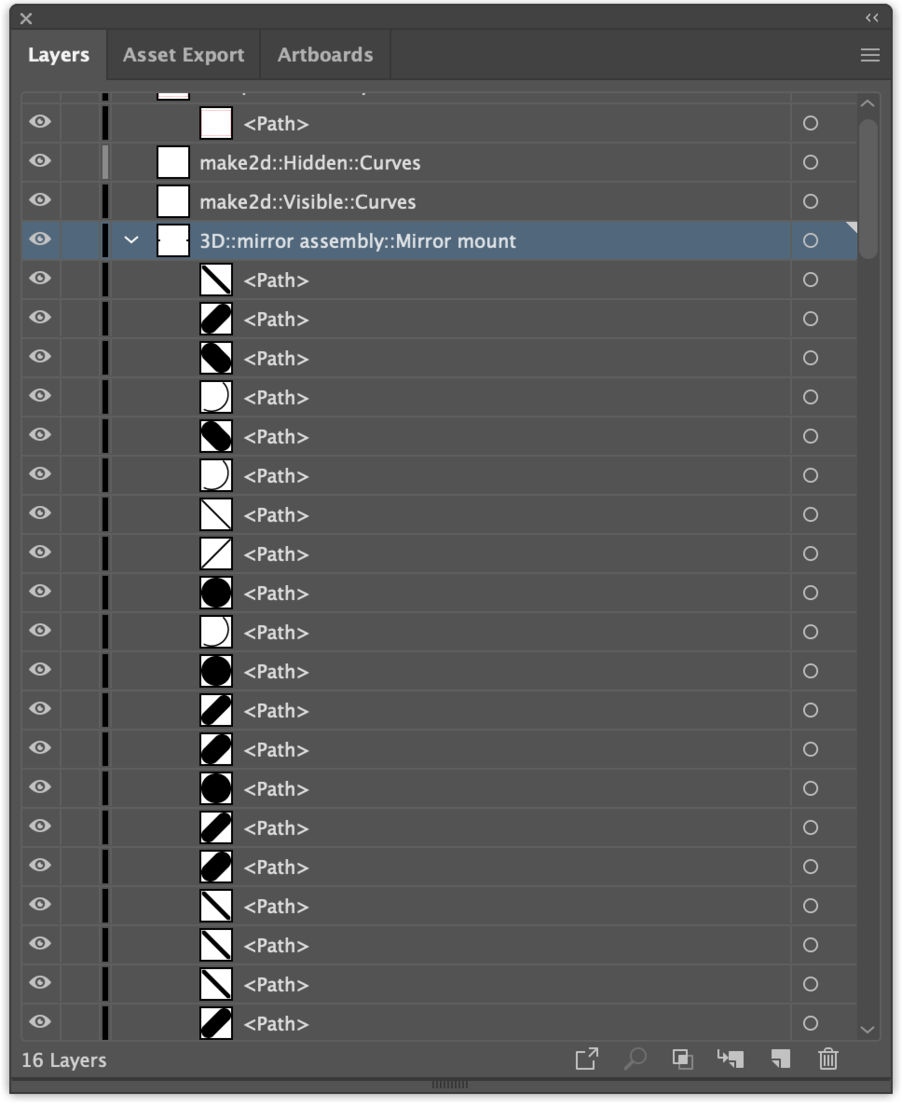
I understand from previous conversations that culling with blocks seems to be a difficult sell. In that case, I think it would be really useful to see a drawing order tree (ala Illustrator), where you see every path inside an object and can manipulate the drawing order by changing the list oder. specially since Mcneel has put so much effort into presentation with Rhino 7
Using Rhino Version 7 WIP (7.0.20168.12016, 2020-06-16) on Mac
Thank you for your time
