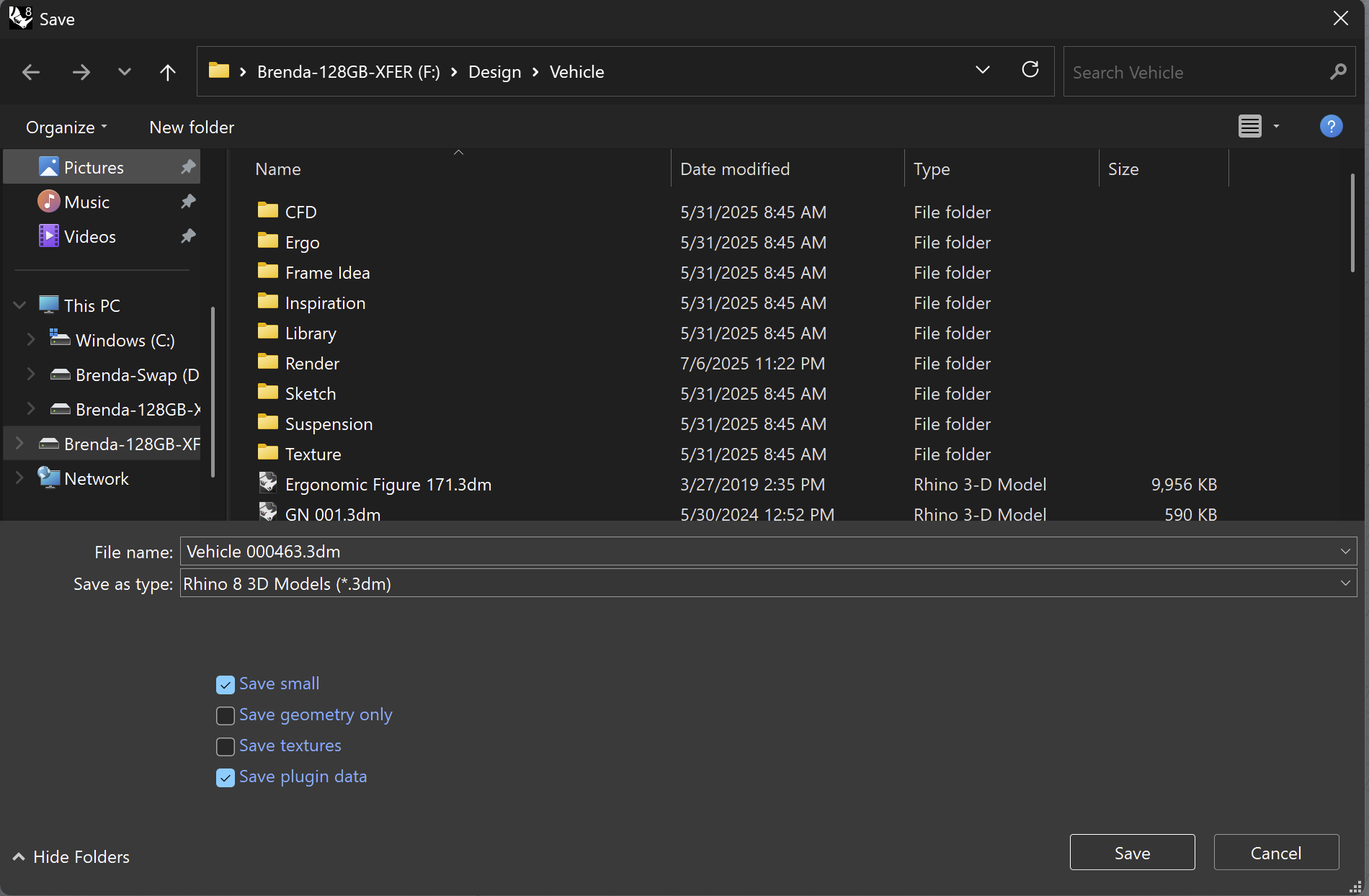
Thank you. I will try it, but and I hope I am wrong, that has been broken for the last few releases.
I will try it.
[I wish, as an option, that Rhino could save small, optionally incrementally, no mesh, with plugin-data, and have it 7Zip compressed, automatically after.
The new file format could be a .3dm7z or .3dm7 or something like that so people might guess that it’s just an archive with a Rhino file in it.
With decent compression settings, an average non-solid 7-Zip Rhino file compresses to a mere 20%. They usually don’t go over 25%. Rhino users could save thousands of versions, for patent attorneys, for the once in a blue moon reversion.
Having a natively compressed file means that sharing between designers goes quicker, nothing needs to be compressed before sending.
With multiple files in a 7Zip, I never do solid archives. While the solid archive compression rate is better, but if it can be safer, then it should. For large projects, I zip them up into manageable 4GB chunks, but pre-zipped Rhino files would eliminate the archiving process for me, for finished projects.
I also use leading zeros, so that they might be put in a ASCII list, nicely. The number of zeros is varies, 1 for small projects, 4 for large projects. I incrementally save on each day, and before any major change, or about once an hour, depending on how much work I want to lose. That stated, I have had a bad Rhino save/load.
[Old Id games used a .pak3 files, which is nothing more than .zip file. They used it because it’s compressed and because each item in the zip has a 32-bit CRC, so if anything was altered or corrupt, it could be detected. It was amazing that when Quake 3 started, it checked the archive CRCs, then it started a C compiler to compile the game code. Then it started a network server process and (loop-back) logged even a single-user in as a client.]]
I edited NURBs 24 years ago : O ]