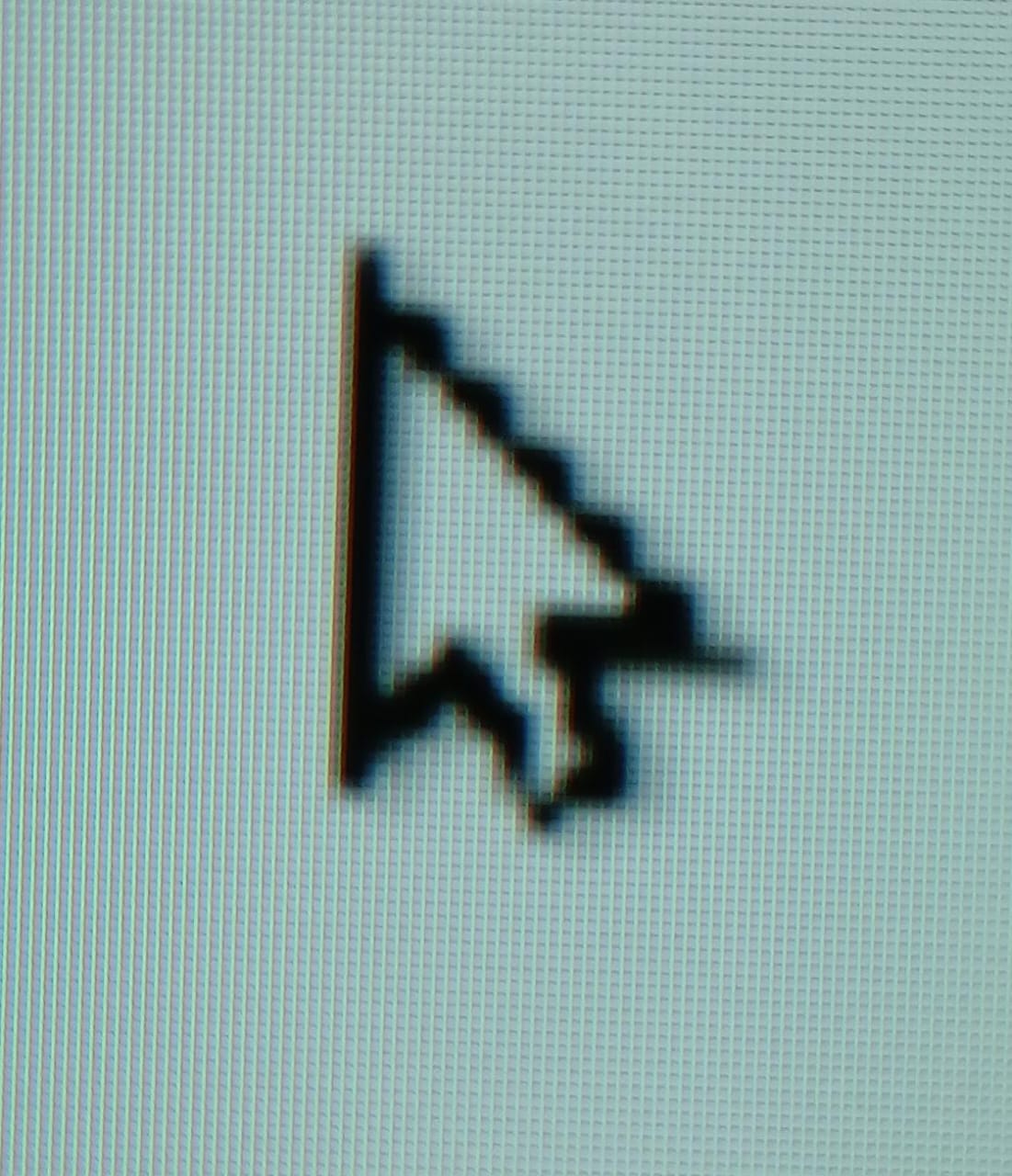
I set Windows to use an enlarged mouse pointer on my 4k screen otherwise the mouse pointer is tiny. For quite a few months now I have been seeing the odd mouse behavior detailed below once I open Rhino 8. I thought a Rhino update might fix it but no joy to date.
Once I open Rhino 8 the mouse pointer keeps its large size, but becomes visually distorted. This then keeps this distorted look not only in Rhino but in all other Windows operations until I close Rhino 8. Then the mouse pointer becomes tiny and pixellated (Throughout Windows 11). I then have to go back into Windows 11 mouse settings and move the size slider. This instantly resets the mouse pointer to look non-pixelled and large again as normal.
This has occurred for a few months with various different mice/nvidia drivers/Rhino8 updates.
From my observation Rhino8 is somehow changing how Windows 11 mouse looks with a global setting?
Perhaps there is a simple fix for this? Michael VS
I’ve run with an enlarged mouse pointer for some time and never seen this, but you have plugins that I don’t. What happens if you temporarily disable the “do not ship with Rhino” ones?
I tried removing all the plugins that are not shipped with Rhino, but that did not solve the issue. Also, I noticed the more instances I open, the more pixellated the pointer becomes. It also gets very small when I close Rhino.
Rhino 8 also has some conflict with a screenshot program called Gadwin printscreen. Once Rhino 8 is started (even before the full loading), it evokes the pop-up menu of Gadwin printscreen. The same goes for when the Properties or Rhino options panels are opened, or after various other operations.
Rhino 7 does not exhibit that bug.