Hi,
I’m working with a pdf file from a client and rhino on import completely screws up the fonts. Rhino reports can’t import pdf font and imports the font as ming liu. Also the scale of the text is completely wrong and some of the images are coming in as negative like the color space is completely flipped. Also dimensions are completely weird but I can redo those. Wow what a mess.
I opened the same file in Krita and it worked flawlessly without the Mongol text or any errors that rhino creates. What’s going on here? Sorry I can’t post the file here since it’s a clients but could privately to you at McNeel if you want to look into it.
RM
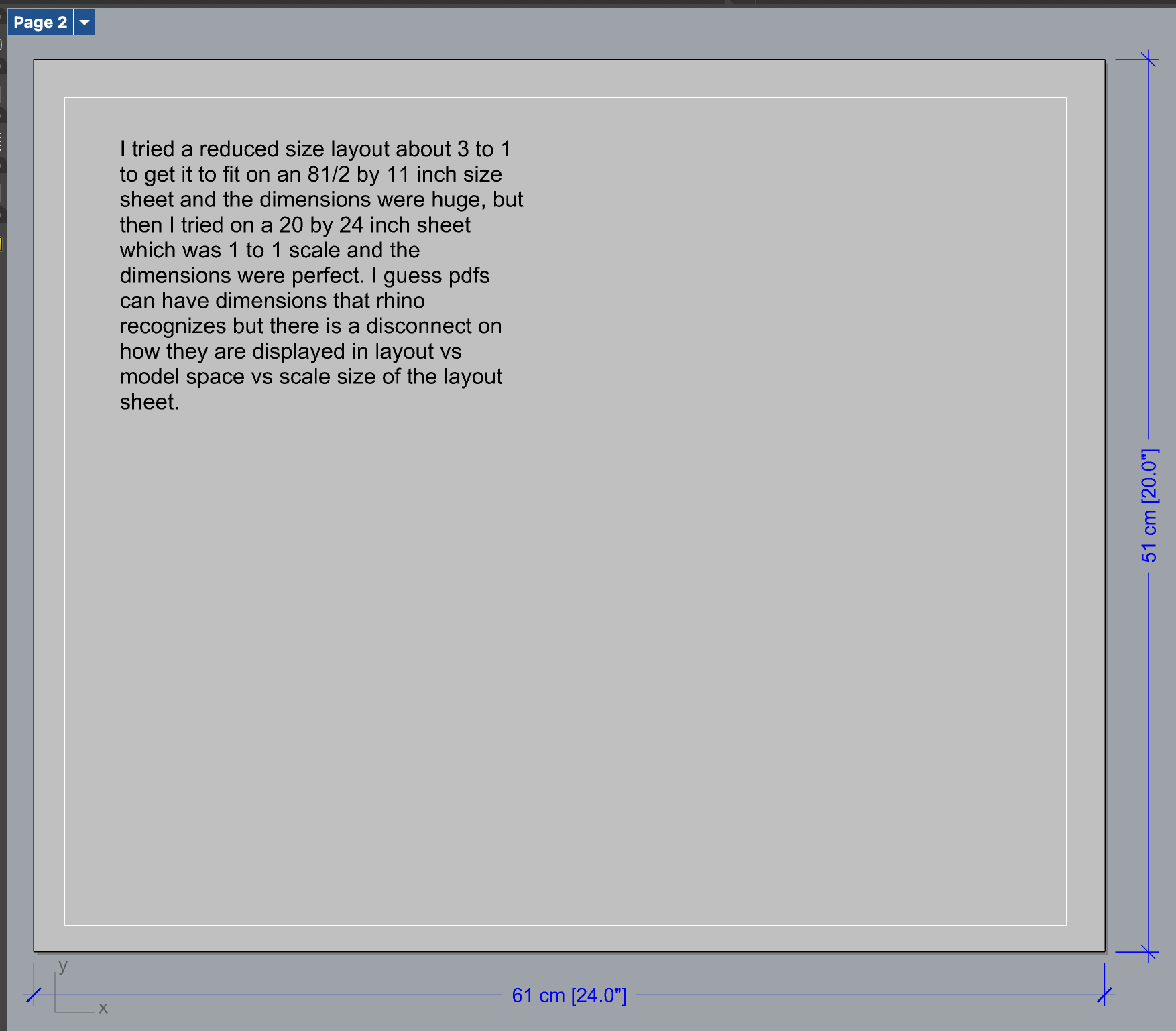
I noticed one strange anomaly, though I rarely work with pdfs. Seems the dimensions in that file are different in model and layout space. And depending on the detail size in layout space will always display with different sizes. I tried a reduced size layout about 3 to 1 to get it to fit on an 81/2 by 11 inch size sheet and the dimensions were huge, but then I tried on a 20 by 24 inch sheet which was 1 to 1 scale and the dimensions were perfect. I guess pdfs can have dimensions that rhino recognizes but there is a disconnect on how they are displayed in layout vs model space vs scale size of the layout sheet.
Still wrapping my head around this because I might have to print reduced size as well as one to one and I guess I have to completely change the dims just to print at reduced size and then change them back to print at 1 to 1 scale? I know I can copy and have two sheets with different sizes but I thought Rhino would be more elegant at handling this or I am missing a setting.
Hi Roland -
I’ve gone looking for that file but haven’t found anything, so I have to try to interpret this size issue…
Annotations (including text that is imported from PDF files as text) are defined in layout sizes. By default, this size is also used in model space, as model space scaling is set to 1.
When an annotation is displayed on a layout - either on the layout directly, or through a detail on that layout - the size is used one-to-one. Irrespective of the size of the layout, when you print a layout to physical paper and measure the size of a font, that will always be the size that is set in the annotation style. On screen, however, when you zoom to the extends of a layout, the size of the annotations will change depending if you are looking at a small-sized paper (large font), or a large-sized paper (small font). Is that what you are looking at here?
I uploaded a zip file with the pdf and rhino file didn’t know your direct email at McNeel so it went to tech but I mentioned this thread and your name.
Thanks that’s what I am seeing. I wasn’t aware of this as I rarely work with pdfs. Thanks for the clarifications.
Sorry sent the wrong pdf in the zip file. I resent the pdf file only you should see it I referenced this thread.
RM
When Rhino encounters embedded fonts in a PDF file that are not installed on the system, it will try to replace it by a font “that matches”. It’s unclear to me how that match is decided upon. When I import the PDF file into Rhino 7.38 on my system, all text comes in at the “correct” size:
Some of it - from your picture, everything that is too big - comes in as text in the “MingLiU-ExtB” font. Other strings are converted to Arial.
Rhino 8 tells me:
Could not find embedded font “CIKMBT+HWTAmericanShopworn-Regular”
Could not find embedded font “CIKMBT+Birra2-Stout”
Could not find embedded font “CIKMBT+Avenir-Book”
Could not find embedded font “CIKMBT+FenwayParkJF”
Could not find embedded font “CIKMBT+Bourbon-Rough”
I tried importing that PDF file into other applications. MS Word throws errors and ends up with nothing at all; Inkscape simply disregards anything in the MingLiu-ExtB font and messes up other strings by placing individual characters in overlapping positions.
Tja… As far as I can tell, that comes in as a picture in Krita. But maybe that’s all you need?
Thanks for taking a look. I guess there is no fix for the weird text. Appreciate you trying to sort that out.
Also I’m having problems with some of the images. Some are only showing a white surface though I see a texture applied in the material or are coming in as a negative when I import the pdf into rhino. Since this is a clients file I can’t upload any images but if you want the images I can pm you which ones are wrong or you can open the original pdf and compare the images to how they come in in Rhino.
Please don’t post any images but pm me instead.
Thanks for your help and kind attention.
RM