I need some help for my project.
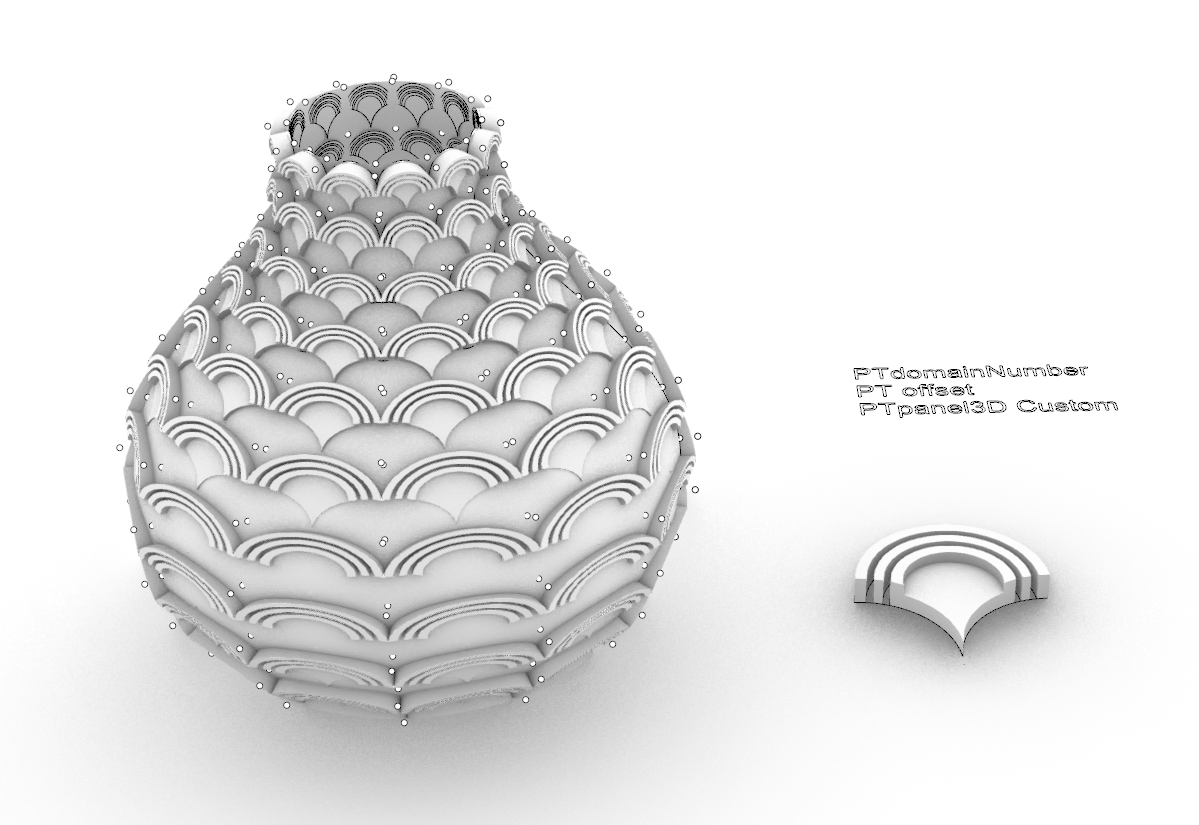
Here is a vase. I would like my pattern to be repeat on it (first screen shot).
I’ve tried with UV surface and Flow along surface but it takes time and my file is not very clean.
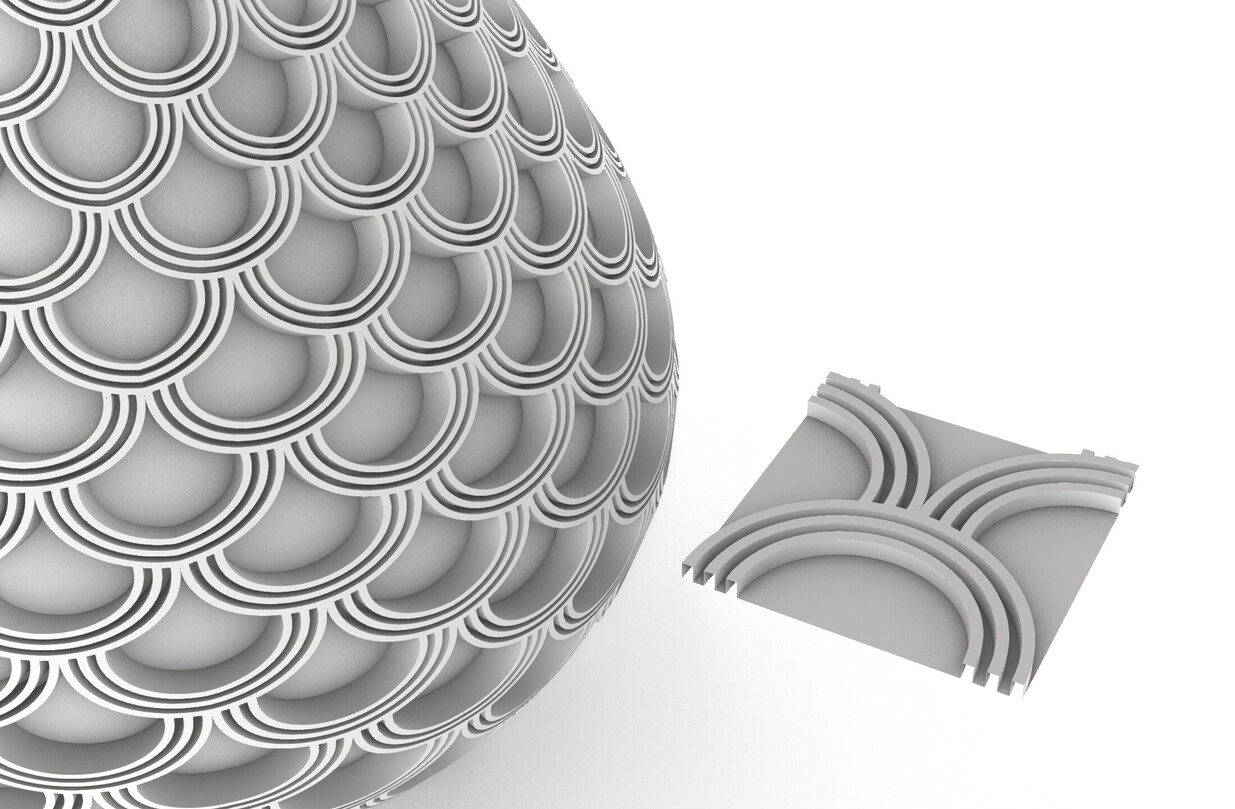
With paneling tools, I don’t know how to fill the holes with my pattern (second screen shot).
I guess I would have to move the grid but I’ve been searching and no idea how…
(I don’t use grasshopper but if needed I will ;-))
Many thanks in advance.
Regards
Hi @lauredavin
You need to work with PT’s grid, so instead of creating your pattern as a cut-out shape, you need a full “square” of the pattern - see attached screen grab.
I thought also about this solution but look what is my result…
I have many facets. It’s probably because my pattern is with 2 thickness.
I could use pt paneling with 1 thickness and construct the second thickness when it’s done…?!
I got it. It is a little tricky. I tried a couple things, but there might be a better solution. I’d like to work on it some more before posting an answer.
With this kind of pattern, I think the best solution is to array on a flat plane, then use FlowAlongSrf to maintain continuity. You will have to deal with the edges though. I tried using curves as a base, then join and extrude, but i =t can be cumbersome.