I was looking through some search results on decals and couldn’t find a specific solution or better yet a best practices for how to do this… your help is greatly appreciated.
— DESIGN INTENT —
In my simple model, I have 2 pcs of black plastic where 1 face will be printed with either a full graphic, or a line of text.
— THE PROBLEM/ QUESTION —
My thinking on how to accomplish this was to:
- assign the poly surface(s) that describes the part as black plastic material
- Assign a decal to the face that would receive the printing.
When attempting this, I notice that sometimes the process work and other times it does not. A file that works once, may not work correctly later. I cannot tell if this is something I am doing or not.
See the following images and 3dm file:
1 Screen Shot RENDERED.png - (shows what I am trying to get)

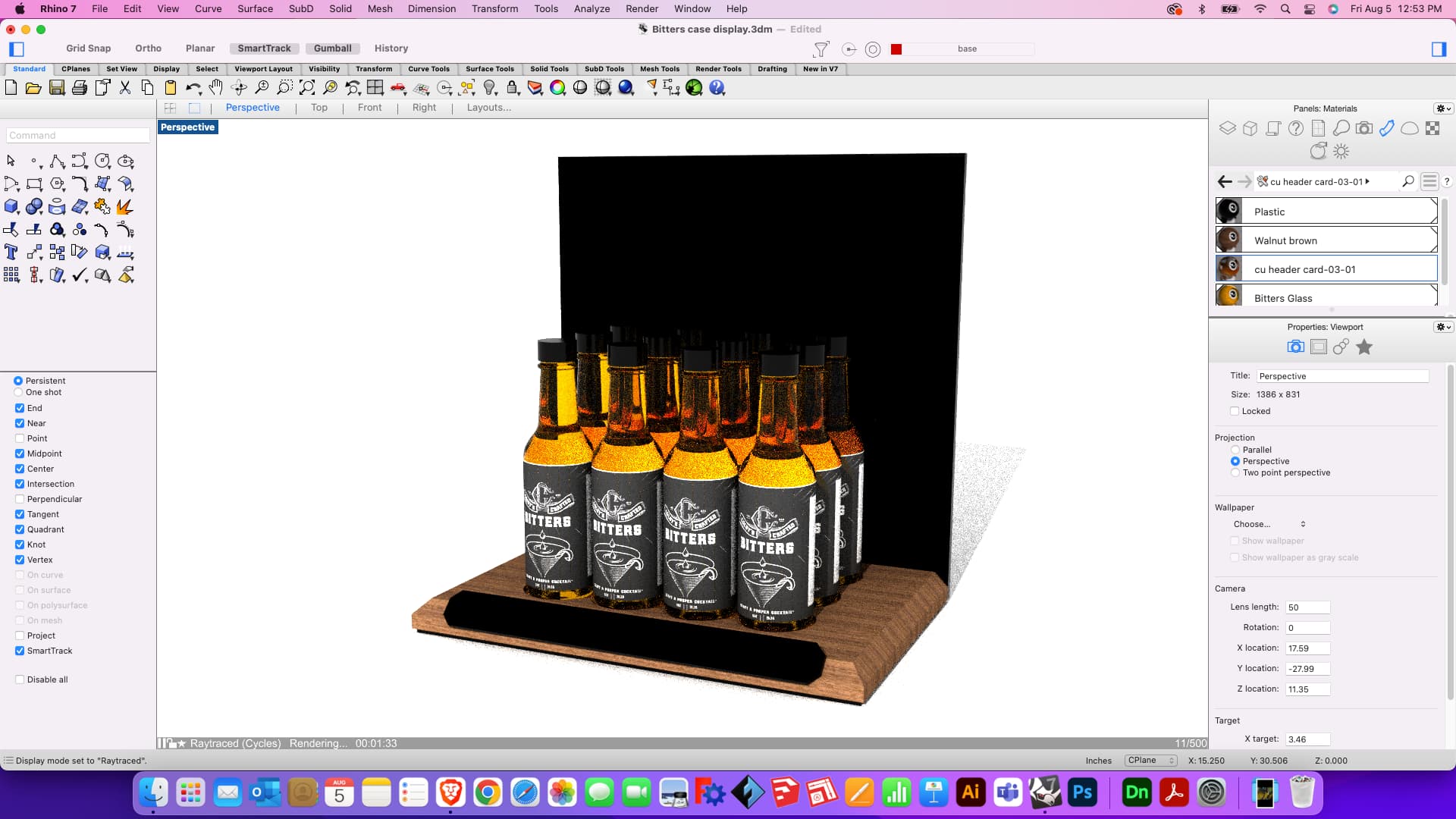
2 Screen Shot RAYTRACED.png - (shows a preview of the rendering in progress - no decals)
3 materials and details properties back panel.png - (shows properties…)

4 materials and details properties lower panel.png - (shows properties…)

5 Rendering preview.png - (shows a preview of the rendering in progress - no decals)

Bitters counter display.png - (an early version where the decals actually worked)
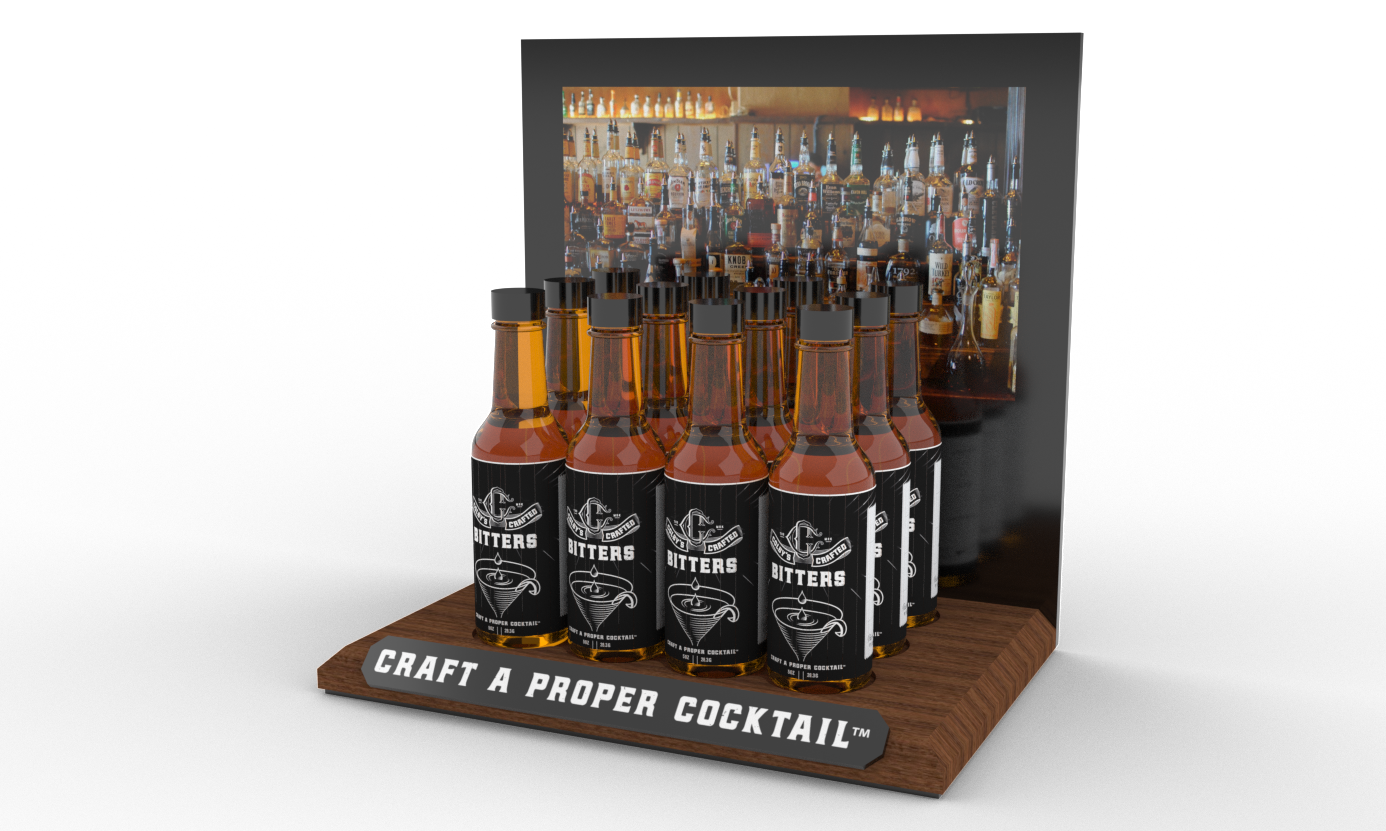
Bitters case display.3dm - (file in question)
Bitters case display.3dm (5.8 MB)
Q- is there something I am doing wrong? What am I missing?
Q- is there a better mapping approach?
Q- am I asking too much from this particular cpu/setup?
— SYSTEM SETUP —
Rhino Version 7 (7.19.22180.09002, 2022-06-29) [Mac]
Evaluation copy (no plugins added, no updates)
Mac OS Monterey 12.5
MacBook Air (Retina, 13-inch, 2019)
1.6 GHz Dual Core Intel i5
8GB LPDDR3
Intel UHD graphics 617 1536 MB
thanks again! -jc


