Why i am getting this message when i reopen some files?
How does this point change. I am not change it.
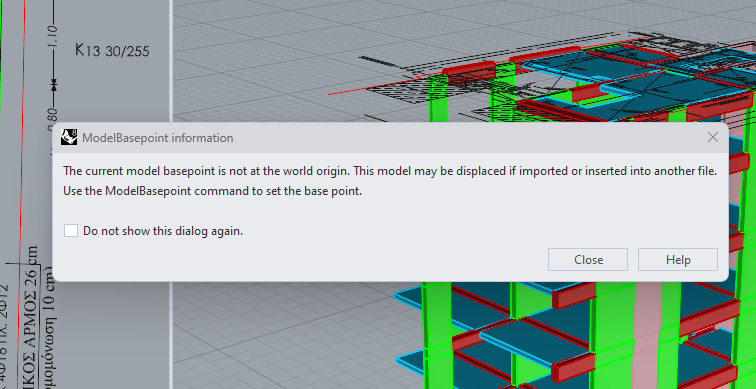
The command is “ModelBasePoint”.
By default, new Rhino 3dm files use 0,0,0
My guess is you may have started by opening perhaps an AutoCAD DWG file or some other file that allows the model base point to be changed.
When this file is inserted into another, the MBP is used as the “handle”.
1 Like
I just recognized this happens when you copy from let’s say AutoCAD and you try to paste to Rhino directly.
This is super convenient I have to say, but it might change the MBP.
Is there a way to prevent this?
Hi all,
Is there any way to restore proper modelbasepoint to 0,0,0 after pasting from Autocad?
Copy-Paste between Rhino and BricsCAD is one of the most useful command I use in v8
sometimes Rhino is way much better on drafting or cleaning up 2D.
But this modelbasepoint misplaced anywhere is quite annoying!
thanks
Hi Luca,
This is a bug.
We have added RH-89723/Model-Base-Pt-Changes-After-Paste.
This happens anytime the “import” DWG is run whether Paste or Import or Attach in the Worksession command.
We will let you know here when we see a fix.
Thanks for letting us know.
Sincerely,
Mary Ann Fugier
1 Like