I’m modelling a shape for 3D printing in Rhino 7 or 8 that should look like thick, viscous liquid / lava flowing out of a cube, similar to the attached reference images.
I’m currently considering these approaches and would love input on what makes most sense in Rhino:
– SubD workflow (SubDLoft / SubD box → push/pull → ToNURBS)
– FilletEdge → QuadRemesh → Smooth / SoftMove
– Modelling individual drips and BooleanUnion
– Or whether Grasshopper would be better suited for this
The goal is organic flow, smooth transitions, and a watertight solid at the end.
Any tips, example workflows, or commands to look into would be hugely appreciated.
Maybe a combo of drape + projection of ‘dripping’ or ‘splash’ outlines to trim the draped surface with, or flow along surface from a ‘2D’ surface to the 3D draped one? Just a thought.
made some spheres, rebuilt them to a higher UV density, stretched them out, bent them or flowed them, positioned them radially. Probably exported to 3DCoat and smoothed the mass and back into Rhino for rendering. The shrinkwrap inside Rhino will get you 90% of the way there now.
Cannot recall exactly, been 12 years
Likely some part was from layering in photo processing program, perhaps a weighting of the outline with another density map to get the unevenness. There was something as well with a black ring reflection of some custom environment map. I remember taking several approaches. Was going after the outlined look of the original.
paperdoll model your shapes with one center edge so you can control the crown of the part, and then simply extrude the edges back in space.
pile a bunch of them together make a surface to close up the back and shrinkwrap the result for a printable mesh
no need for watertight bits, they just need to overlap to make a closed overlapping external volume for shrinkwrap to do it’s thing… this way you keep the bits untrimmed and separate so you can rearrange them and make a new part with different drips.


 I mainly did it to get an idea of the volume.


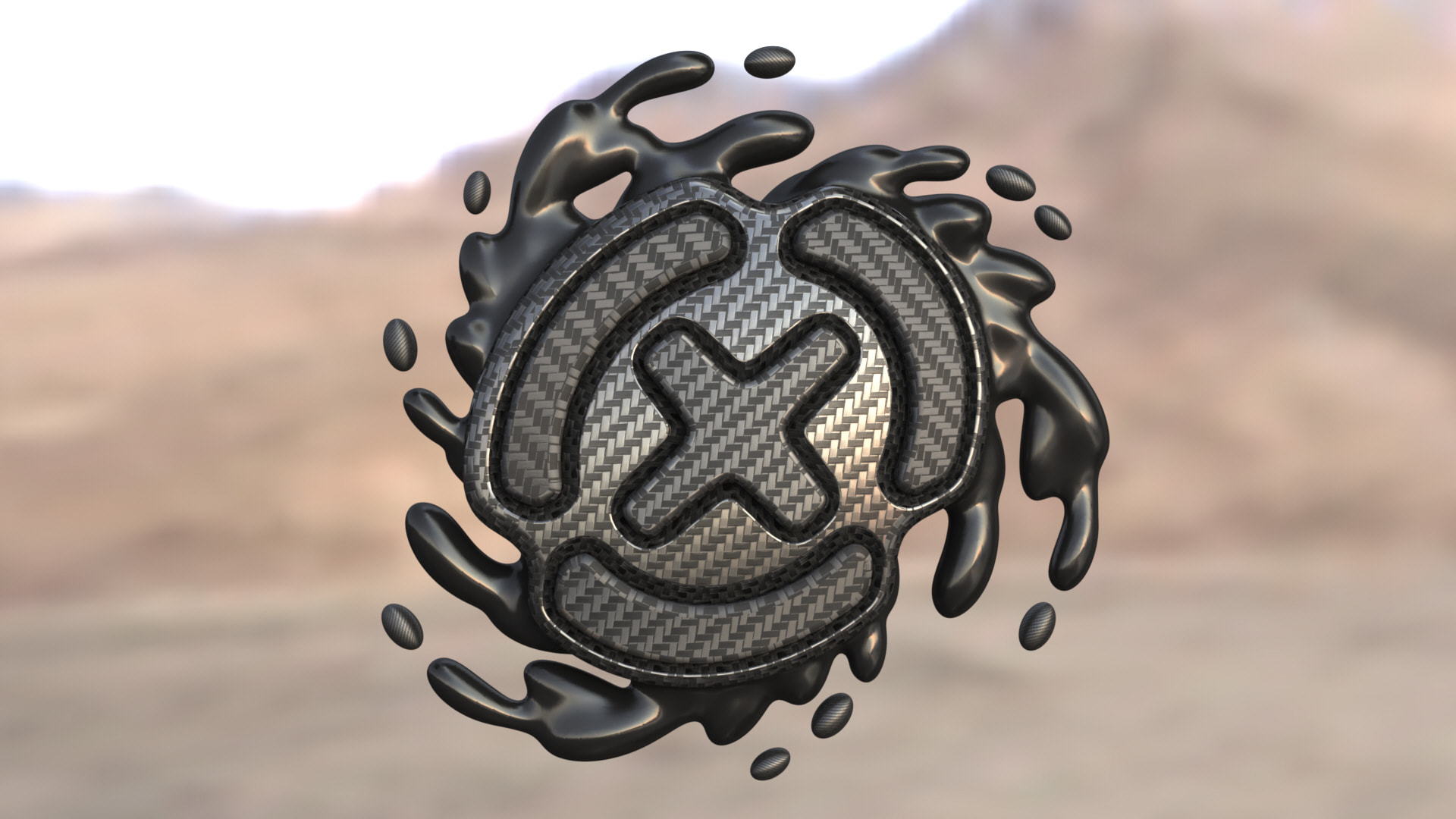


 for sure this is the fastes and straight forward approach.