Hello,
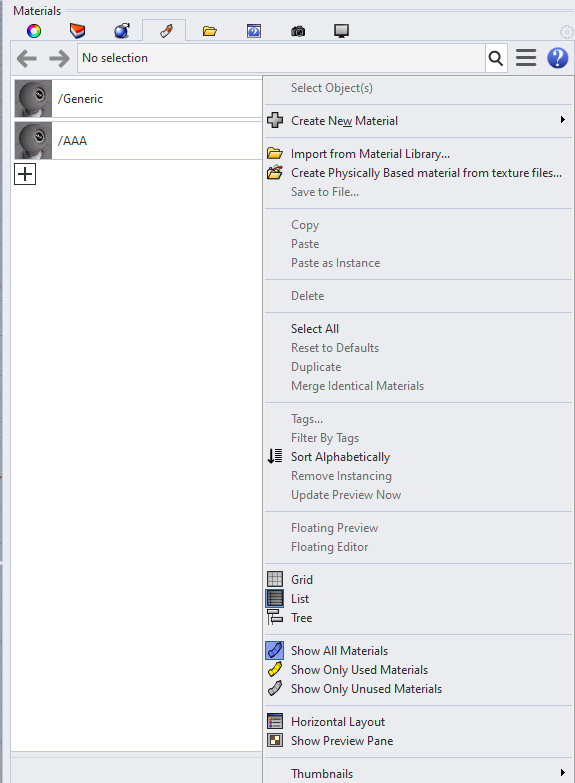
Rhino 7 does not seem to be able to properly sort V-Ray materials. In short, when you create materials in V-Ray these cannot be sorted in the Rhino Material Tab until you create a Rhino material. Then they can be sorted. Below are step-by-step instructions to reproduce the behaviour:
- Create empty Rhino scene
- Open V-Ray Asset Editor
- Inside V-Ray Asset Editor: Create a new generic material. Name the material “Generic”.
- Inside V-Ray Asset Editor: Create a new generic material. Name it “AAA”.
- In Rhino Materials Tab: Select “Sort Alphabetically”
- The materials will not be sorted alphabetically
- In Rhino Materials Tab: Create a new custom (or really any) material. Name it “test” for instance.
- In Rhino Materials Tab: Select “Sort Alphabetically”
- The materials are now sorted alphabetically
Best regards,
Philipp