Question:
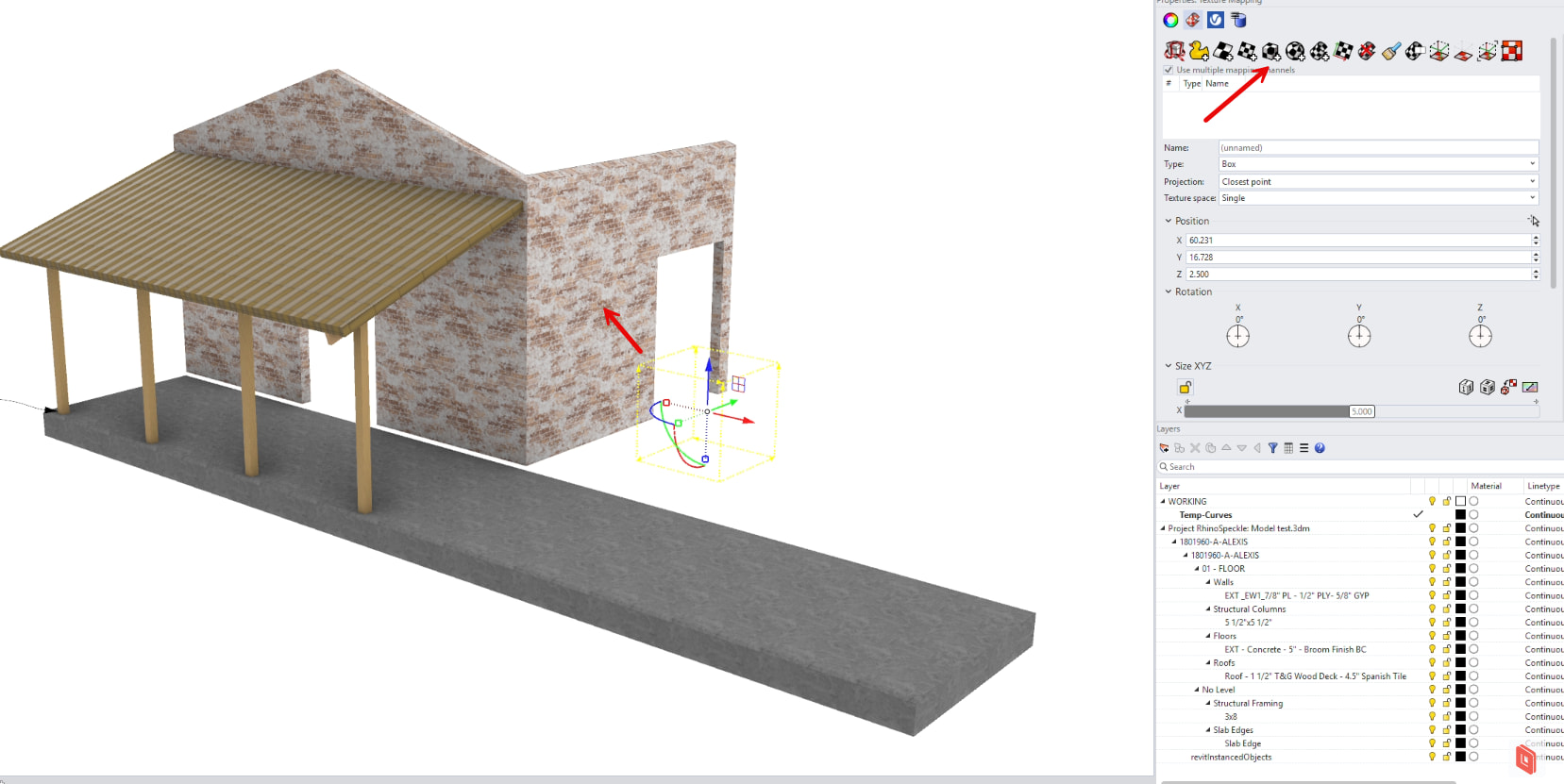
I’m developing a Rhino C++ plugin that saves and restores texture mappings for objects. The save/restore works perfectly for regular objects in the document, but I’m struggling to access texture mappings from objects inside block definitions.
What Works:
-
Saving/restoring texture mappings for regular objects using
obj->Attributes().m_rendering_attributes.m_mappings -
Finding block instances that have an
elementIduser attribute -
Getting the block definition from the instance
What Doesn’t Work:
- Accessing texture mapping data from objects inside block definitions
Approaches Tried:
1. Direct Access (Causes Crashes):
const CRhinoInstanceDefinition* idef = // ... get definition
int obj_count = idef->ObjectCount();

for (int i = 0; i < obj_count; i++)
{
    const CRhinoObject* obj = idef->Object(i);
    const ON_3dmObjectAttributes& attribs = obj->Attributes();
    // Access violation when trying to read:
    int mapping_count = attribs.m_rendering_attributes.m_mappings.Count();
}
This crashes with an access violation at opennurbs_array_defs.h:1074 - the internal m_mappings array appears to be in a corrupted/invalid state for objects inside block definitions.
2. Block Edit Mode via Script (Commands Don’t Exist):
// Select block instance
RhinoApp().RunScript(doc->RuntimeSerialNumber(), L"_SelId <uuid>", 0);

// Try to enter block edit mode - ALL FAIL with "Unknown command"
RhinoApp().RunScript(doc->RuntimeSerialNumber(), L"BlockEdit", 0);
RhinoApp().RunScript(doc->RuntimeSerialNumber(), L"-BlockEdit", 0);
RhinoApp().RunScript(doc->RuntimeSerialNumber(), L"_BlockEdit", 0);
RhinoApp().RunScript(doc->RuntimeSerialNumber(), L"EditBlockInPlace", 0);
All variations return “Unknown command” in the Rhino command line.
Question: What is the correct way to programmatically access texture mapping information from objects inside block definitions in the C++ SDK?
Specifically:
-
Is there a C++ API method to enter block edit mode (similar to RhinoCommon’s
InstanceDefinitionTable.ModifyGeometry)? -
Is there a safe way to access object attributes from block definition objects without triggering access violations?
-
Are there any special considerations or different APIs for accessing rendering attributes of objects inside blocks vs. regular objects?
Environment:
-
Rhino C++ SDK
-
Working with Speckle-generated blocks (long auto-generated block names)
-
Need to save/restore texture mappings to survive geometry refresh operations
Any guidance would be greatly appreciated!