I don’t work with meshes. I’ve only used rhino’s NURBS and a little SubD. In the past when I was give an object in a mesh format, I’d just replicate it in nurbs. Is there an easy way to convert a mesh to nurbs in RH8?
Going from NURBS to mesh is easy. Generally information is being removed to create the mesh.
But going from Mesh to NURBS is mathematically more difficult because information must be added (read: made-up, guessed, fit, interpolated). So it can be a challenge. And, because the NURBS is fitting to the mesh, there can be noise in the resulting surfaces.
Depending on the model using Quadremesh to SUB-D might work. Or using some drape or patching over a mesh may help. But really depending on the goal, there are many different ways to get the NURBS information the project may need.
Have you tried the “meshtonurbs” command?
MeshToNURBS simply replaces each mesh face with a separate degree 1 x 1 NURBS surface. It does not reverse engineer the shape. MeshToNURBS has limited uses.
Here are a few tutorials on using tools to convert to nurbs: Rhino - Learn to use Rhino
Have you thought of learning how to work with meshes?
See Guide to Reverse Engineering: All You Need To Know | Formlabs which mentions many software solutions. Geomagic Design X is great, but you’ll still need manual work. There is no “one-click-trick”.
Thanks guys. I thought ToNURBS was only for SubD to nurbs. But when I tried it on an STL that had a lot of flat surfaces and the result was an improvement.Then I ran MergeAllCoplanarFaces which seemed to improve the model. Arcs and circular elements were still faceted, but redoing those are simpler that remodeling the whole thing.
I’ll check out the tutorials.
Gracias.
I believe there are pending requests for MergeFaces on degree 2 surfaces…
Not sure if these are even logged ?
Would be great to have.
Hi Akash -
As David already noted in this thread, the result from MeshToNURBS does not make degree 2 surfaces.
A while ago, yes → RH-10693 MergeAllFaces work on degree 2 surfaces
-wim
9.x target sounds very promising,
Thanks.
i know… one perfect use case [for jewellery design] is converting gemstones created in something like GCS to rhino NURBS
I do quite a bit of work with Mesh, have you tried
- Quadremesh then
- Subd then
- SubD to Nurbs
Thanks. I’ll see how that works.
Here is 2 issues regarding to the same topic
Sometime my clients send me files of OBJ and STL and those 3D are requested to convert to CNC machine readable formats, ie, STEP/ IGS/PROE/RHINO/SOLIDWORKS..that means resurfacing and remodeling. About resurfacing, we cannnot convert complicated shapes in short time and some of the parts are sent to Freeform team for better conversion.(job separation), the easy shape such as wheels are easily done with Rhino/solidwork/proe while complicated things such as a warped cloth on table, strings with tweets and knots…we pass them to Freeform team.
Files converted are need to send back to clients in their readable format: ESAM from solidwork, 3D pdf from Solidwork (minimum file size) , but some data are still in meshs and we cannot save both Nurbs and mesh in one file , the only solution is to all stl and nurbs data together and render them with keyshot.
So I hope 1) there is a format to export both mesh and Nurbs for client preview 3D in one file. and 2) Rhino will have 3D pdf (minimum file size) for client preview. thanks.
This is possible with *.dxf and *.3dm
Thanks Martin, the main purpose is for our client to preview in 3D, he can only preview 3D in edrawing and does not have Rhino as well. 3D PDF doesn’t need any software so it is also the option for him.
I’ve added this thread to feature request RH-28932 (Support for 3D PDF) that was filed in 2014…
-wim
Autodesk has a good online viewer for *.dxf where you can share files. I think it’s much better than 3D pdf which people often can’t view because they’re trying to open with just any app. The viewer can be used with many different file types so conversion might not even be necessary. And all you share is a link which expires after a certain time.
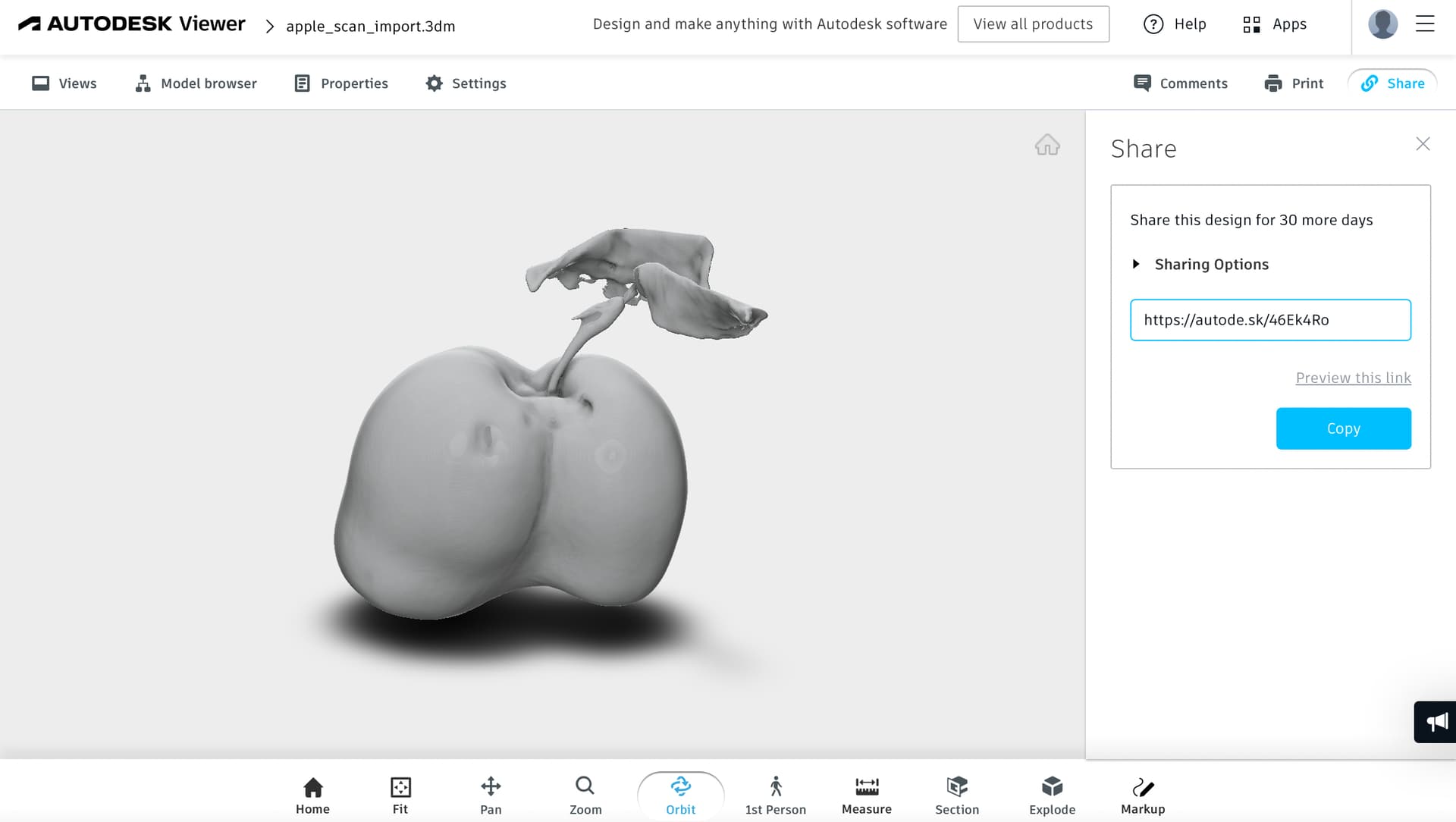
And if you want to stick to 3D pdf, I thought this file format works with meshes doesn’t it? The final question would then be why do you need to convert to meshes at all?