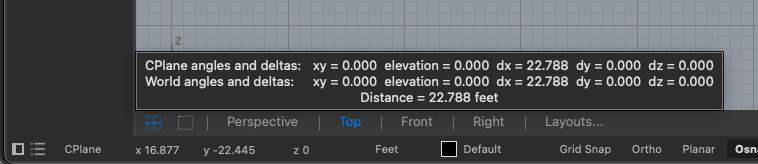
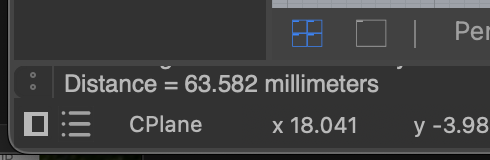
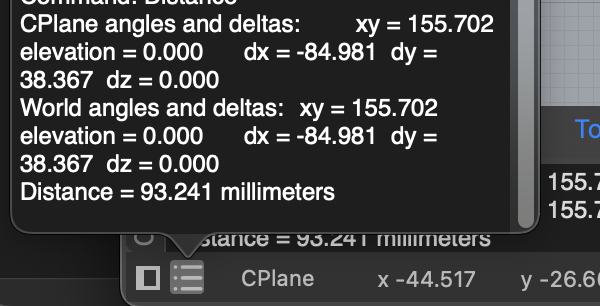
Hello all! I am working on a Mac Rhino 8, and new-ish to rhino. I am setting up a working template for my files. But I noticed I must’ve turned something off that I no longer see the the small pop-up window for the command history (?) that would pop up after, say, measuring a distance. Attaching a photo for reference. Does anyone know how I can turn this back on? If I open a blank rhino template I can see it, it’s just in my personal file.
Thanks in advance!