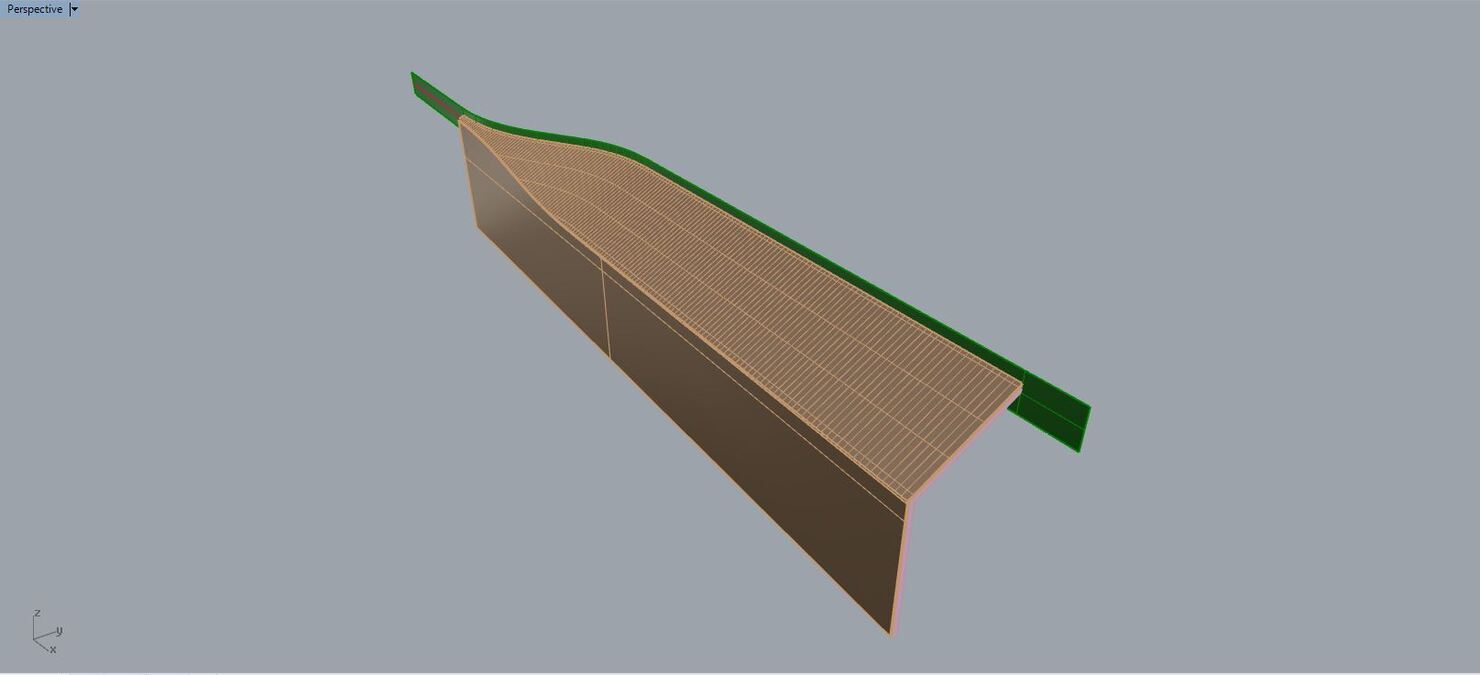
Both 3 polysurfaces were originated with the same surface, and the top two I can run the commands with no problem and the last one just fails and I can’t figure out why.
Hello - so, these two objects are the ones you are asking about, correct?
So, it looks like the problem is the surfaces in your object happen to have a knot line, in this case a fully multiple knot, right on the intersection where the split occurs - bad luck - but you can greatly simplify the faces on the object to be split and not have any internal knots at all by the look of it.
The face outlined in a red curves in the attached file was recreated with no internal knots - compare the points on this surface with the ones on your original
I didn’t quite understood why this problem of the knots occur, since the surface that originated all the objects is the same, is it a software bug or is there any specific reason? It would be great to know, because this issue is something that occurs sometimes.
How do you created the new polysurface without this knots? You duplicated the edges of the old surface, joined them and the extruded a new polysurface?