ferg_m
November 2, 2025, 7:04pm
1
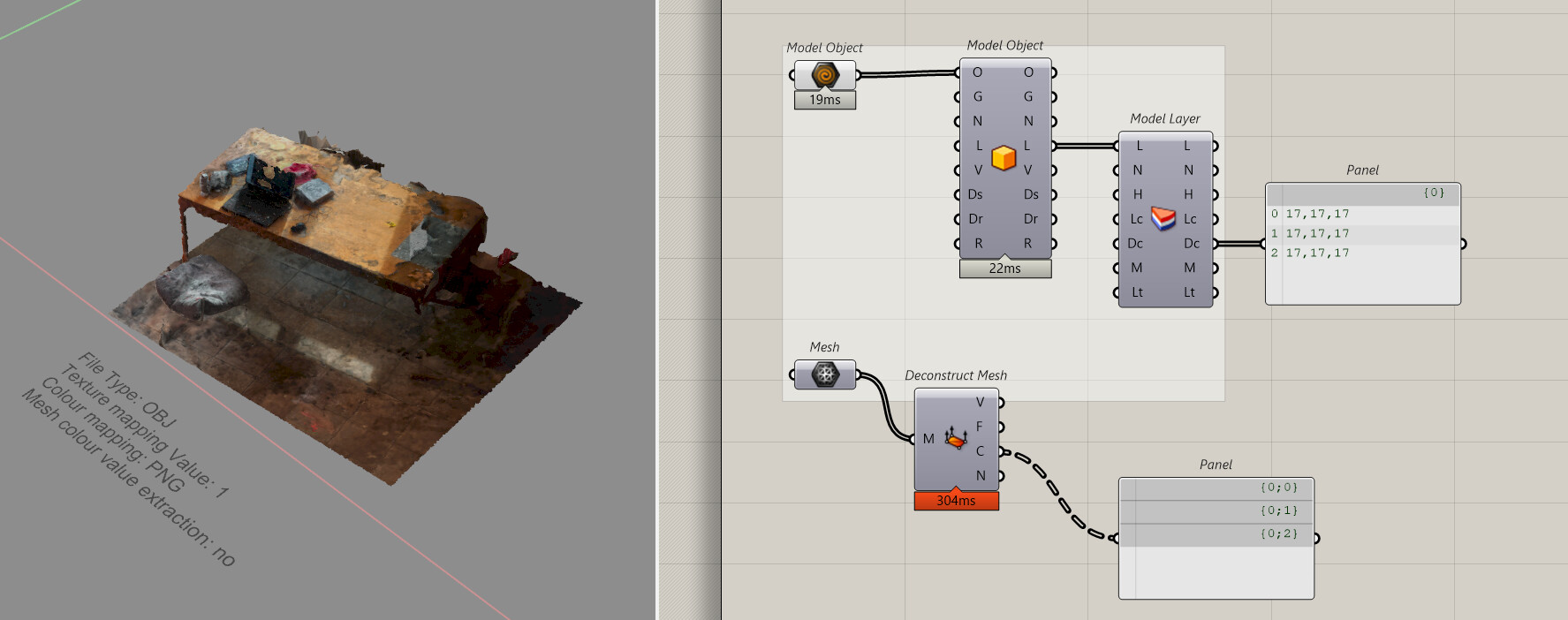
I’m playing around with some photogrammetry scans to try and extract some colour data from them to use in a separate workflow
I’m unable to retrieve the vertex or face colour data from the mesh in grasshopper after deconstructing the mesh.
I’ve been using Meshroom to generate the images into a mesh, and have been iterating through various export settings to try and get a better result but I haven’t had much luck there either.
Frustratingly I cannot upload the rhino file due the the file size limit - but I have internalized a small snippet of the mesh in the grasshopper file
Any assistance and guidance would be much appreciated
colour extraction tests.gh (1.3 MB)
Did you try _ComputeVertexColors in Rhino?
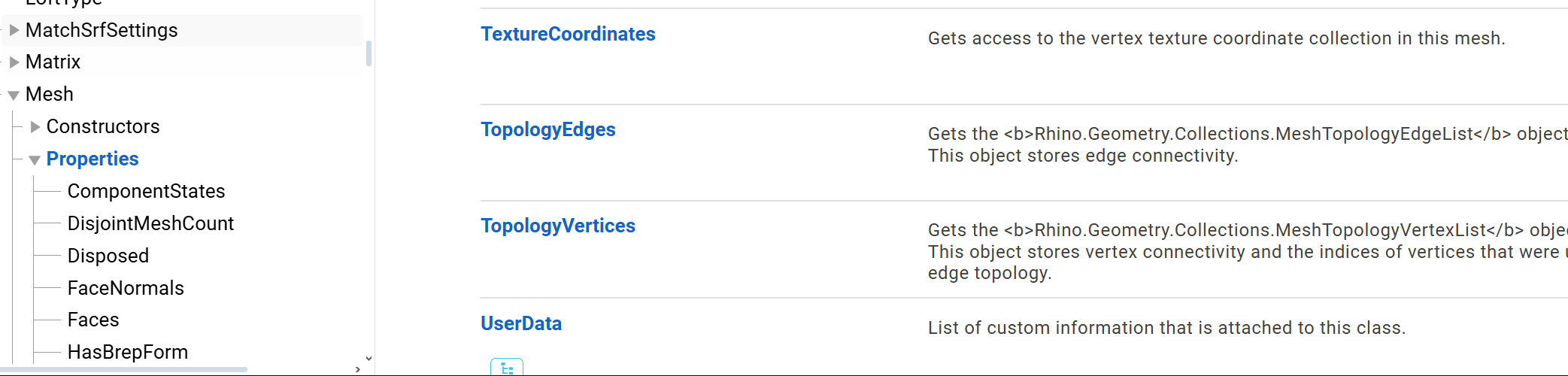
If you want to use just grasshopper, you can extract UV with C#/Python or plugin then use image sampler.
https://developer.rhino3d.com/api/rhinocommon/rhino.geometry.mesh#properties
ferg_m
November 2, 2025, 8:20pm
4
Hi @martinsiegrist
ferg_m
November 2, 2025, 8:34pm
5
Hi @laurent_delrieu
With this workflow I am trying to extract the colours of the mesh from the scan rather than applying a new colour to the input mesh
But when i apply this to the mesh colouring the outcome is chaos… as we would expect
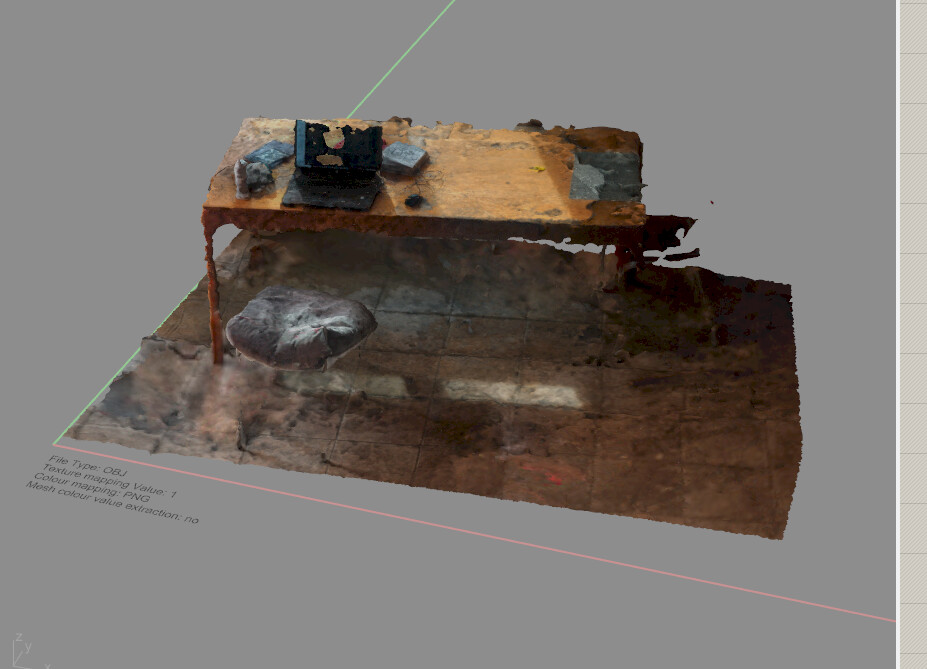
My goal is to get the color values from the textured mesh as shown below:
@martinsiegrist @laurent_delrieu How to select vertices with a specific colour, and fit curve through a subset of these vertices? - Grasshopper - McNeel Forum
But I cant seem to get past this early step
If you’ve had some success with this photogrammetry workflow on a previous project I’m open to hearing it
Thanks again
You might just have to share your *.obj with the texture *.png so someone can take a look.
I think Graft is needed
I remake a mesh to be sure it is correct.
Withj Graft
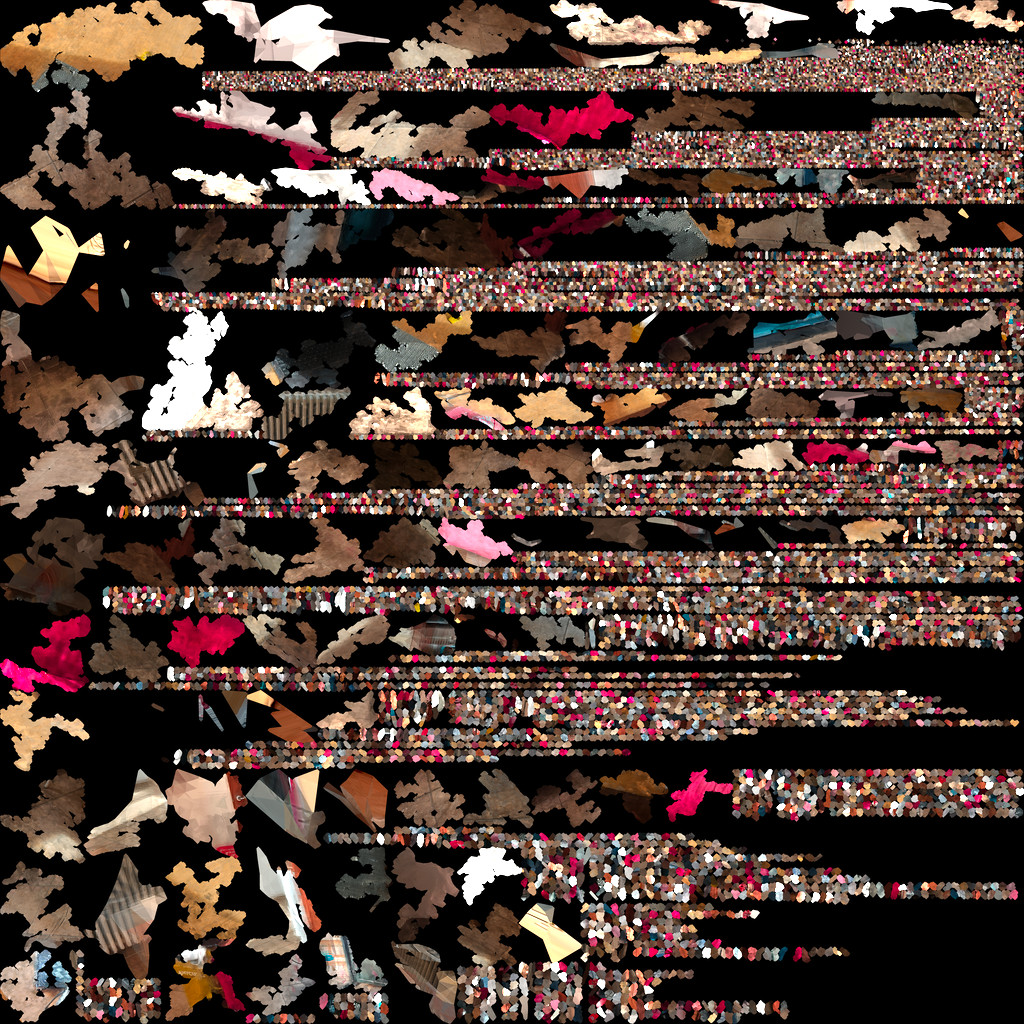
But UV is a bit strange, it is more than [0,1][0,1] !!!
Perhaps it is for each mesh incremented in X !!!
Or one image per file.
Quite hard to work with half information.
ferg_m
November 2, 2025, 8:54pm
9
Yes I agree
I’ve tried to zip the file and textures a few times but am still above the max file limit that I can attach to a message
@laurent_delrieu @martinsiegrist
No problem, I have time this night. Message if not working on Discourse
ferg_m
November 2, 2025, 9:17pm
11
@laurent_delrieu @martinsiegrist
The link to the WeTransfer files below:
The link contains the textured obj file, the rhino and grasshopper file, and the unrolled mesh jpegs
I’ve set the link expiry for 3 days if an onlooker also wants to have a go
As advised by @martinsiegrist why not using computevertexcolor. It works ! And it will be more easy in Grasshopper.
*****************************************************
In Grasshopper this is working as expected here, UV are all in range [0, 1]
I really don’t understand how you had some files with UV not in [0, 1] range !!!
Here a Grasshopper file
colour extraction tests LD_2.gh (6.6 MB)
*************************************************
You can also extract colors using UV coordinates and some index, here an attend but I was thinking UV were with range greater than [0 1] on X !!!
```cs
public class Script_Instance : GH_ScriptInstance
{
#region Notes

/\*

  Members:

    RhinoDoc RhinoDocument

    GH_Document GrasshopperDocument

    IGH_Component Component

    int Iteration


  Methods (Virtual & overridable):

    Print(string text)

    Print(string format, params object\[\] args)

    Reflect(object obj)

    Reflect(object obj, string method_name)

\*/

#endregion


private void RunScript(

    List<Point3d> UVs,

    List<string> filesNames,

    ref object colors)

{

     List<Bitmap> bitmaps = new List<Bitmap>();

     foreach (string fileName in filesNames)

     {

        bitmaps.Add(new Bitmap(fileName));

     }

    // Write your logic here

    colors = ExtractColorsFromBitmaps(UVs,bitmaps);

}

 static List<Color> ExtractColorsFromBitmaps(List<Point3d> points, List<Bitmap> bitmaps)

    {

        List<Color> colors = new List<Color>();


        // Process each point and bitmap

        for (int i = 0; i < points.Count; i++)

        {

            int bitmapIndex = (int)points\[i\].X;


               if (bitmapIndex >=0 && bitmapIndex< bitmaps.Count)

            {

                // Convert normalized coordinates to pixel coordinates

                int pixelX = (int)(points\[i\].X \* (bitmaps\[bitmapIndex\].Width - 1));

                int pixelY = (int)(points\[i\].Y \* (bitmaps\[bitmapIndex\].Height - 1));


                // Get the color at the pixel

                Color color = bitmaps\[bitmapIndex\].GetPixel(pixelX, pixelY);

                colors.Add(color);

            }

        }

        return colors;

    }
}
For this it could also be better to directly compute everything during the obj reading. But mtl must be present in order to read the correct file.
ferg_m
November 3, 2025, 6:53am
14
Hi @laurent_delrieu @martinsiegrist
@laurent_delrieu
Thanks again - you both have been a big help!
cfee
November 3, 2025, 7:03am
15
side question, why do you use mesh and not pointcloud? I my experience faster then meshes and easier to clean
ferg_m
November 3, 2025, 8:04am
16
Honestly I haven’t tried to export it as one
But after a quick google search I can see that there is a node in meshroom that can do that