The more relevant question is how did their sequence get messed up in the first place? And how can that be avoided?
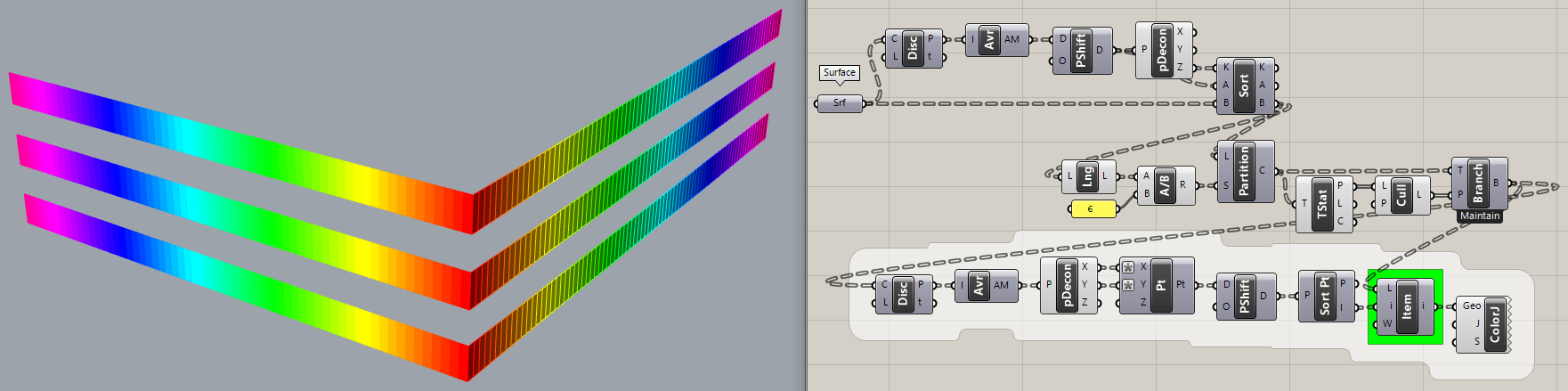
Here is a “solution” that sorts only by Z values, partitions into rows and culls alternate rows. Simple! But as you can see by the Colorful Jitter pattern, the surfaces in each row are not sorted.
Yes, sure, I was saying you get a bit closer by doing that and you could probably fix the list by shuffling it around, but it would be infinitely easier to make sure the original list is in the correct order.
It would be far better to understand how these panels got out of sequence and avoid that. Dealing with a mess is usually much more trouble than avoiding the mess in the first place,
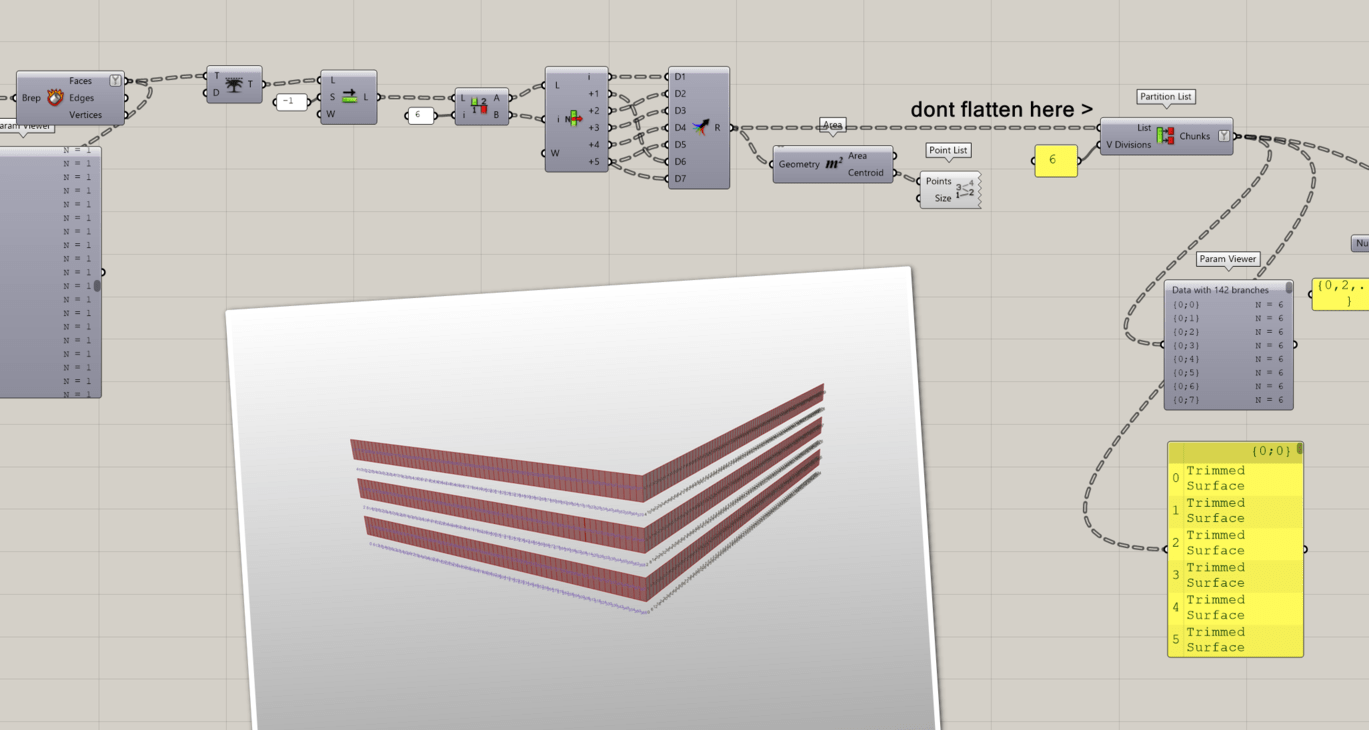
Also don’t flatten where you partition the list. The tree structure can help you a lot later on, so don’t flatten completely unless you have a very good reason
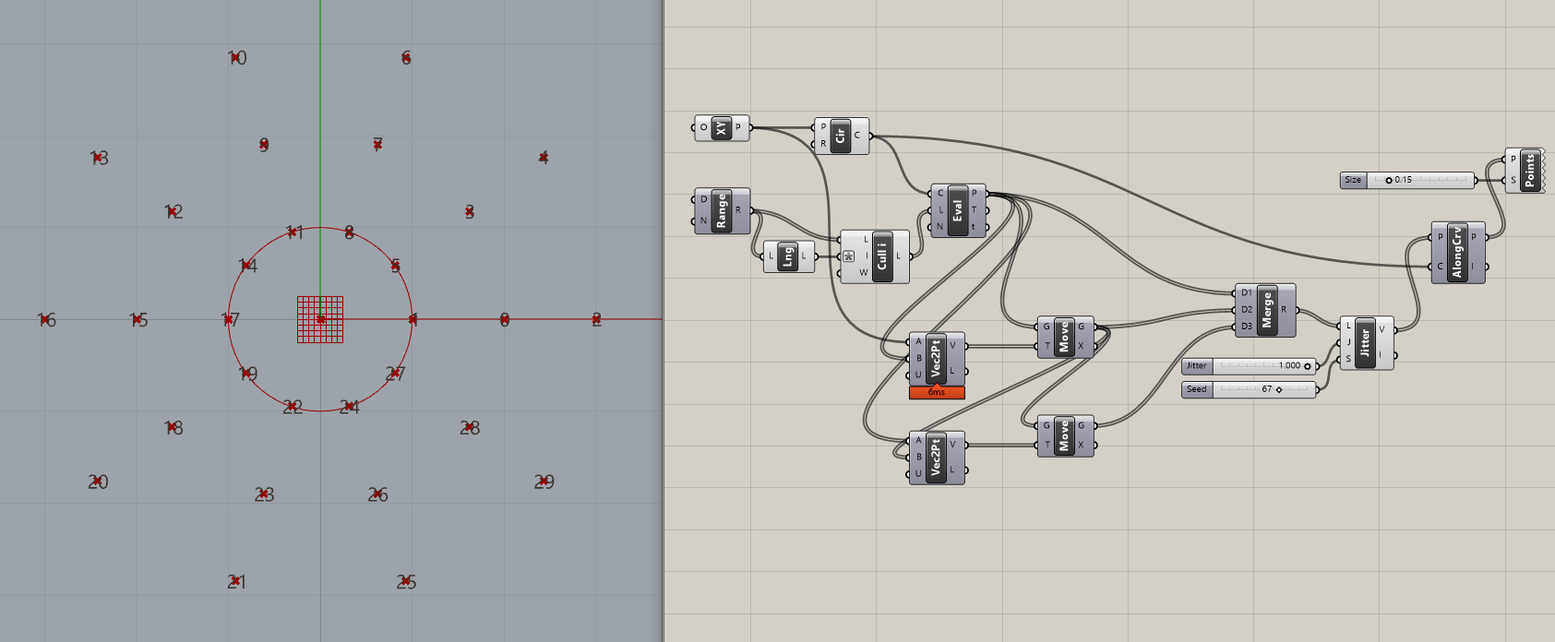
I was wondering if this problem could be tackled using sort along curve with the area centroid of the panels
but it looks like sort along curve just sorts the points pulled to the curve based on their curve-parameter t, regardless of their distance from the curve itself?
which might mean that different points to be sorted “which happen to be pulled to the very same point-on-curve”, will keep their initial order
maybe it would be nice to have a right-click option that also sorts by point-to-curve distance, only in case points to be sorted are pulled to the very same curve-parameter ?