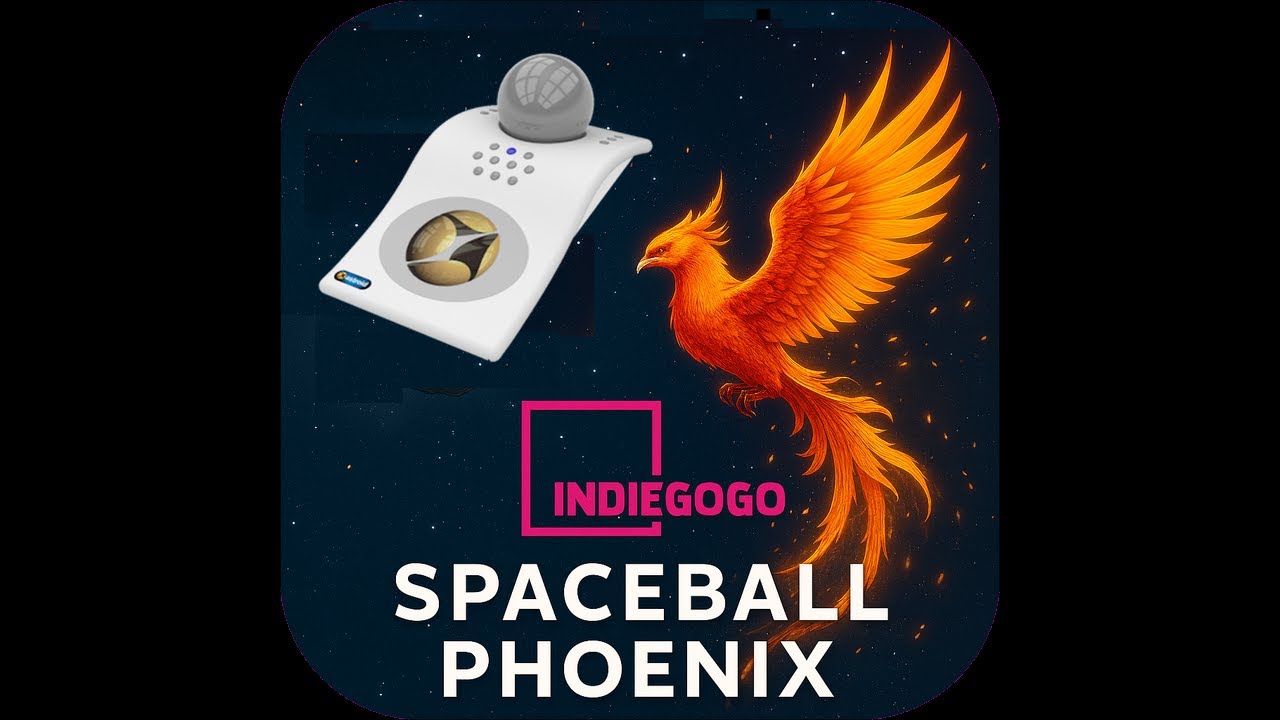
The Spaceball Phoenix Project crowdfunding campaign is now live on Indiegogo providing a circa US$180 Spaceball, the Astroid 7000, for major CAD apps including Rhino.
Spatial Freedom creates 3D mice (spaceballs) and software integrations that redefine human interaction with digital and physical spaces. Building on the Spaceball and SpaceOrb legacy, we’re crowdfunding the wireless 15-button Astroid™ 7000 at around half the industry price.
Our mission: deliver comfort and efficiency for 3D tasks through intuitive spatial motion control.
@dale Are you or McNeel involved with this campaign, or are you just copying and posting information from Spatial Freedom which might be of interest to the Rhino community? When I read it initially I thought this was an new initiative by your or McNeel, but after visiting the links it looks like you were just passing along the information.
We’ve been using Rhino to design the new Astroid 7000, and the results are already turning heads.
I’ve you have an Astroid 6000 (and Rhino 8), dust it off, plug it in, download our updated plug-in spatialfreedom.com/downloads and start using it again.
any chance this could replace an actual mouse? or at least have the buttons/scroll wheel on the gripper.
i would love if a spacemouse still retained the basics of a mouse by default (right-click, left click, scroll wheel) so i could select objects and orient the view with my right hand and modify them using commands with my left hand.
personally, i have about around 30-40 commands mapped just for rhino to keyboard shortcuts based around my left hand. many other softwares have their own keyboard shortcuts, and it’s rare to use just one software for an entire workday (i find myself switching often between adobe, rhino, autocad, revit). i don’t think any number of hotkeys will replace the need for the left hand to be on the keyboard for work
Wouldn’t it be great! But the short answer is no, the ergonomics of the mouse cannot be replicated with a ball sensor. Early spaceballs did provide mouse control on SGI workstations but, to be frank, it sucked and was dropped never to be revived. The red trackpoint button in the middle of the keyboard has pretty much died a similar death. Neither can a mouse provide the ergonomics of a pen which is why a tablet stylus is used when signing in post offices etc.
There was a button on the original spaceball model 1003 but it’s use proved troublesome since pressing it produced unwanted movement.
The scroll wheel is a different kettle of fish and this functionality could be implemented. The astroid 6000 included a force-sensing trackpoint-like sensor but was largely ignored as this ergonomic space under the palm is best populated with buttons. If there is enough interest scroll-wheel functionality can be included in the Astroid On Rhino plug-in.
Yes to mouse buttons - these can readily be added to the plug-in and will be included in the next plug-in release.
In my early CAD days button boxes with 32 buttons and overlay menus were all the rage. Finger memory is fantastic for a power user, just ask a pianist. The buttons on the astroid 7000 seek to reduce the need to move the left hand. For instance, we all will move both our hands to the keyboard, leaving the mouse, to type something. The innovative feature planned for the 7000 is the use of 3D app modes, such as the active toolbar, to specify the button actions. We typically go through various phases with CAD, using a particular set of commands for certain periods. Allowing the power used to readily shift the buttons to different modes, like the old button boxes, really speeds up their workflow. Any Rhino users’ thoughts and comments on this are most welcome.