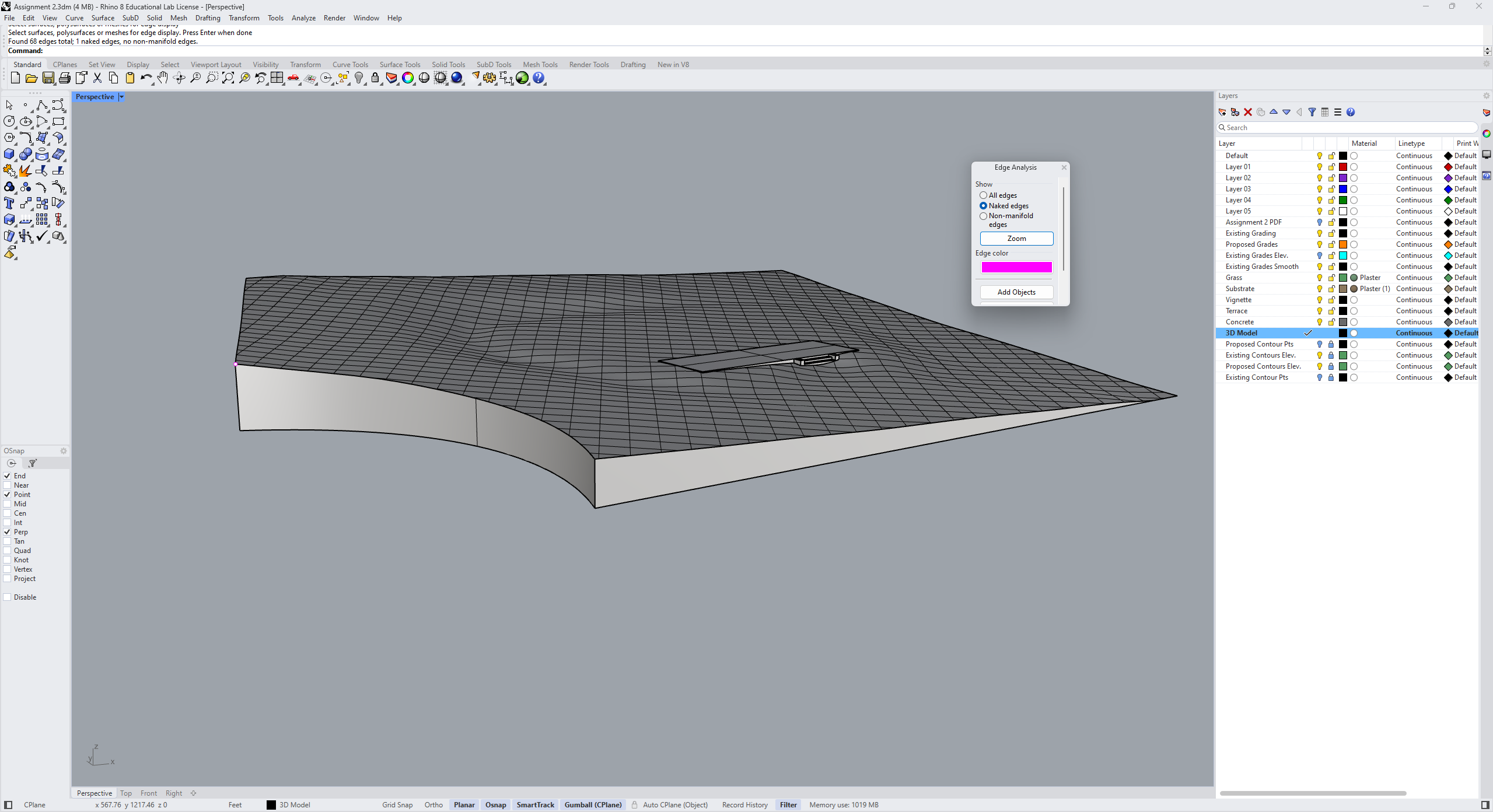
I have created a model of a small topography assignment for a class I am tutoring. I would like to 3D print this, but I ran into issues with naked edges. I got all of them closed except for a single corner shown when I run showedges (see the picture). When I run the dupborder command it identifies it as a curve, but I am unable to get it to close or join. I know it needs to be a solid to 3D print, so I think this would be the only thing I need to before sending it off to print (besides getting it to the correct scale). I have run every command under the sun to get it closed and I cannot figure it out. Please help!
If this model is intended for 3d printing, it is recommended to use ExtractRenderMesh and then repair any naked edges on the mesh. After repairing, export the corrected mesh object as an STL file. FYI.
Did you use JoinEdge to try to force the surfaces to join? If so JoinEdge does not change the geometry. Instead it just ingnores the tolerance to force the join and create a new edge curve along the join between the edges of input surfaces. JoinEdge can be useful in certain cirumstances. but can also cause problems such as these.
After exploding and rebuilding the edges, I unrtimmed the surfaces using Untrim. This is what I saw: