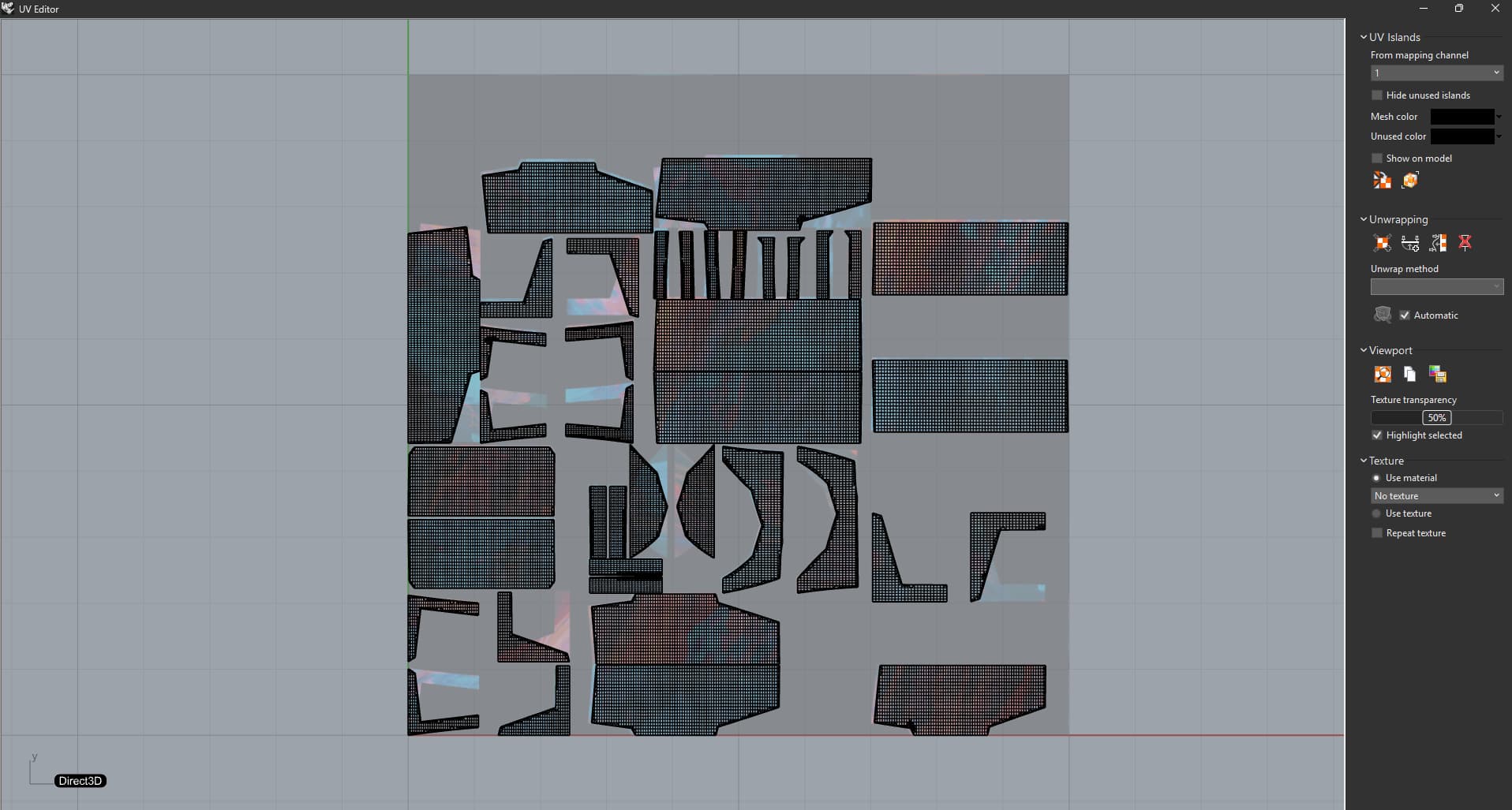
There are already some improvements to UV unwrapping and editing in Rhino WIP and more is coming. I’m concentrating on fixing issues with workflows and reliability.
UV Unwrapping
As-rigid-as-possible method in the Unwrap command has been replaced for better results.
Symmetric parts unwrap symmetrically for both LSCM and ARAP. Parts with similar shape are oriented consistently.
Reliability of unwrapping has also improved. It is less likely to find parts that won’t get valid UV islands.
Adding and removing UV constraints is more flexible. It is possible to add edges to existing edge straightening constraints and combine two or more of them into one. In addition to removing all constraints it is also possible to remove individual constraints.
Please, try out Rhino WIP and let me know what you think. What would simplify your UV workflow?
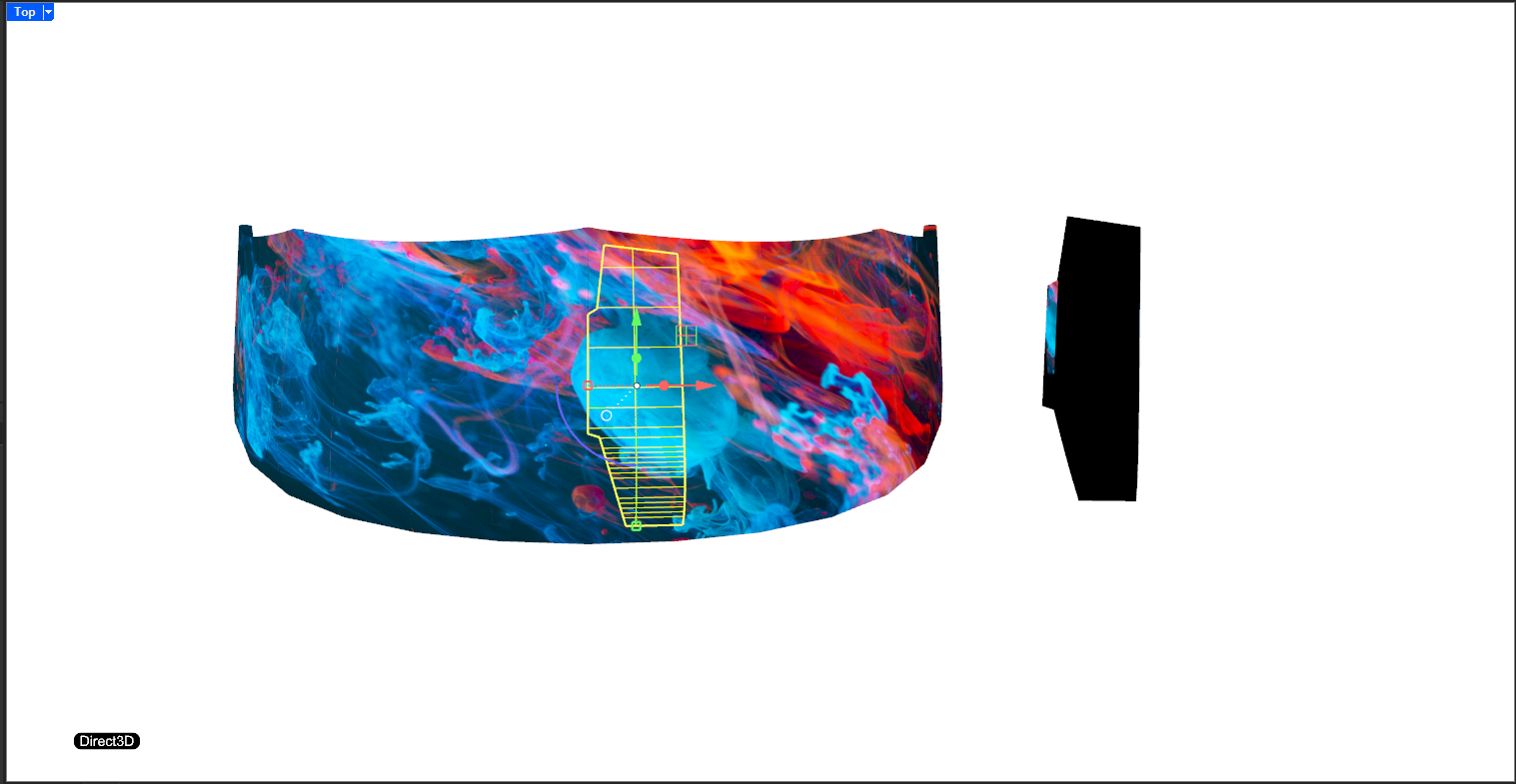
As a result, I end up spending several hours per file manually resizing and rearranging the UV mapping to get the unrolled panels to visually match the 3D model.
What’s particularly frustrating is that the result is almost correct — it’s close enough to feel like there’s just a small bug or mismatch in the pipeline, which leads to a lot of unnecessary cleanup work.
I tested this again with Rhino 9 this morning, and the problem still persists.
One more request: could the Bake functionality be added to RhinoCommon? That way I could script this process and avoid some of the manual steps.
Does the UV pattern match the baked texture after running the Bake command?
Is it necessary to work on polysurface/surface objects? Could you use meshes for this?
These panels are intended for laser cutting and will be assembled to sub-millimetre tolerances (over meters of seam length) - so while meshes are fine for artistic workflows, they don’t meet the precision requirements for engineering at this level.
It would be amazing if Rhino 9 could make an smart suggestion for an continuous unwrap layout and also automatically adjust the size of the UV grid, so that you would only have to manually edit the seams when necessary.
Below is a rough proposal for the unwrap of a rounded cube.