The target pattern (given to me) is what I wish to recreate in Rhino GH, for other scale and different applications, hence I tried to search for keywords and similar pattern online.
The main difference between the target and the reference I found online is the target is more chaotic. Hence, is there a way to displace a bit the positions of the shards randomly? Or make the line to have various kinks or thickness to it?
Hello ,
The online reference you attached can be considered as a practical fractal , as we can see the exact pattern in Toyo Ito’s 2002 Serpentine pavilion . It looks random but actually the pattern has a simple rule behind it using loops.
Your target pattern however , looks different to me . When I look at it , I observe two kinds of lines : random distributed lines from left to right , and a deformed diagonal line pattern .
How much of a ‘target’ is this target pattern? Are you trying to copy it as is? Doesn’t seem like that’s the case. Also, as you indicate, the reference pattern(s) vs the target one differ sufficiently.
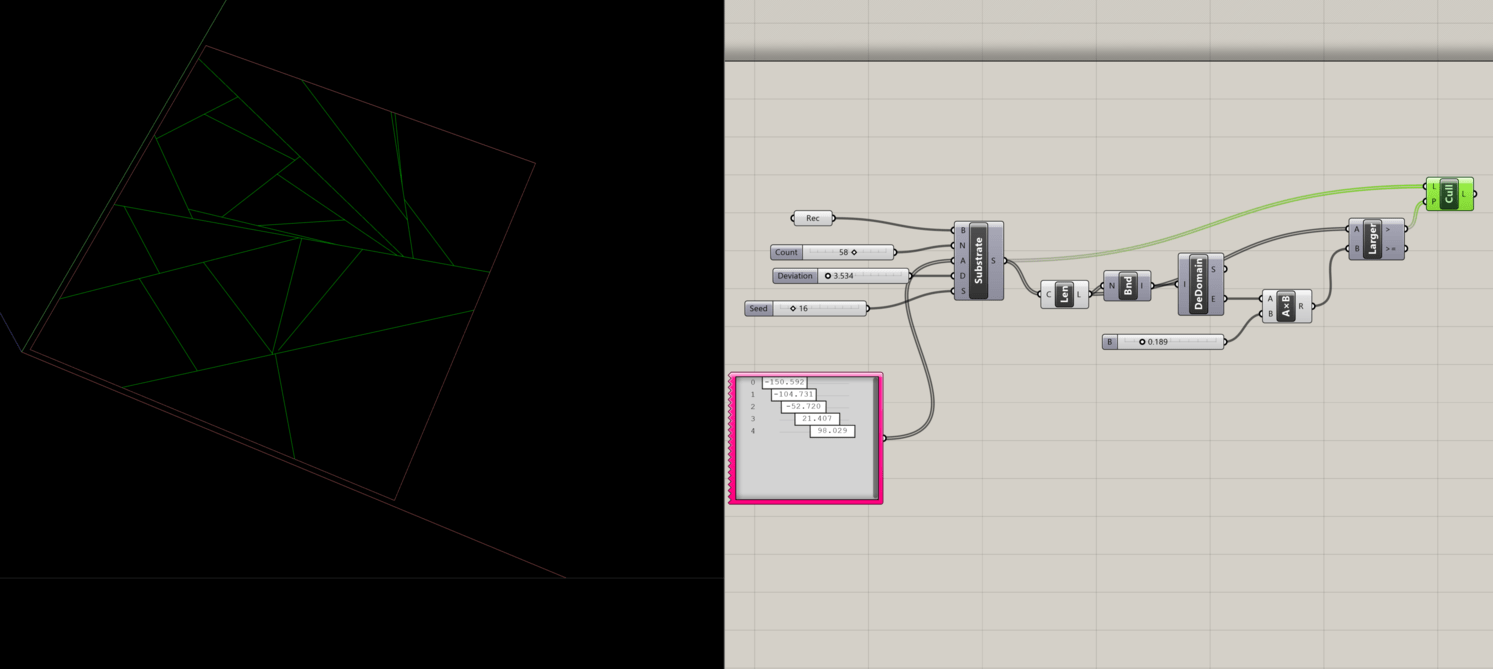
Maybe to gain control start simple and search for/play with substrate?