
I am struggling with the Move-Command. I have two identical gears oriented in the x-y orientation, slightly apart and in different heights in Z-direction. I now want to align them to align perfectly in x-y-orientation, but to keep their Z-position.
If I use “Move”, select gear 1, then select as “Point to move from” center, hold the shift-key to keep the Z-direction and select the center of gear 2 as “Point to move to”, it aligns as wanted, but changes Z-position of gear 1 to gear 2 despite keeping the shift key pressed to lock Z-height.
As I noticed gear 1 to slightly move when selecting the center as “Point to move from”, I changed the construction plane to “World right”, then the gear didn’t move when selecting, but still changed Z-position when aligning with gear 2.
And then, when I used the right mouse button to move the view while in top-view, it suddenly pans around as if in perspective view, and then shows me the gears from side view in all four viewports, which is physically impossible where I come from. See screenshot attached.
All of this, however, happens only on my new iMac 2024 (Sequoia). If I go back to Rhino onto my old iMac 2013 (Mojave), it works perfectly.
My Rhino-version on the old iMac is 7.36 and on the new 7.38.
Is is possible that this has to do with either Sequoia or the newer 7.38 Rhino Version?
Hi Jan -
Sequoia is not on the list of supported macOS versions for Rhino 7, but I’m not seeing any problems using that here.
What happens when you run Move, snap to center, then start moving in the correct direction, hit Shift, then, while still holding that key, hit Tab to lock the direction and release the keys, then snap to the next center?
-wim
Hi, thanks for your swift answer. If I select center, press shift, start moving into the right direction and then with shift still pressed hit the tab-key, gear one’s movement is restricted to the chosen direction and keeps it x-position, but since the chosen direction is not necessarily the right one, I can’t move it to the center of gear 2 
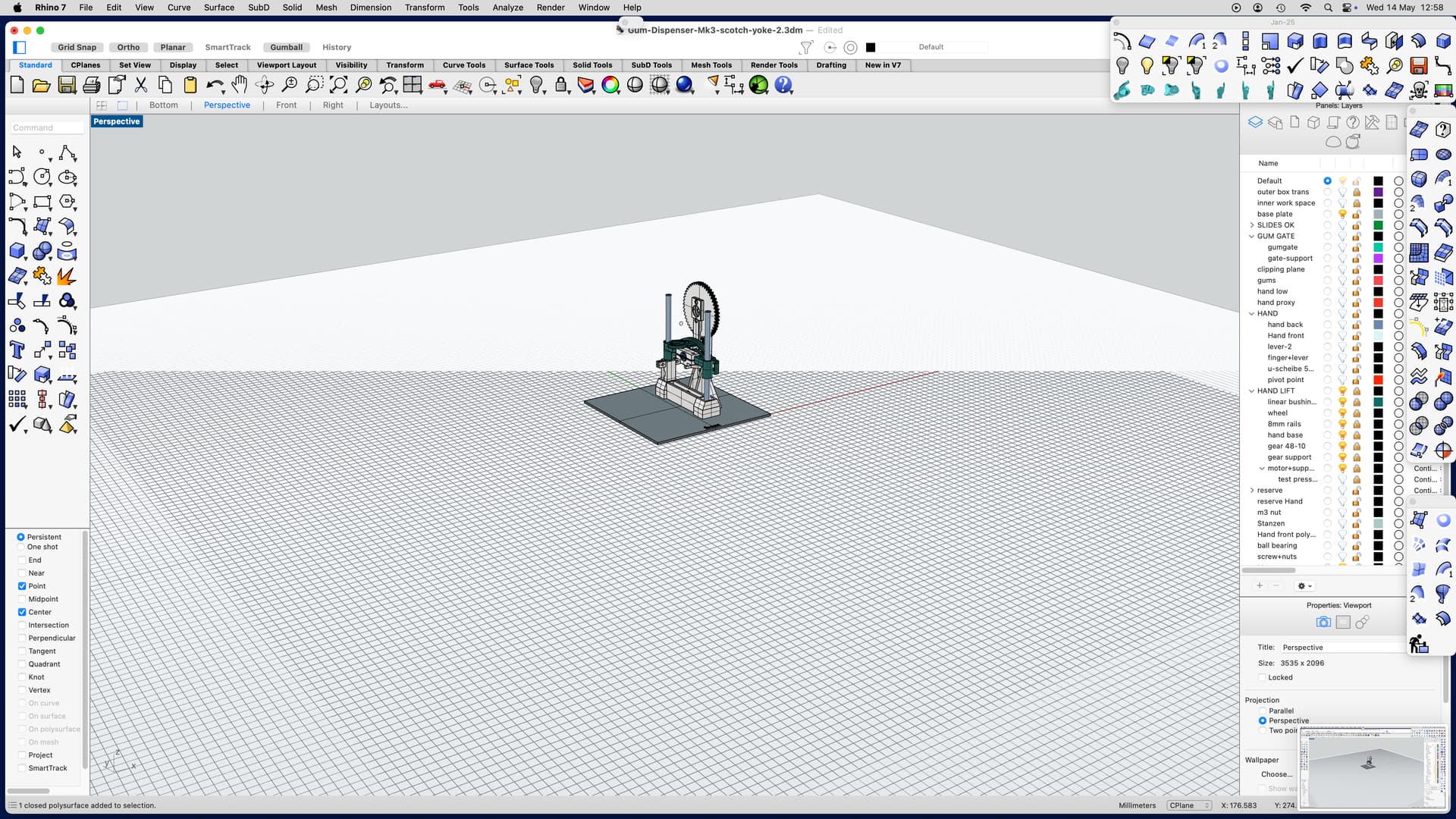
I didn’t know Sequoia is not compatible with Rhino 7. Is there a chance that will be changed or do I need to update to Rhino 8? I’m asking because I have a couple of other smaller problems like strange renderings in perspective view in different zoom stages (see screenshots).



Hi Jan -
There will be no more updates to Rhino 7, but I’m not convinced that Rhino 8 isn’t behaving the same way in this situation.
Could you please post a simple 3dm file and detailed instructions on the steps that you are taking and that don’t work for you?
-wim
Move problem under Sequoia
I want to align blue with green gear, but blue gear to remain at Z position. These are the steps I take:
1.) start the move-command
2.) select blue gear

3:) When asked for „point to move from“, hover with cursor over edge of hole of blue gear, until onsnap finds „center“

4.) click and hold left mouse button to confirm it – blue gear moves slightly to the right where my cursor is positioned (doing this on my old Mac under Mojave the gear does not move). Command changes to „Point to move to“

5.) with left mouse button and shift key still pressed, I move blue gear over green gear. At some point onsnap finds „center“ and aligns, but at the same time blue gear snaps down to position of green gear and leaves its Z-position (also different under Mojave, there it stays in its Z-position as long as I keep the shift key pressed).

I have tried it in several different ways, changing the construction plane to „World Right“, where blue gear doesn’t move when unsnap finds center, but the rest is still the same.
Under Mojave all this is no problem. So some kind of incompatibility with Seqoia is the only explanation I have.
Move-problem.3dm (2.7 MB)