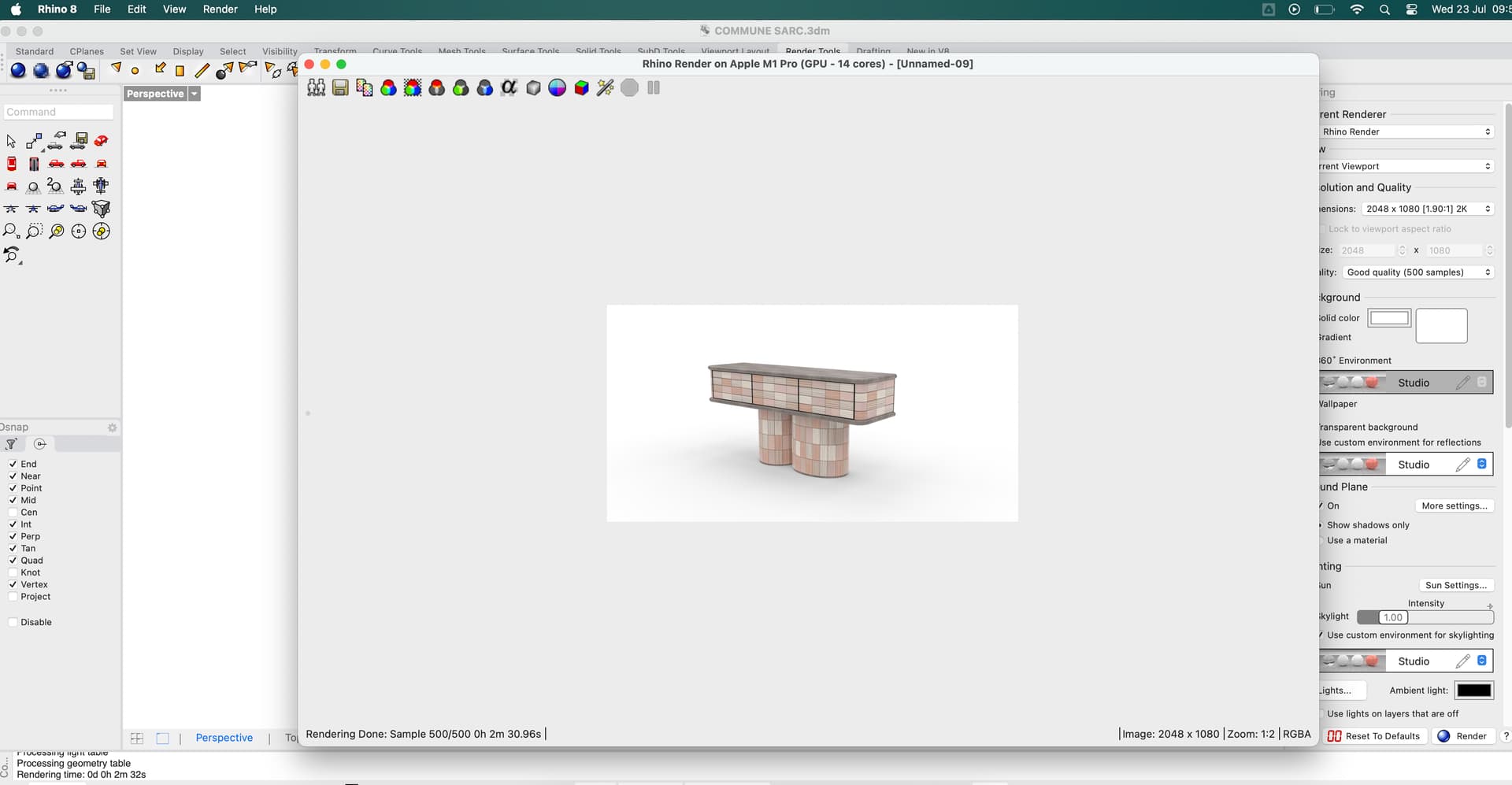
There might be a very obvious answer to to this - so I apologise if so.
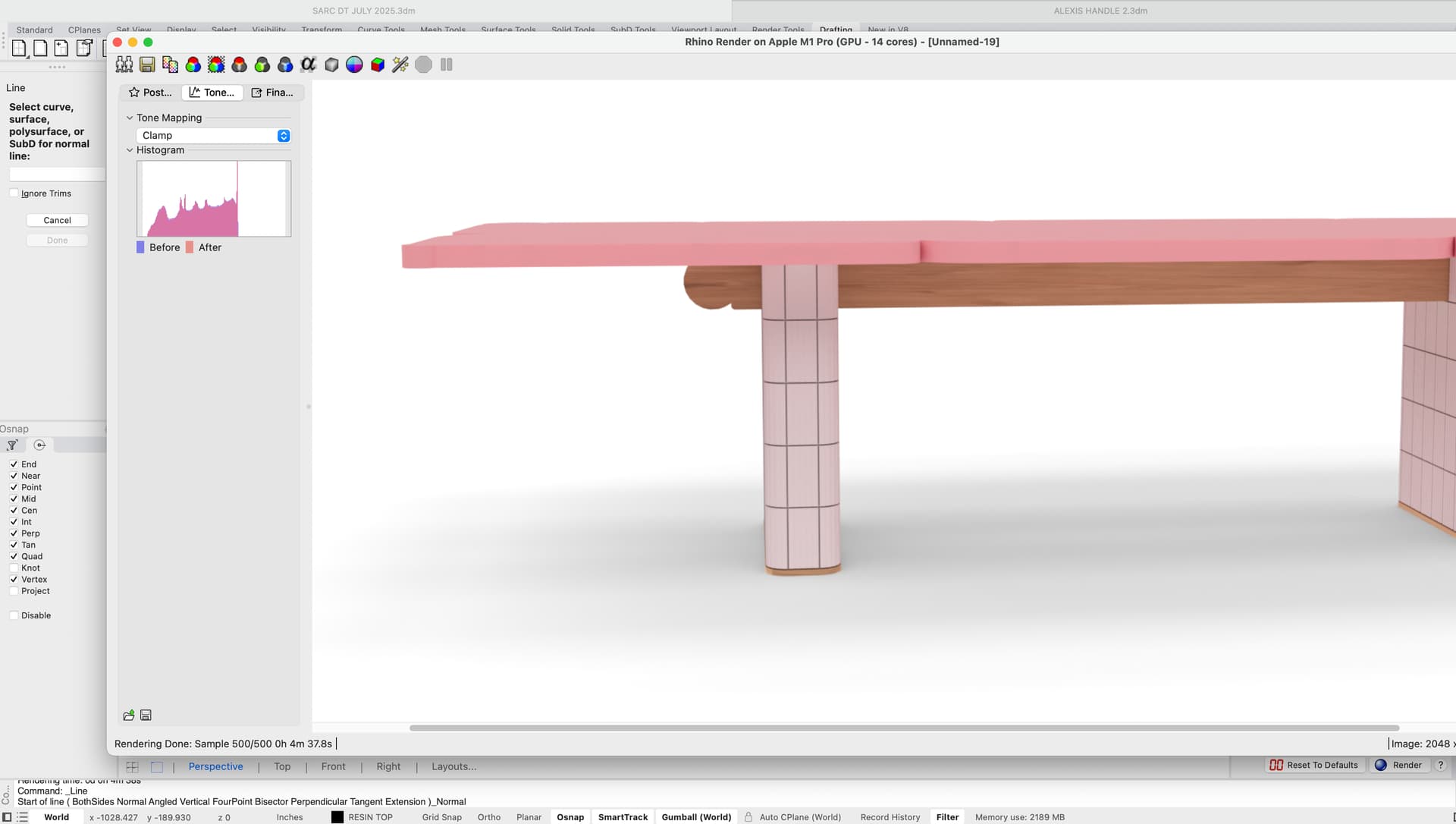
When rendering in Rhino, once the render is complete I cant seem to get the effects panel to open. Nothing happens when I toggle the button - but it definitely used to! I can save the image, but the colour is less saturated and not accurate to what was completed in the render window.
Additionally I’ve noticed that when zooming in and out on the render with the scroll button on my mouse, the colour jumps between how the render looks when saved and how I thought it would look. Ive attached screen shots to demonstrate.
A bit of a rookie here so hopefully theres an easy answer to this. Thanks in advance for any assistance.
It should be that icon in your last screenshot that toggles the post effects panel in the Render window. Is there more than one Rhino open? What version of Rhino 8 for Mac are you running and on what macOS? This info is in the results of the SystemInfo command run in your Rhino.
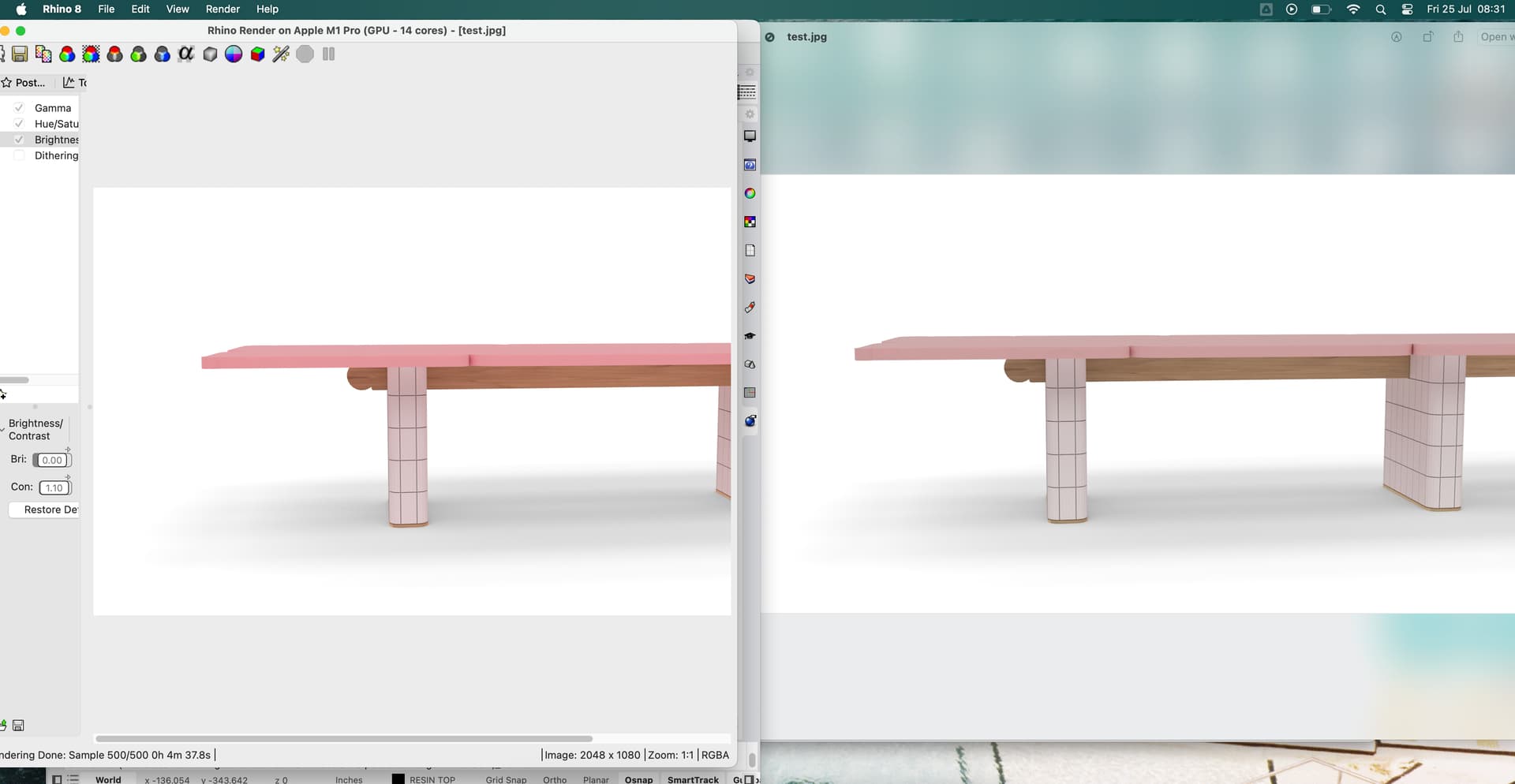
A side by side of the image with post effects applied and the image that actually saves. It seems that post effects are being embedded just not to the degree that they appear in the rhino render window.
If I uncheck gamma for instance, the saved image quite clearly shows that. Its the subtle contrast/saturation that seems to be lost. This happens in clamp/filmic/logarithmic settings.
Can you provide a small sample file with the post effects settings saved in it that you are using? I’ll need to reproduce this issue here to try and help.