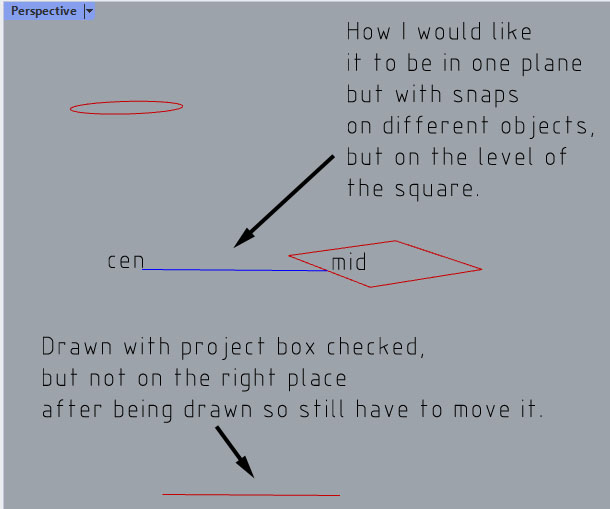
When I used to draw a polyline in autocad it stayed in the plane of my view regardless of the two snaps of begin and end (for example topview). How do I get this done with Rhinoceros? Run into this so often. Hope someone can help me with this.
Now I draw the line, then have to project it to a surface first, delete the surface and move the line in the right position.
Thanks
Check the Project box in the Osnap panel…
A couple of ways -
-
Make sure Planar is active (in status bar). Without Project checked, start your polyline on the rectangle. Then check Project and continue - all points (including snaps) will be projected to the same plane as the rectangle.
-
Change the CPlane elevation to that of the rectangle (CPlane > Elevation), then use Project.
Thanks!! Will do! That solved it!