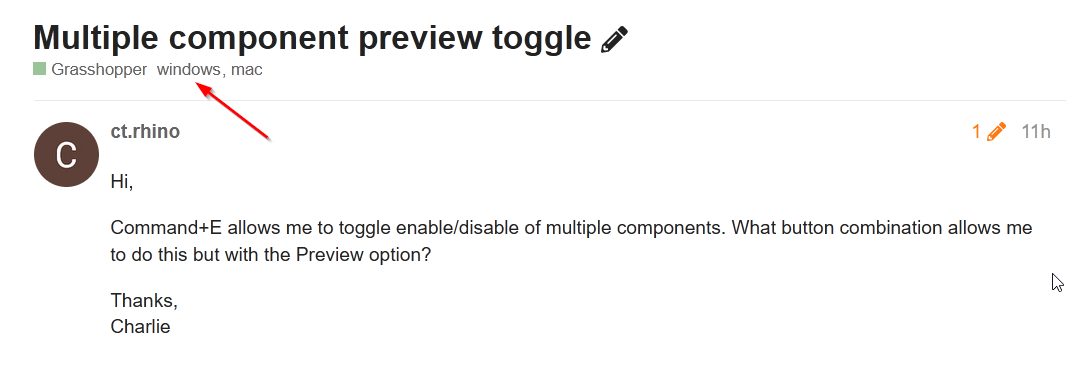
Hi,
Command+E allows me to toggle enable/disable of multiple components. What button combination allows me to do this but with the Preview option?
Thanks,
Charlie
Hi,
Command+E allows me to toggle enable/disable of multiple components. What button combination allows me to do this but with the Preview option?
Thanks,
Charlie
@ct.rhino should be Command + h or Ctrl + h on windows or alternatively use the middle mouse button for the radial menu and choose the upper right hide/show icon
Ctrl + Q on Windows.
Here’s a couple of links to the old forum that help:
Sorry, i forgot to specifiy mac!
This works, I see that the trick is to right click on the canvas rather than a component when multiple components are selected to get the multiple preview toggle to work
I’ve actually never used the Right Click method haha.
Right Click in blank canvas space:
I was talking about this menu (Middle Mouse Button):

I find it faster than the right click menu because you can just move the mouse and release it over the preview toggle you desire and you can click anywhere, on a component or in blank canvas space and it gives you the same result. (just my preference)
But most of the time I’m using Ctrl+H Cmd+H to show/hide the preview and Ctrl+E (Cmd) to enable/disable of course.
EDIT:
Lastly, you can view and change these shortcuts in your File>Preferences>Interface>Shortcuts Dialog:
Hmm. it automatically added windows! thanks.
command + tilde does not toggle preview in WIP as listed in interface shortcuts