Hi Guys,
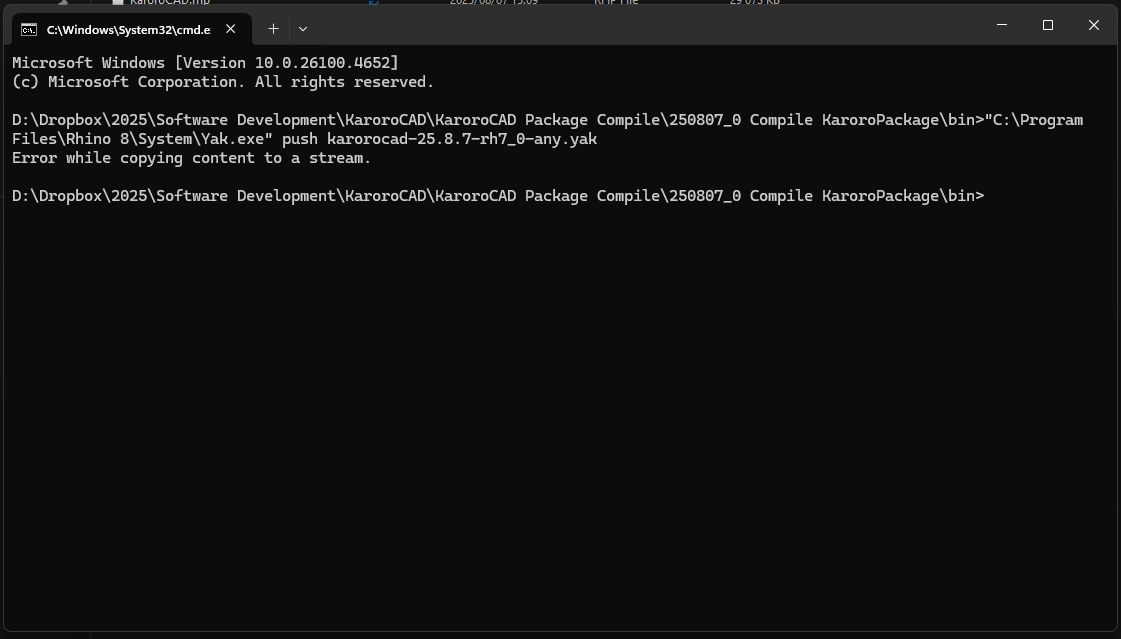
I’ve not been able to upload a .YAK to the package manager for about 18hrs, just get this error after about 5min:

All other online services on my machine are working as usual.
Has someone broken something?
Cheers
DK
Hi Guys,
I’ve not been able to upload a .YAK to the package manager for about 18hrs, just get this error after about 5min:
All other online services on my machine are working as usual.
Has someone broken something?
Cheers
DK
OK, transfered the files to my second PC (laptop) and connected to the internet via my phone (completely different connection) and same failure.
McNeel, this one looks like its at your end not mine.
Cheers
DK
@kiteboardshaper can you try rebuilding the yak and see if that fixes it?
If not can you upload the yak here so we can inspect it?
@kiteboardshaper I just published the v25.7.29 package that you sent over. It took ~25s on my connection. Nothing is broken, per se, but I would like it to be a bit quicker.
Thanks for looking at this guys, I was able to push an updated version of KaroroCAD to the package manager this morning without issue.
Cheers
DK
Hi team,
Package Manager uploads are failing for me again:
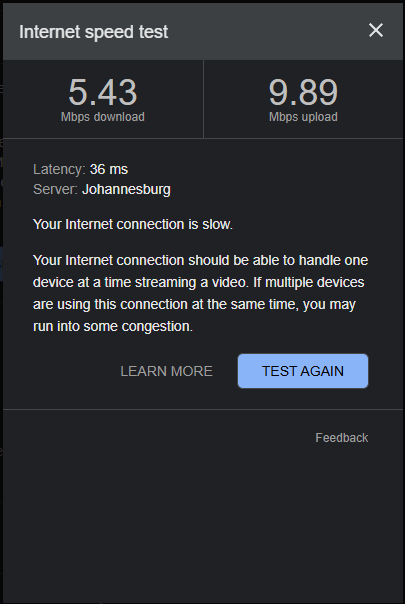
While my internet connection isn’t “Western World Software Company Office”-fast, it’s been stable and reliable for my work from Cape Town:
This is becoming a serious blocker—especially when I need to quickly push out bug fixes to clients.
Is there anything I can do on my end to resolve this, or is it a known server-side issue?
Would appreciate any support you can provide here.
Thanks,
DK
OK - it is for sure some sort of file size/time out issue.
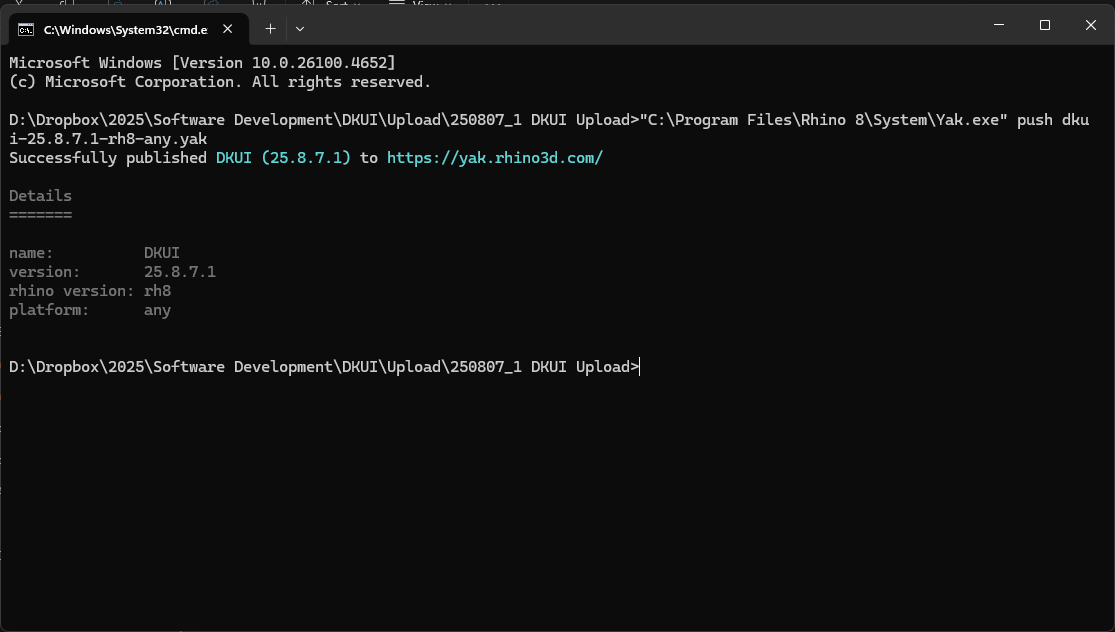
I’ve just uploaded a new version of DKUI (630kB) and it was done first try in a few seconds:
KaroroCAD is 21MB - not exactly a big file in 2025, but much bigger than DKUI.
Cheers
DK
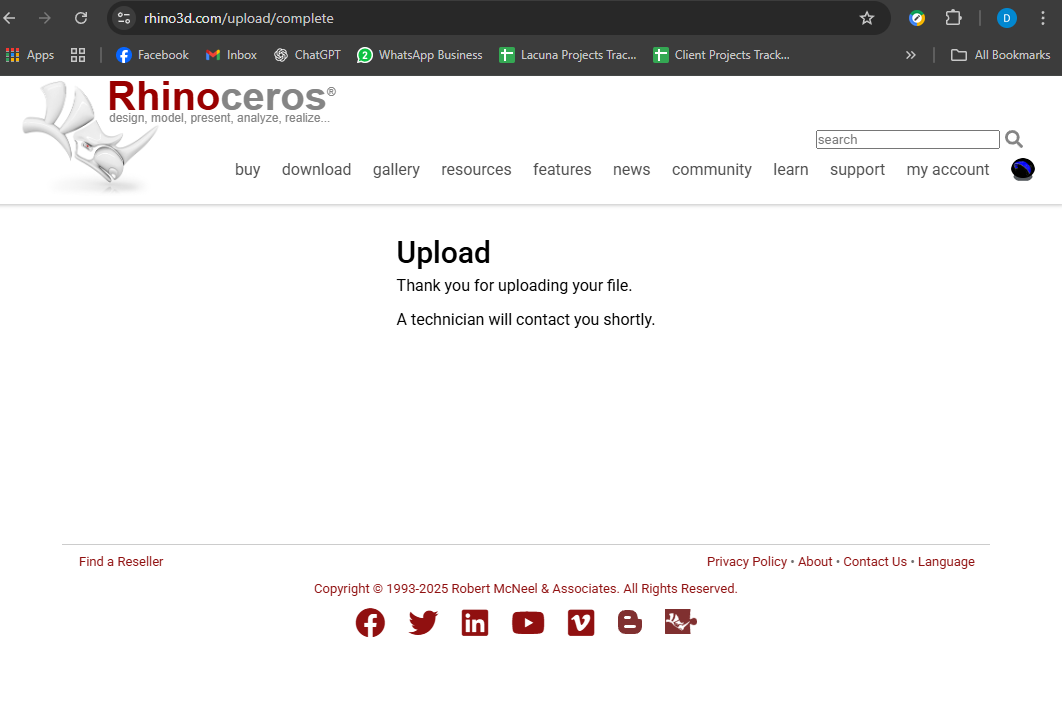
Could you please try uploading one of the KaroroCAD packages to Rhino Accounts and let me know if you notice much of a difference in success rate and/or speed?
So, today we are 5 attempts in and still no luck:
Would it be possible to setup an UPLOAD to the Package Manager from the Food4Rhino dashboard? Its currently possible to YANK a package from there, might be more reliable and easier if it also offers upload?
Cheers
DK
Similar experiance for me here in London with a 500Mbit symetric fibre line.
Upload on the first 3 tries was capped at 1.5Mbit and fails after 70-80 secibds.
4th one got 20+Mbit upload and succeeded. Package is only 120Mb
here is a variation in error message
C:\Code\ZebraCutBuilds\Rhino Packages>"C:\Program Files\Rhino 7\System\Yak.exe" push --source https://yak.rhino3d.com zebracut-5.1.5-dev-rh8_19-win.yak
API returned 499 but the error couldn't be deserialised