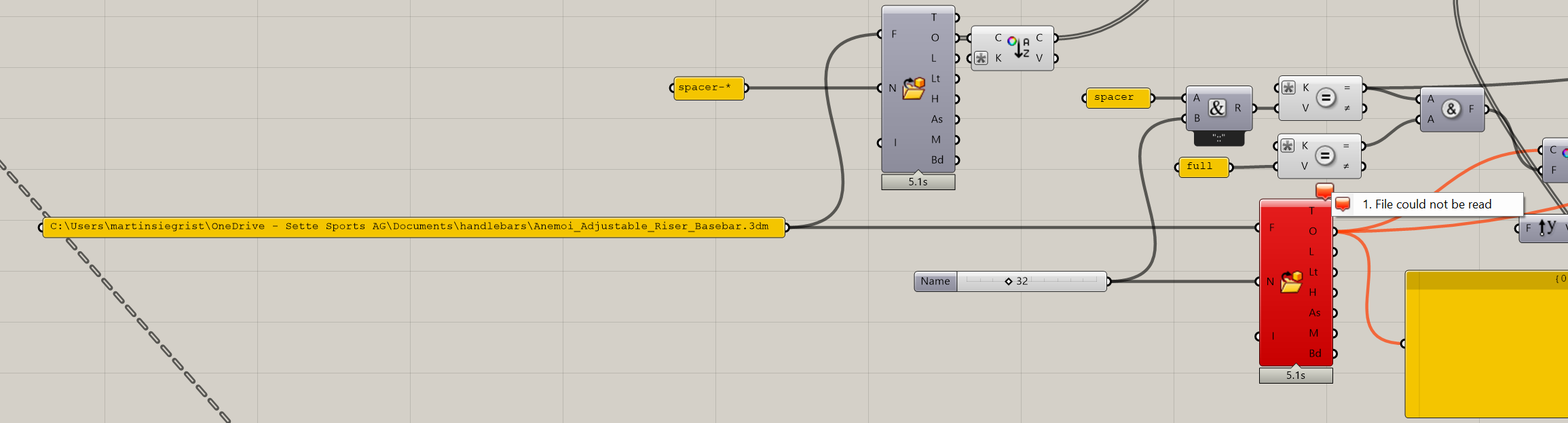
I get this error when loading a huge Grasshopper definition. The file size of Rhino file containing the ‘magnet-cone’ is just 134 KB. When I copy the component it loads the block just fine.
In this case, the same file is used twice. Opening the Grasshopper definition loaded one of them successfully and the other one failed. I created a new wire connection and the import worked. The issue is not about the wire connection, I think this is simply the quickest way to update the component without deactivation or using a button or trigger.
Enabled automatic CPlane alignment
Loading Legacy Rhino Render, version 1.50, May 20 2025, 12:51:53
Original STL mesh has 204648 vertices and 68216 triangles.
Original STL mesh has 264480 vertices and 88160 triangles.
Successfully read file “C:\Users\martinsiegrist\OneDrive - …_Riser_Basebar.3dm”
Command: _CommandHistory
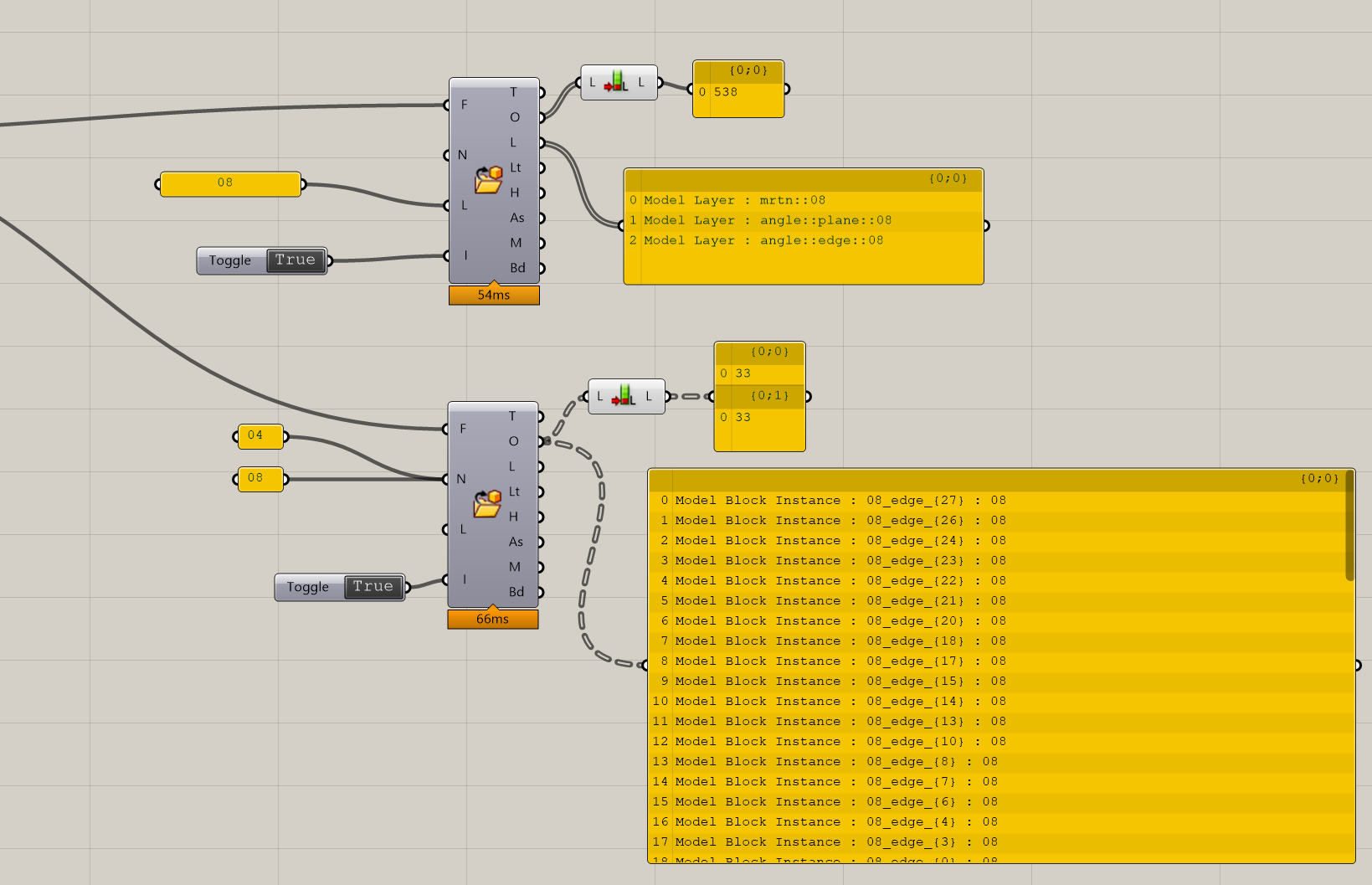
When working with heavy files, I think it would be useful to be able to import just the content of certain layers. I can do this by naming all objects in a certain layer with the same name but that does not make sense. It is just a workaround.
Maybe there isn’t even any performance savings to import just some objects?
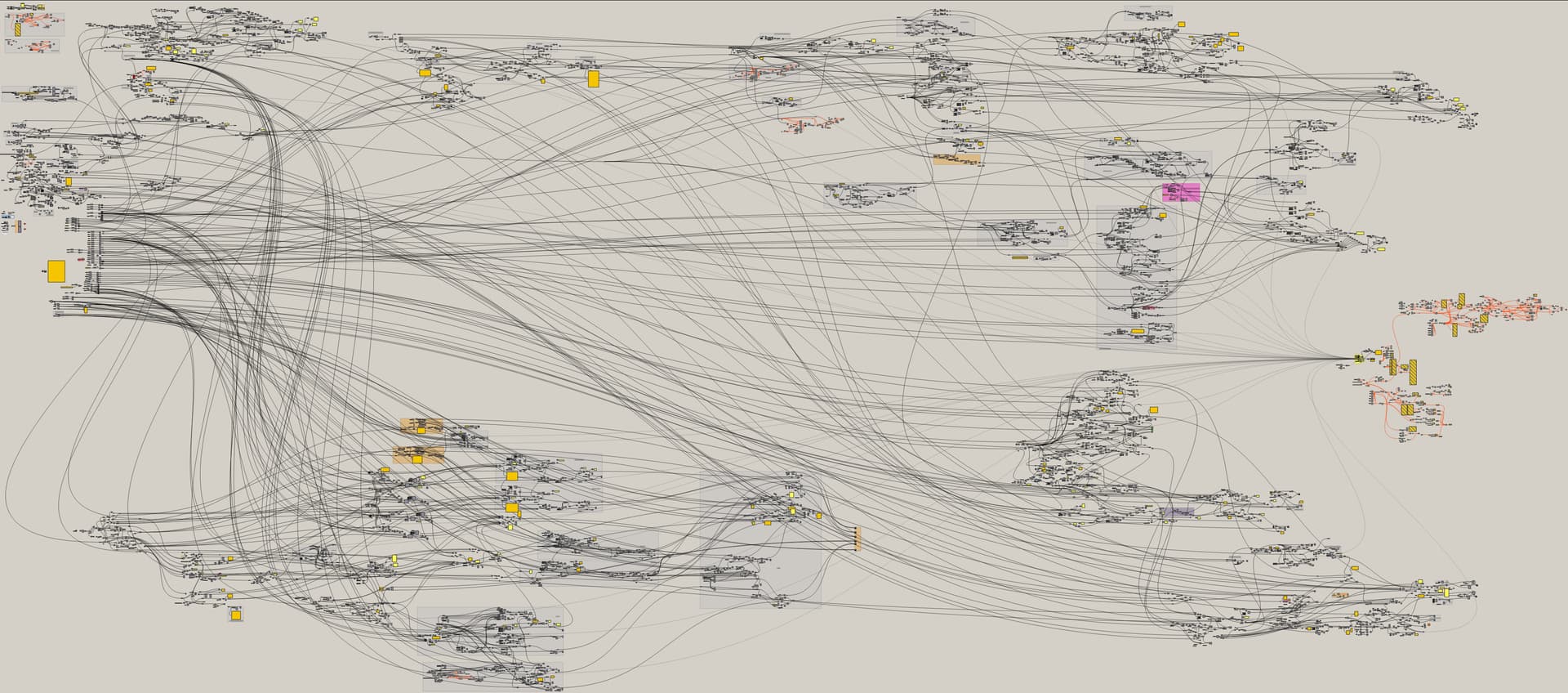
The definition is pretty big and the entire thing is based off of one referenced body scan. The body scan is referenced in a rider specific file which also contains the riders bike and components which are relevant for this definition here. The rider file is referenced twice with name filters. If one of the two component fails to import, a lot of the downstream operations still run. Usually the component works fine when I disable / enable it or plug in a wire again.
This issue seems to occur randomly. I’ve loaded the same big file at least ten times and today the issue was on two import content components which until now always loaded without problems.