How can you make flat an object made up by many different sheets?

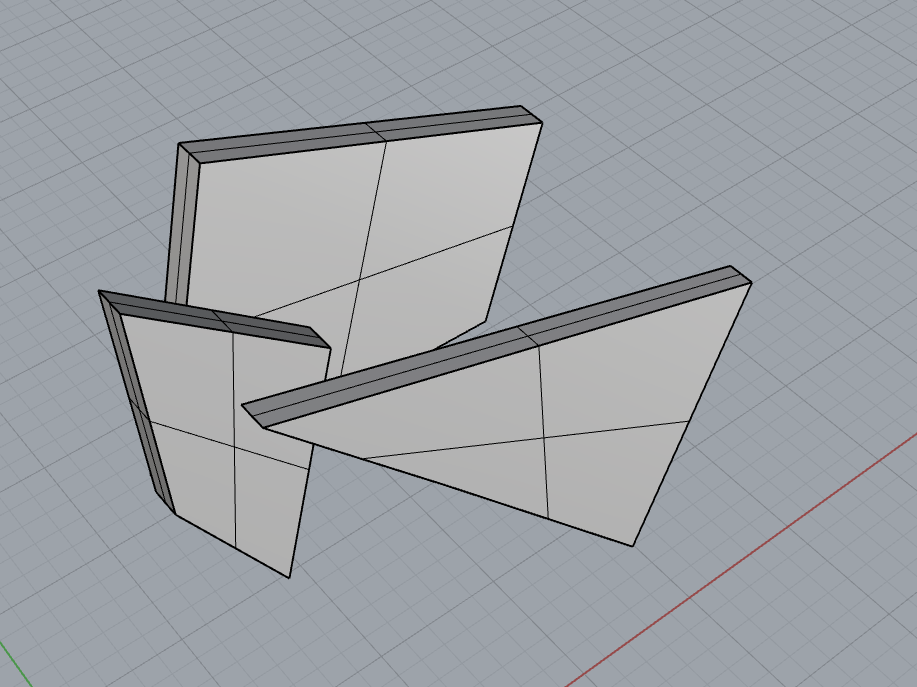
let’s suppose that I do have some sheets that should stay like this with some sort of support

now, I want to manufacture those sheets, the best way should be to use some sort of cnc/plotter , I found a plugin called openNest, that seems to do that work

(roughtly done by hand)

but I also want some small uncutted edges/support, so they aren’t removed´once that they are cutted,

so I can remove the sheets from the main sheet by hand by bending it up and down,

note: the blu circle is the interested part that works as a support between the sheets, and the red circle, is a sharp edge that should not be here

Hello - are you asking how to do this automatically somehow?

-Pascal

Not too difficult to arrange your shapes to sheets with OpenNest.

Very good introductory tutorials on OpenNest here:
https://www.youtube.com/playlist?list=PLzkN3pByh-yI7YYZsCVz9jcNMDQuV9Ez3
I recommend watching all 3 videos, less than 20 minutes total.

The connecting tabs are a separate problem. Are you certain they are necessary?

-Kevin

I’ll see thanks;

the connecting tabs are necessary, because it will help me save production costs, manufacrturers like protolabs, xometry and whatever, do get a cut for objects, so if I do get a whole sheet with pieces still in place, and then easily remove them by hand by bending, I can save costs
@pascal yes

This should give you some ideas:

OpenNest_220126a.gh (34.5 KB)

-Kevin