CSousa
June 22, 2025, 10:01pm
1
Hello!
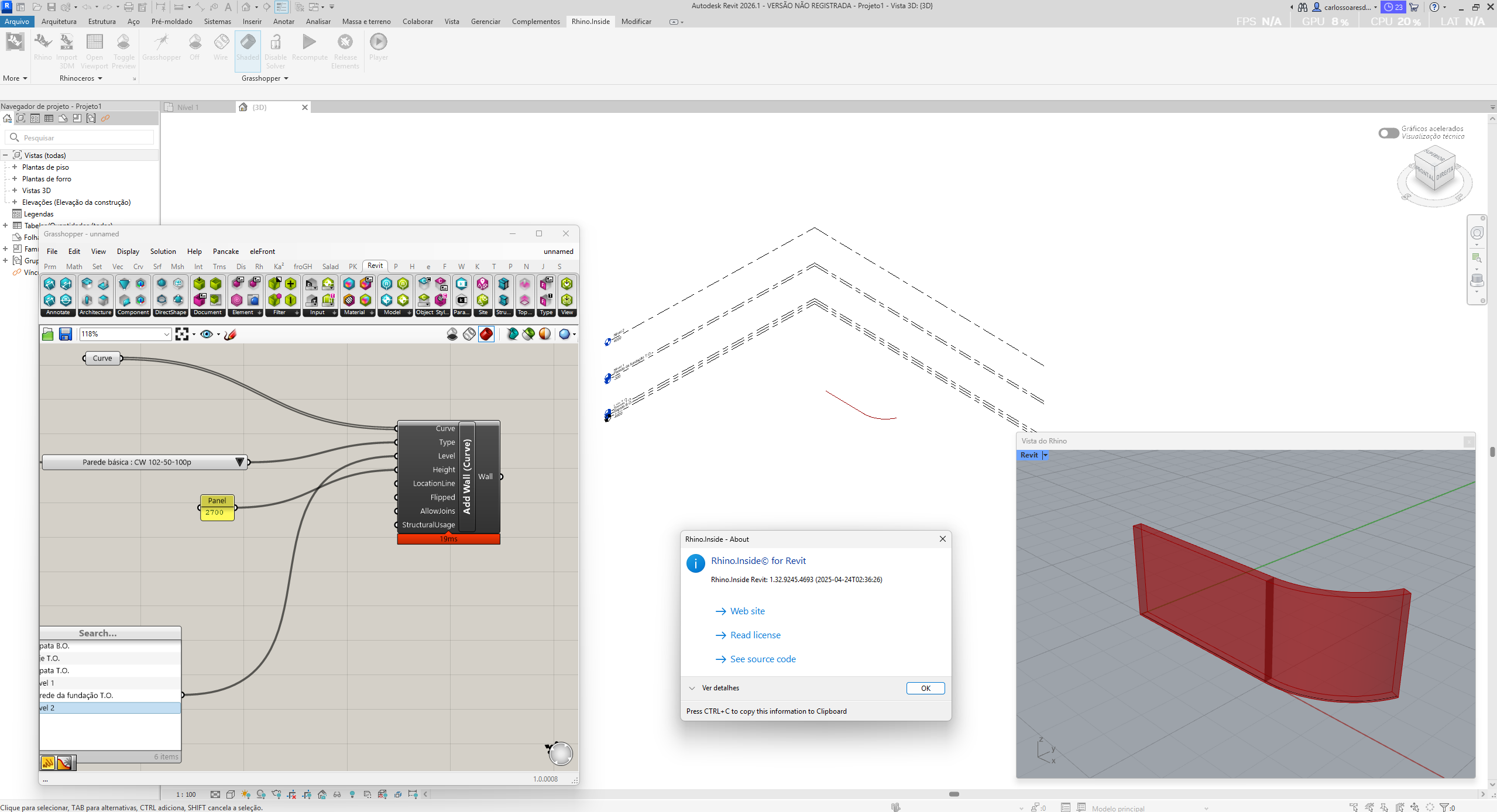
I installed Rhino.Inside Revit on Revit 2026 and when I try to create objects with Grasshopper, I can see the object in Rhino but not in Revit.
Anyone is having this issue?
jessesn
June 23, 2025, 1:54am
2
CSousa:
I installed Rhino.Inside Revit on Revit 2026 and when I try to create objects with Grasshopper, I can see the object in Rhino but not in Revit.
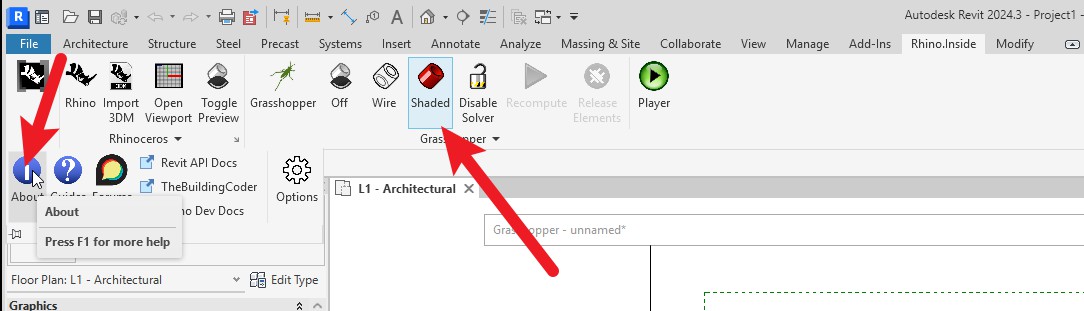
I’d like to know which version of RIR are you using now? you can check it via the About button under RIR cloumn.
Did you trun on the preview geometry in RIR ?
CSousa
June 23, 2025, 12:35pm
3
This is what I see… You can see the dialog with the version…
CSousa
June 23, 2025, 12:43pm
4
Just an extra comment… the Level is always the same… Never changes…
MSAwan
June 23, 2025, 12:50pm
5
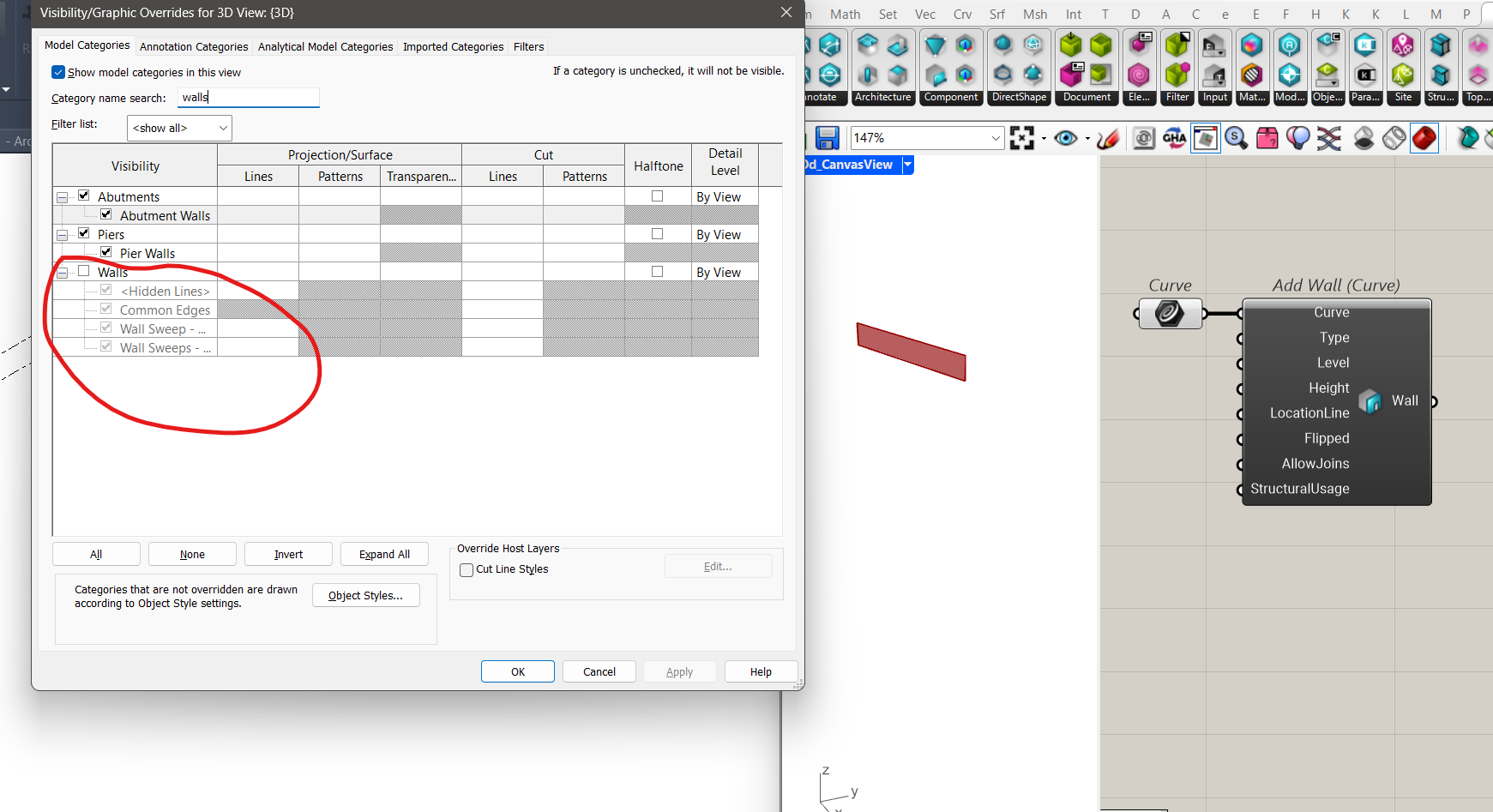
@CSousa Check your visibility Graphics in Revit.
Japhy
June 23, 2025, 2:31pm
7
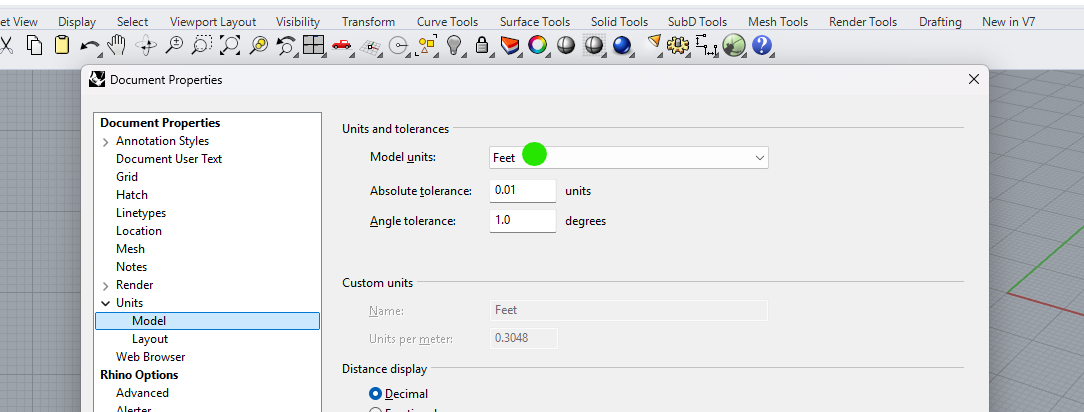
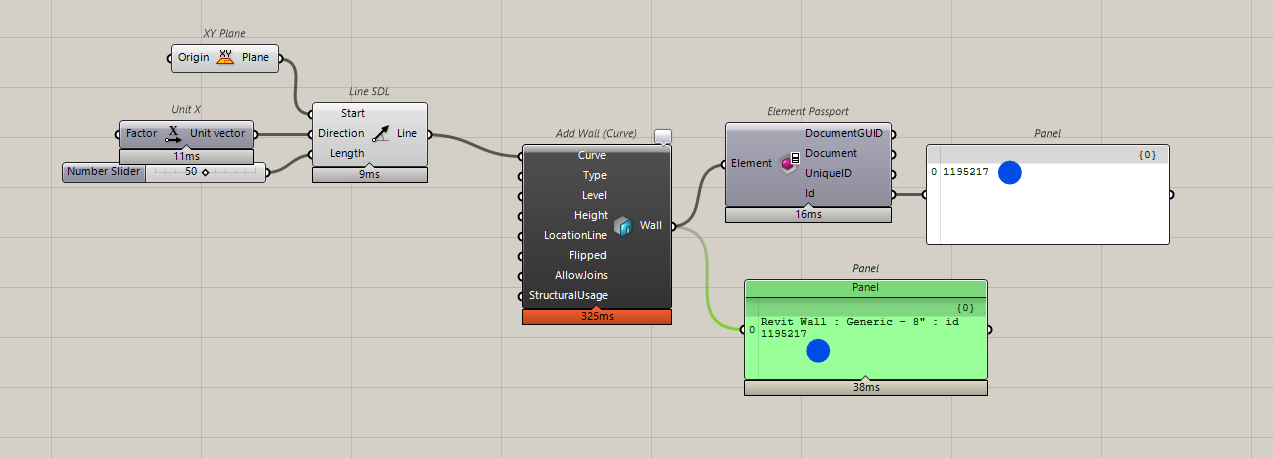
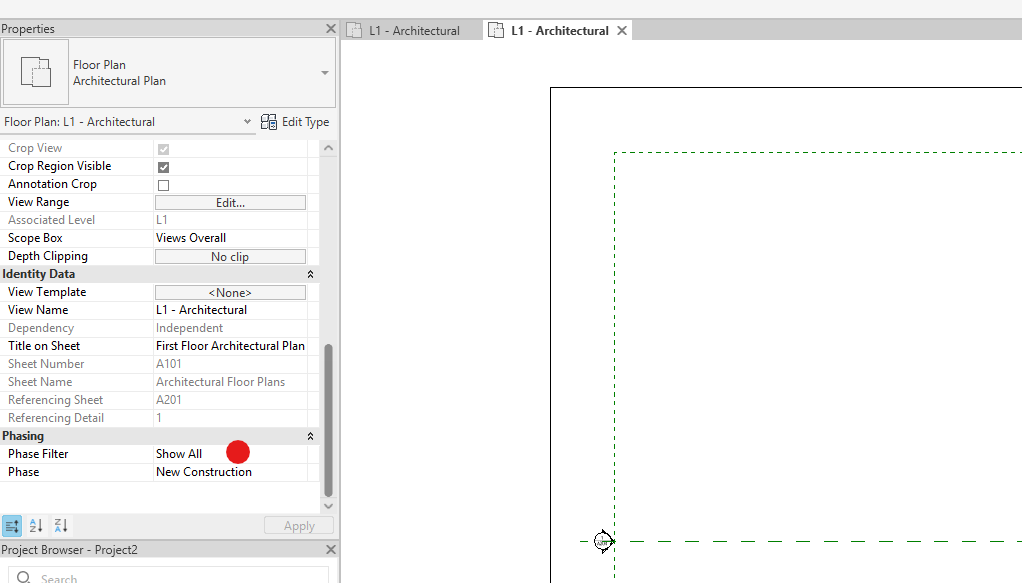
This is typically due to being on the wrong phase, also ensure you units are matching.
Can you select via the Element ID of the generated wall?
CSousa
June 23, 2025, 3:09pm
8
Thanks, but it’s not that… I have the walls turned on
CSousa
June 23, 2025, 3:10pm
9
@Japhy I think that the units match… but since my knowledge of Revit is close to zero, I do not know what a Phase is…
Japhy
June 23, 2025, 3:38pm
10
In Rhino you can run the Units command and see the model units.
In Revit
Select by Id is also on the Manage tab.
Phasing is one of the many ways to control visibility in Revit.
CSousa
June 25, 2025, 10:53am
11
I checked everything and the result is still the same…
Any thoughts ?
MSAwan
June 25, 2025, 11:44am
12
Can you share your Revit and Grasshopper File?
CSousa
June 25, 2025, 4:17pm
13
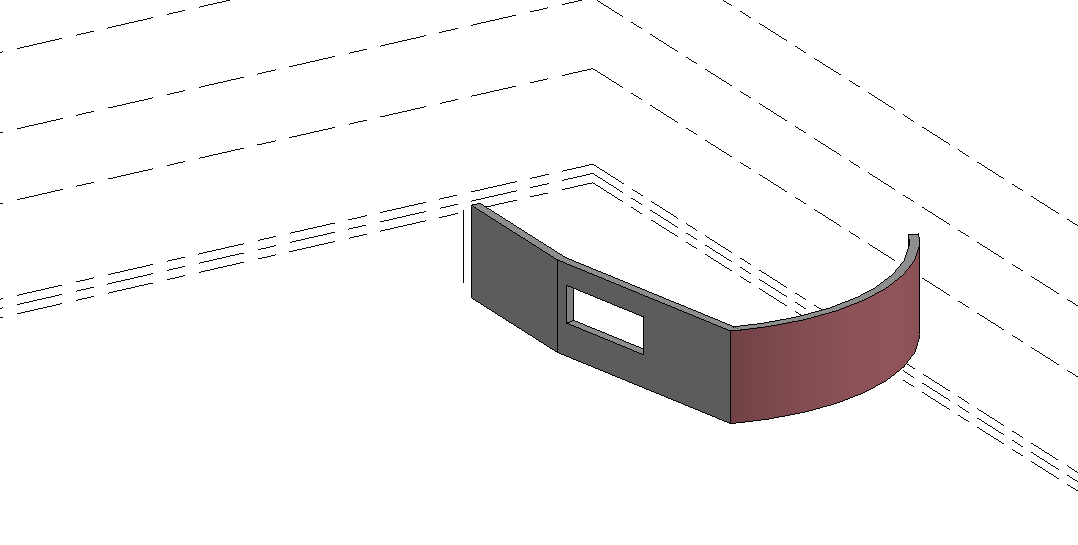
Very basic stuff… I can see both objects in Rhino but only lines in Revit
TestGH.gh (6.8 KB)TestGH.rvt (3.9 MB)
MSAwan
June 25, 2025, 4:40pm
14
Hi @CSousa ,
@Japhy has pointed out rightly. The issue was with the Construction phase. You can use the Element Phasing component to set the new phase.
MSAwan
June 25, 2025, 4:51pm
15
You can also change it in your View Template
CSousa
June 26, 2025, 10:33am
16
Thank you!
I see that I will need to learn a lot about Revit if I want to learn Rhino.Inside Revit…
BTW, my file had another object. Why do I only see the line and not the beam?