braden
May 22, 2024, 7:52am
1
Hi there,
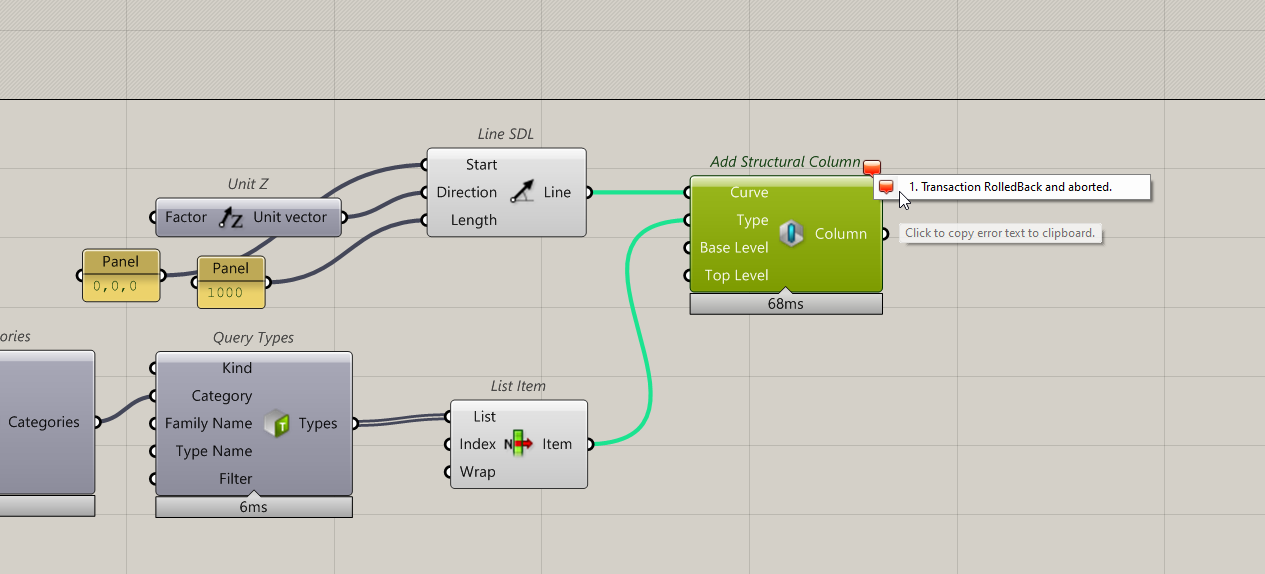
Seems like I can’t create or modify structural columns at the moment.
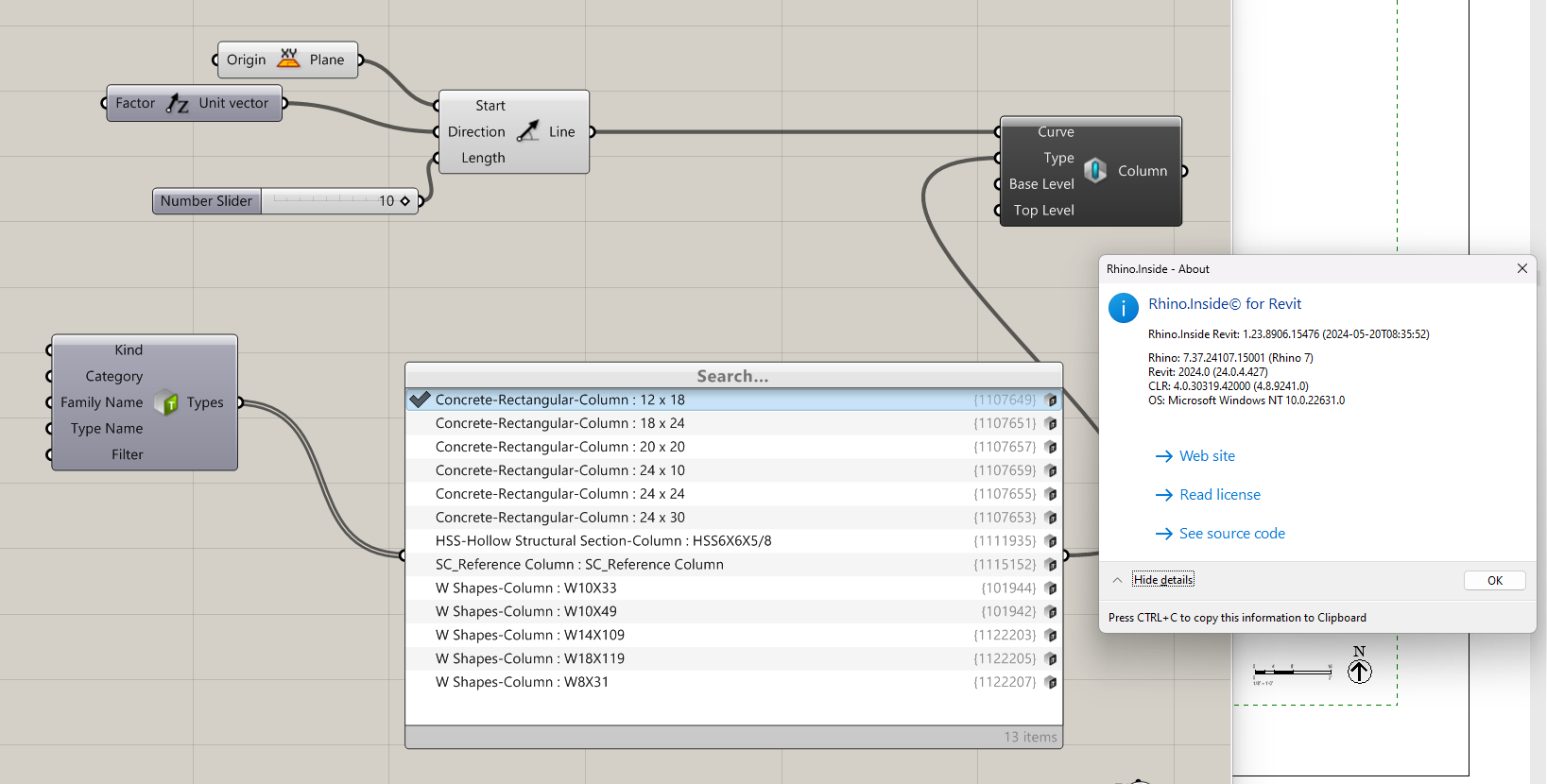
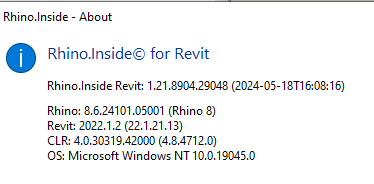
Rhino.Inside Revit: 1.22.8906.14842 (2024-05-20T08:14:44)
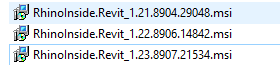
I have also tried this on the daily build (1.23.8907.21534) and I had the same error.
It seems to be particular to only concrete columns.
Thanks in advance!
Japhy
May 22, 2024, 4:18pm
2
A little newer version of the Rhino and RiR version are looking OK.
M.Tarabishy
May 23, 2024, 12:42pm
3
@Japhy @kike
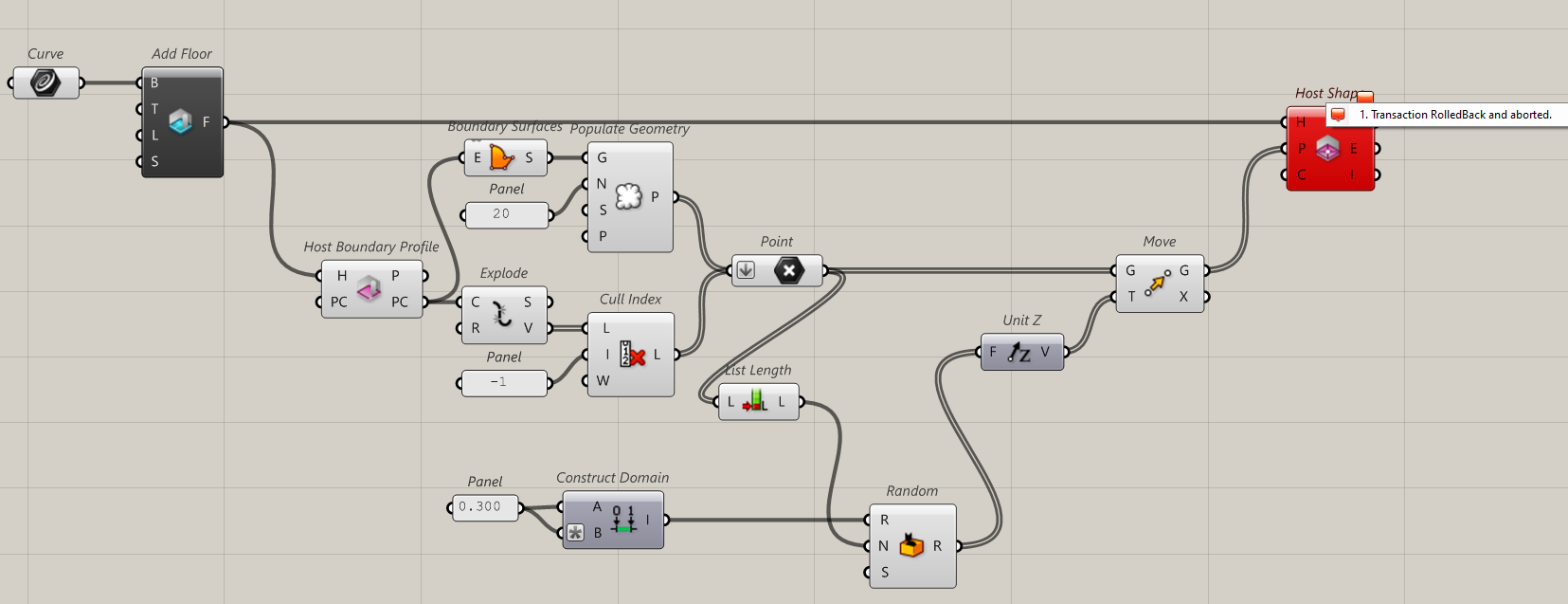
I was assisting on project and been facing a similar issue but with a different component, “Host Shape” when trying to add points to a floor.
I have tried with the below versions with revit 2022 and one time with revit 2023, with no luck… any prompt suggestions would be of great help.
Below is a sample I setup for your convenience.
RiR_Components Error.gh (11.0 KB)
Japhy
May 23, 2024, 1:01pm
4
Thanks, I’m seeing this as well.
M.Tarabishy
May 23, 2024, 1:06pm
5
If possible, do you have any previous versions download links that might have this working?
Japhy
May 23, 2024, 1:08pm
6
Sure thing, I’ll start rolling back and let you know what i find out.
1 Like
M.Tarabishy
May 23, 2024, 1:50pm
7
I did a bit more of checking because i remember I was using it on a different project couple days ago and it was working fine… but in the other project I was only working with corner points of the floors.
As shown below when the point in the middle is in plane they get added fine in revit, and once it moves out of plane it gives the error, hope that might help.
1 Like
Japhy
May 23, 2024, 2:24pm
8
Thanks,
Looks like we are good in 1.20.8836.21283, sending a link shortly.
1 Like
kike
May 27, 2024, 4:59pm
9
There is a fix for this on v1.22.
We will release a hot fix for 1.20, 1.21 and 1.22 about this one tomorrow.
3 Likes
braden
May 28, 2024, 3:57am
10
Hi all,
thanks for the help.
Can confirm, for the problem that I was facing, 1.23.8913.17388 works
Thanks @kike .
Just sent our IT to update all computers with the latest daily build which is working.
1.23.8913.17388 - Daily Build
Regards Chris Pires