I am trying to create a “Multi Object Chain” motion in Bongo but still can’t get it done. I downloaded Bongo 3.0 WIP to see if i figure it out this way.
What i want is actually pretty simpel it is a "Chain formed by multiple Blocks of the same object that are Array Curved on a curve (track) on a same distance.
They need to follow eachother like a “Bike Chain” does.
I can get 1 chain to follow the curve , but when i add the others they all combined on top of the first one. And maybe it is possible with an Offset but i cant get it done.
I have try’d it with a python script but that didn’t also get me to my goal, because i have set up a small test drawing , but the project is a large chain with 699 block objects of the same kind Arrayed along a curve on a predefined distance.
Maybe it it simple to be done, but i can’t figure it out.
Please allow me some tutoring:
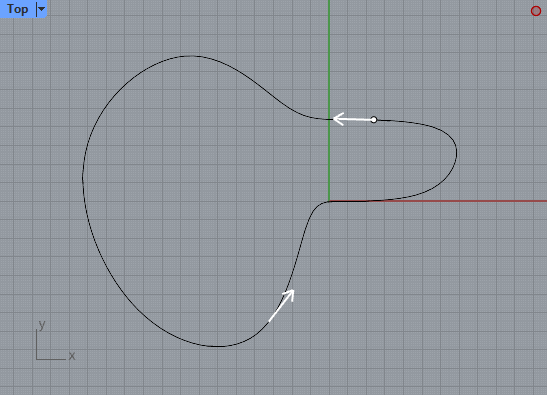
Each curve has a direction which defines what is the beginning and what is the end. A closed curve, like yours, has also a specific ‘starting point’. Both can be made visible by using the “Dir” command.
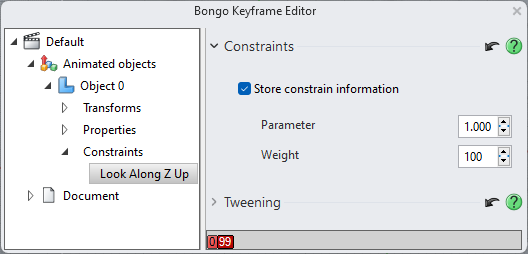
The position of Simple Constrained objects on the path is managed by the so called ‘parameter’. The value of the parameter is 0.00 at the beginning of the curve and 1.00 at the end. When a Constraint to path (or Look Along) is initiated the object snaps to the starting point of the curve. At the same time 2 keyframes are initiated, by default at tick 0 and tick 99.
One of them is given a parameter value of 0.000 and the other one 1.000.
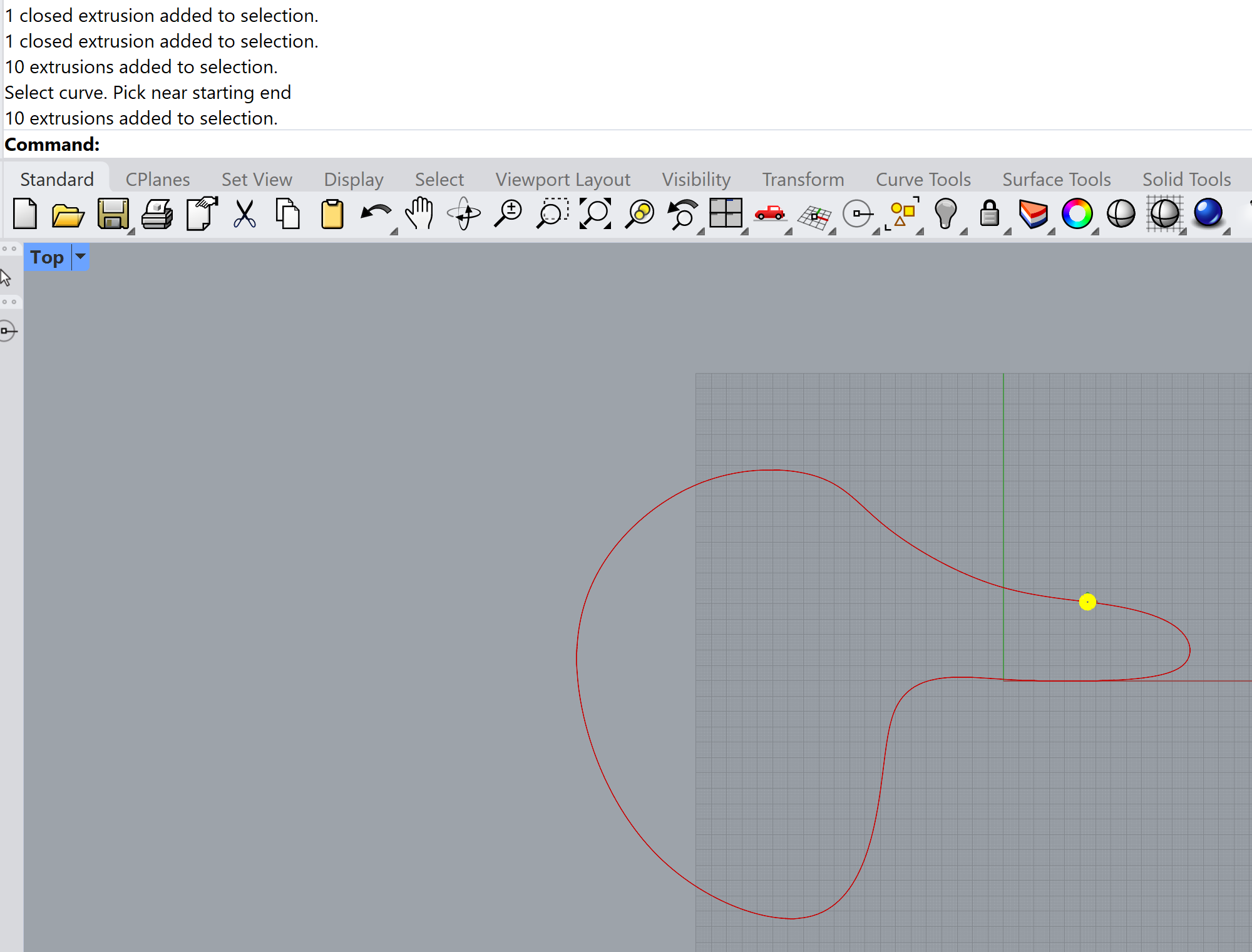
Which one is 0 and which is 1 depends on where you clicked on the curve when the command prompted “Select curve. Pick near starting end”. Hence it’s interesting to look in advance where the starting point is, using the “Dir” command.
It goes without saying that during the course of the animation the parameter gradually is altered from 0.000 to 1.000 (or vice versa from 1 to zero), thus moving the object along the path.
Now… for your array of objects.
They all “come on top of the first one” (like you wrote), because they all have the same parameter value in keyframe zero.
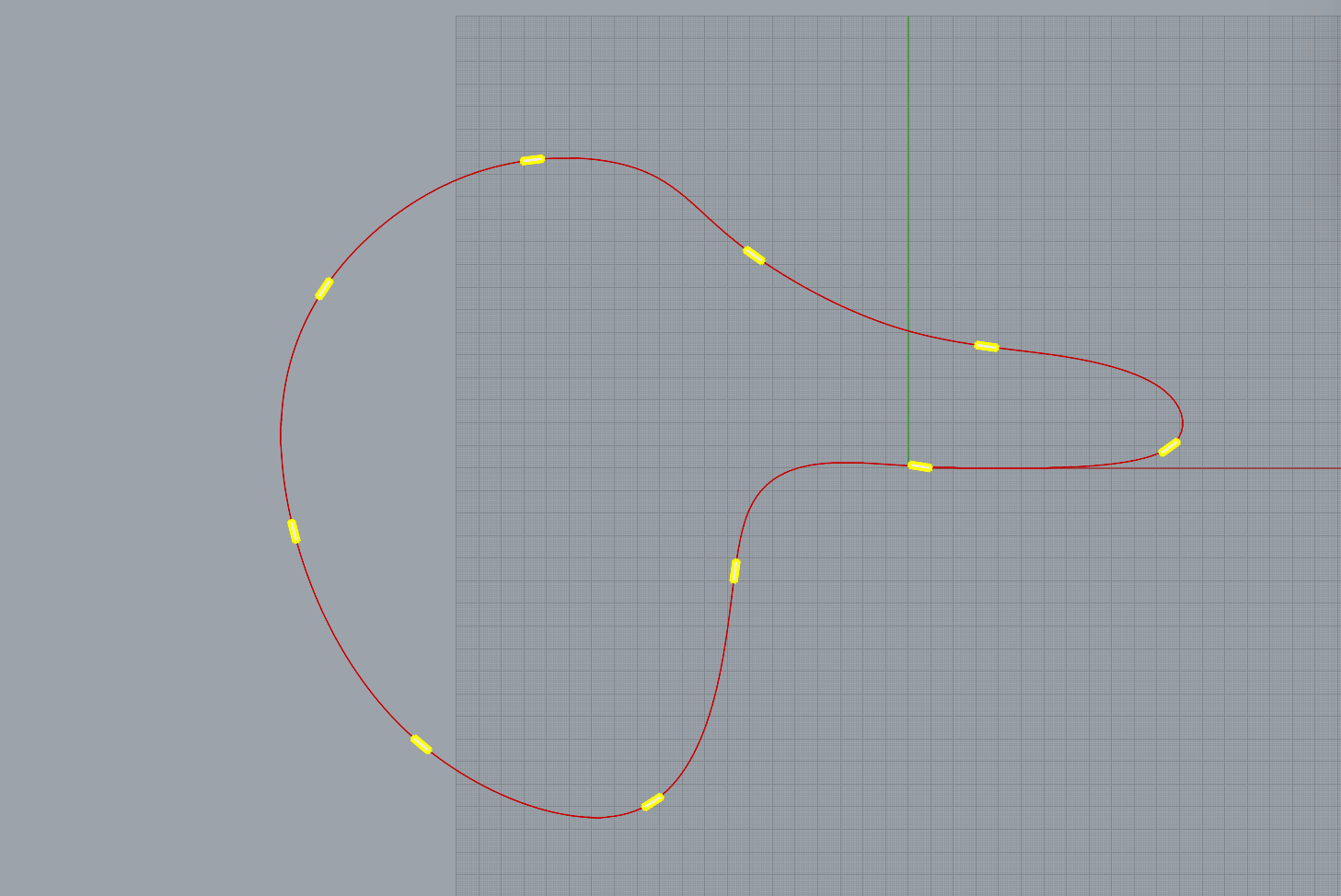
In order to have the second object positioned further up the path (red in the image below) at tick 0 you have to alter the parameter in keyframe 0 into for instance 0.200 (assuming the set default value is 0.000). This way the red object is sort of ‘send ahead’ on the trajectory.
In order to ensure that the object completes its entire trajectory back to its own starting point also keyframe at tick 99 needs to be edited: 1.200 instead of 1.000. For parameter values higher than 1 only the decimals are taken into account during the animation.
A third object should get parameter value of 0.400 and 1.400, etc. This way you can have 5 objects on the trajectory at equal distance from each other. For a different number of objects you obviously have to use a different factor, but I suppose you can do that calculation yourself .


 .


