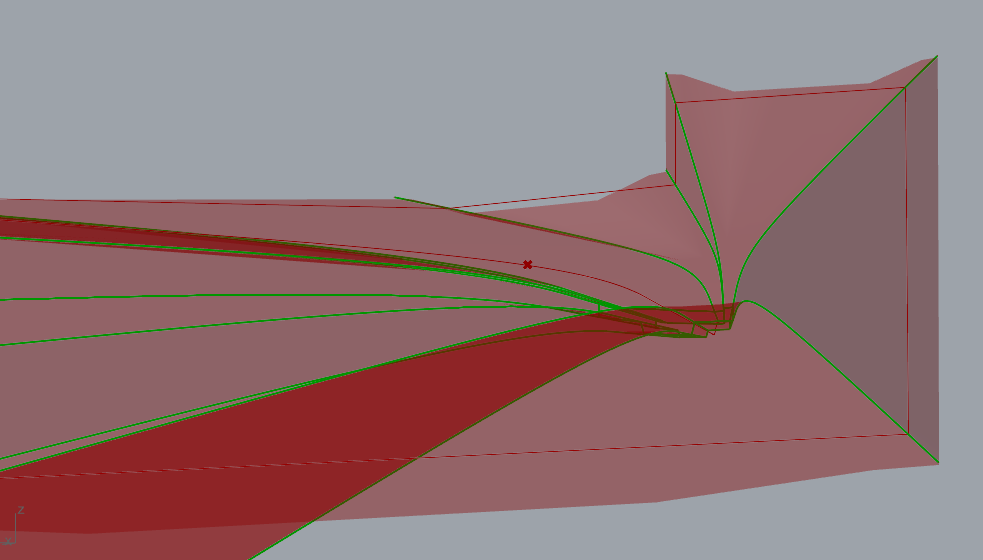
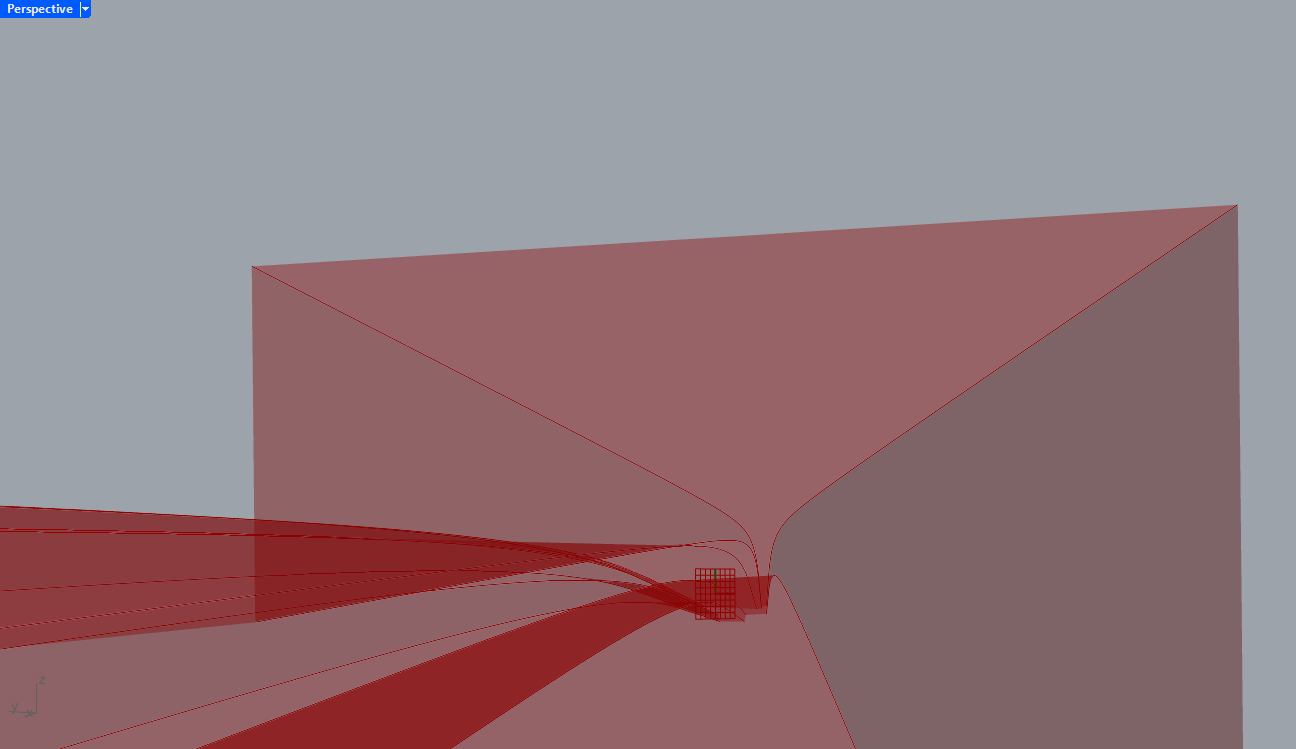
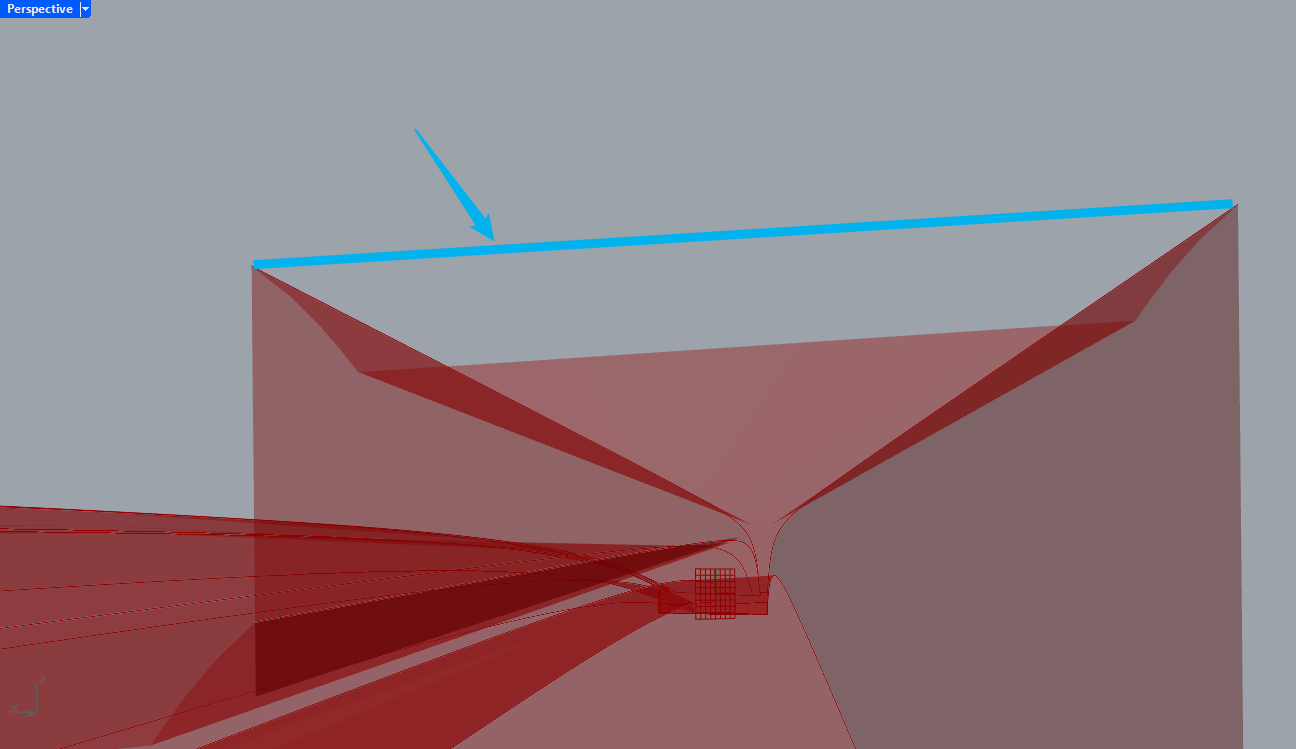
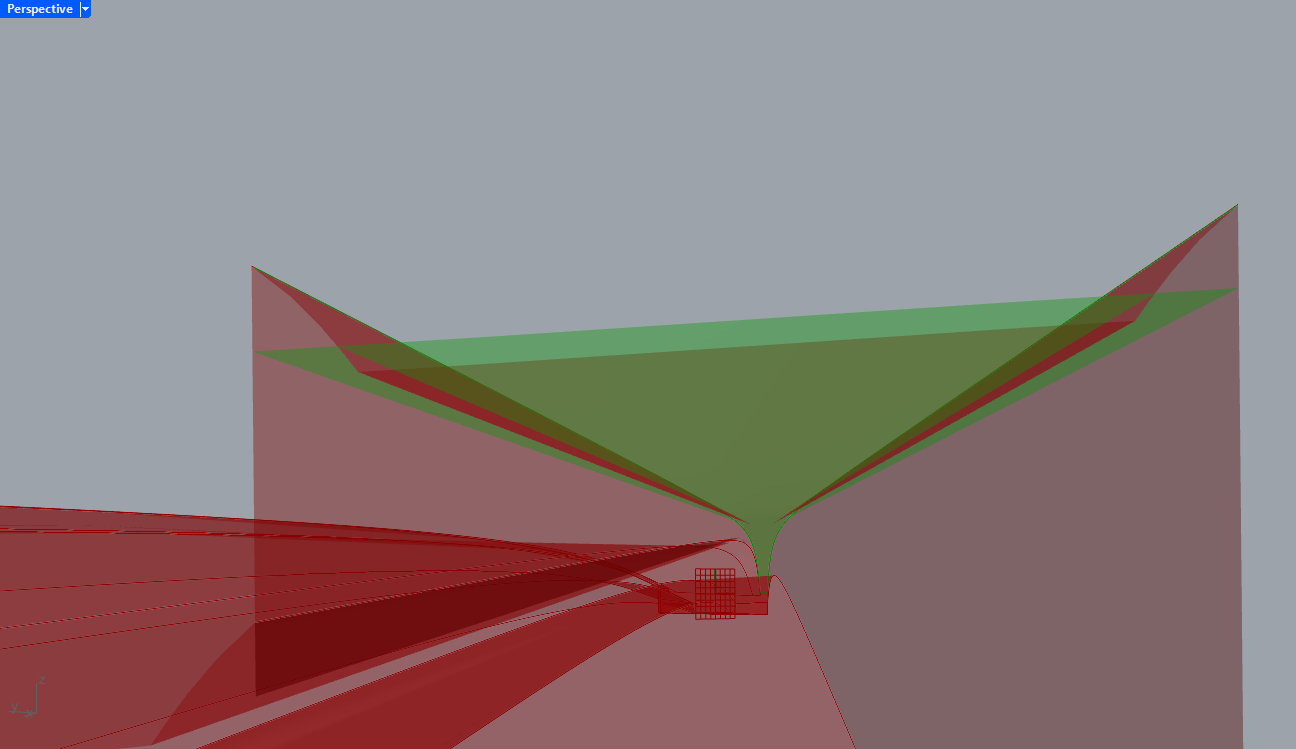
I’m having trouble with a brep after splitting it. When I’m creating is a bridge deck using a cross section and a rail, that is curved vertically - can also be horizontally but not in this case. When creating the sweep, the brep looks fine and as expected. When I split the brep, something happens (visually) to the surfaces of the brep, which makes it look weird. If I create a section using “Brep | Plane”, the section looks perfect.
I’ve tried all kinds of split I could think of - Split Brep, Trim Solid, a Python script to trim a brep with planes, etc.
Edit: I wanted to add script and images, but for some reason, the post was published when I tried creating a line break Here goes.
The first image shows the lines defining the brep/cross section. The other image shows the section i created, where it is shown correctly.
Initially when reading your response I thought “That’s it, of course”, but moving the geometry to 0,0,0 before doing any operations unfortunately doesn’t solve it.
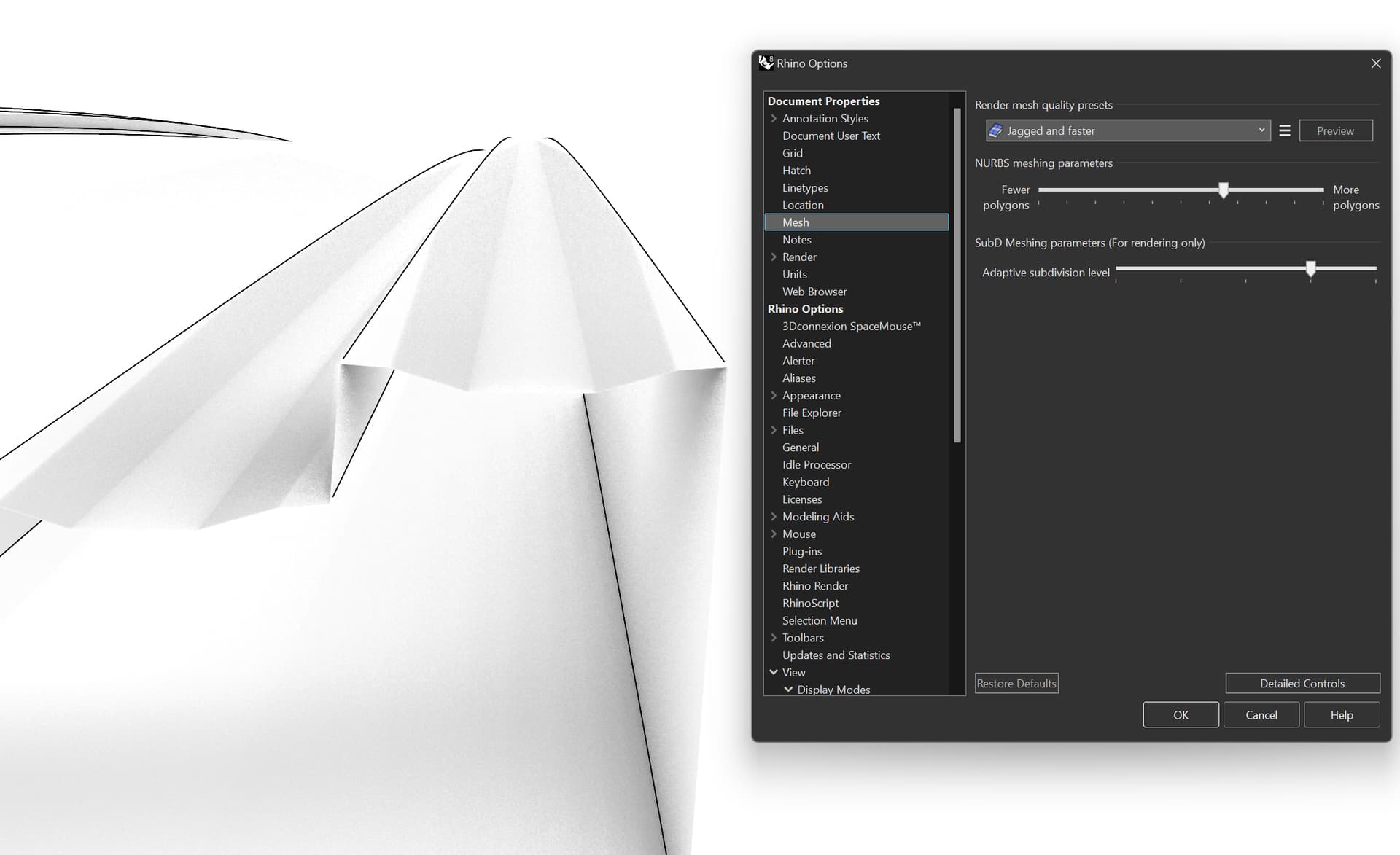
That is unfortunately also not the case. The baked geometry acts the same way. And the real problem occurs when I use a Tekla Live Link, where the visual problem is even worse and more visible.
Edit:
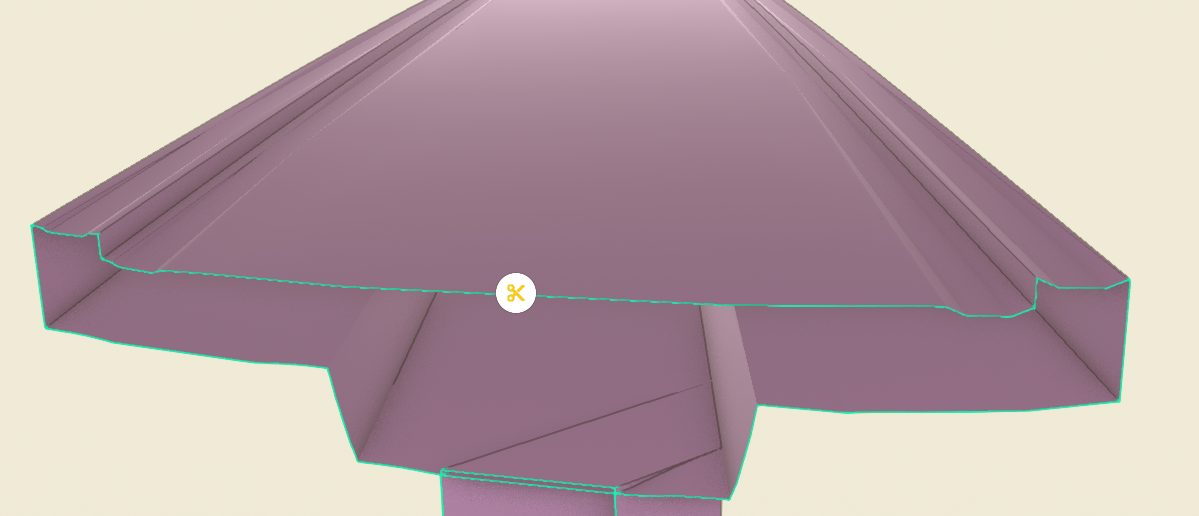
This is the surface in Tekla:
Hi @Søren ,This is the baked trimmed geo (the same as the preview) . So what exactly is your issue with the preview? Can you be more specific ? Søren.3dm (189.9 KB)
Here is a section view i did in Trimble Connect, where the Tekla model is imported. Which makes me believe the error isn’t purely visual since it’s inherited in another software as well.
 Here goes.