Just this case. The desired edge length is too large to generate the appropriate loops around the holes.
Cool, thanks!
1 Like
Hi
@Trav??
@mehran09197306634me thanks I’ve logged the request here.
3 Likes
Thanks
Why you didn’t let me know?! 
Discovered it today. This is beautiful.
Of course It is still fragile and very easy to break but it is growing.
Thank you all!
successful:
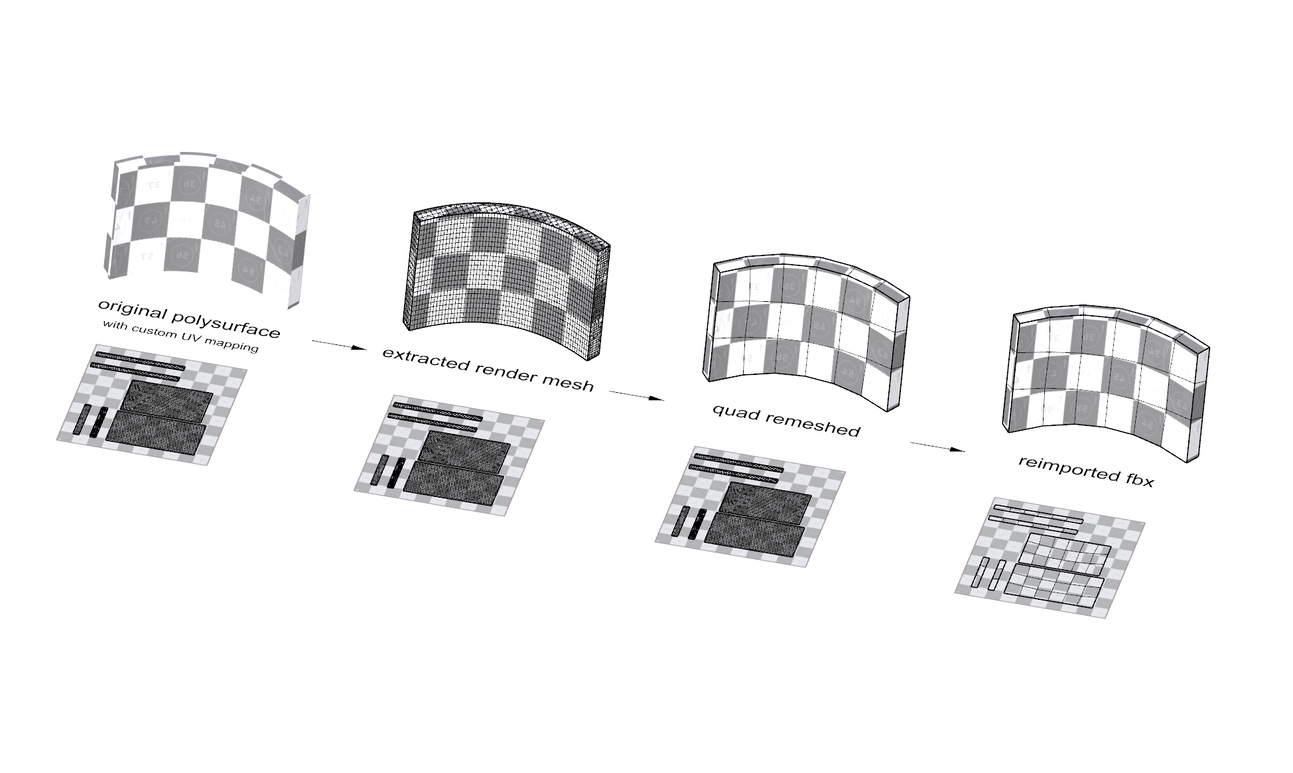
promising:

3 Likes
Hi all @Trav
When I execute a solid object with the quadremesh command it doesn’t work properly but if the object is converted to a mesh and then run with the quadremesh command…it is good
bug.3dm (1.2 MB)

Hi - that object gets selected with the SelBadObjects command. How did you create this?
-wim
?? 
That Patch surface has a bad trimmed edge. ExtractSrf > Untrim with keep trim curve > Trim again > Join… fixes the render mesh here. I don’t see this relating to QuadRemesh though 
If you extract the render mesh (which is used by the Quad Remesher) you’ll see that the current Rhino document settings generate a mesh with naked edges and thus you get a poor result. Either improving mesh settings or the box geometry resolves this.

Thanks, filed as https://mcneel.myjetbrains.com/youtrack/issue/RH-57472
@Trav I was filing this at the same moment as it seemed like a bug. I see what’s happening now, it’s a render mesh versus NURBS issue. Maybe we could prompt the user if the two are contrary in terms of naked edges?
1 Like
I think the bigger issue is the render mesh should not produce naked edges.
Yep, I filed a new report and made the first dependent.
1 Like

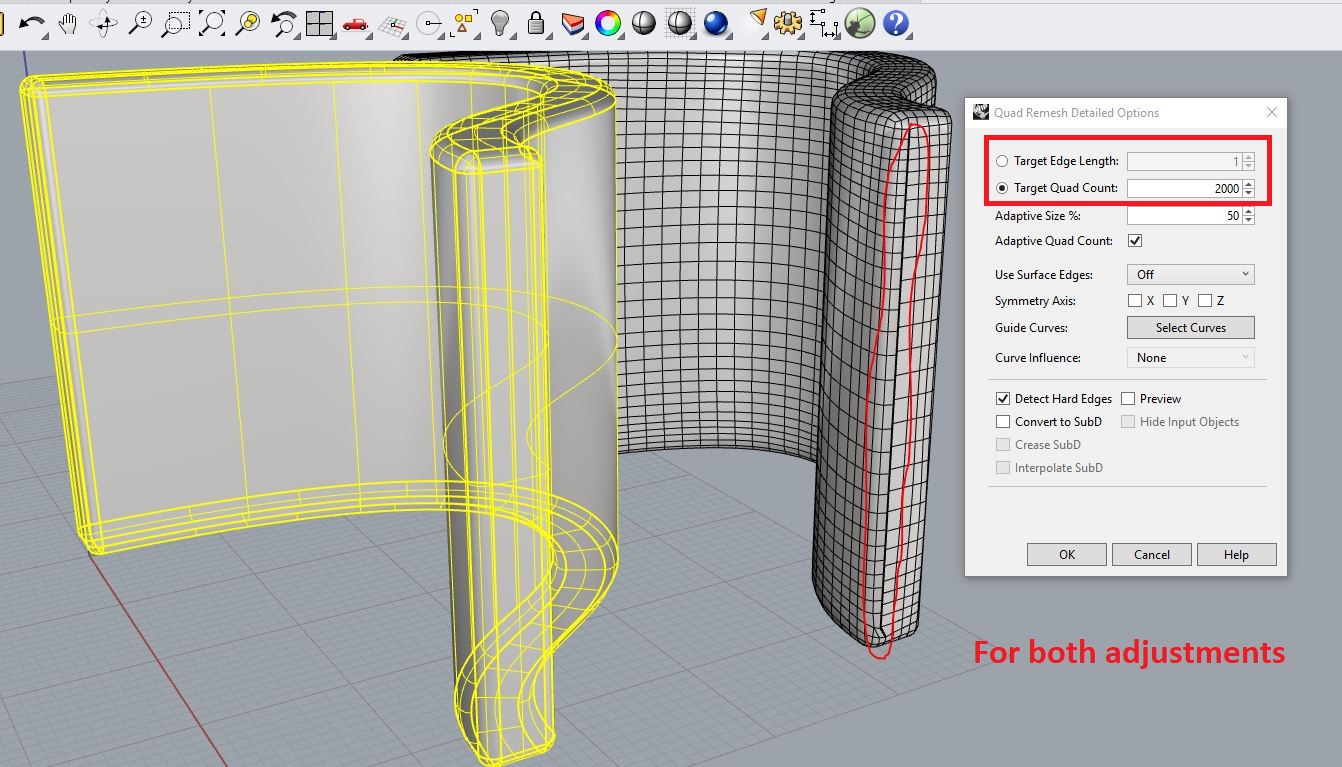


@BrianJ
@Trav
Quad Remesh is not the best at Sharp Point
When we quadremesh, we have problems with Sharp Points and it doesn’t work well.

bug.3dm (826.9 KB)
@mehran09197306634me as stated here before. Sharp points are a current limitation of quad remesh.
1 Like
oh ok
Thanks