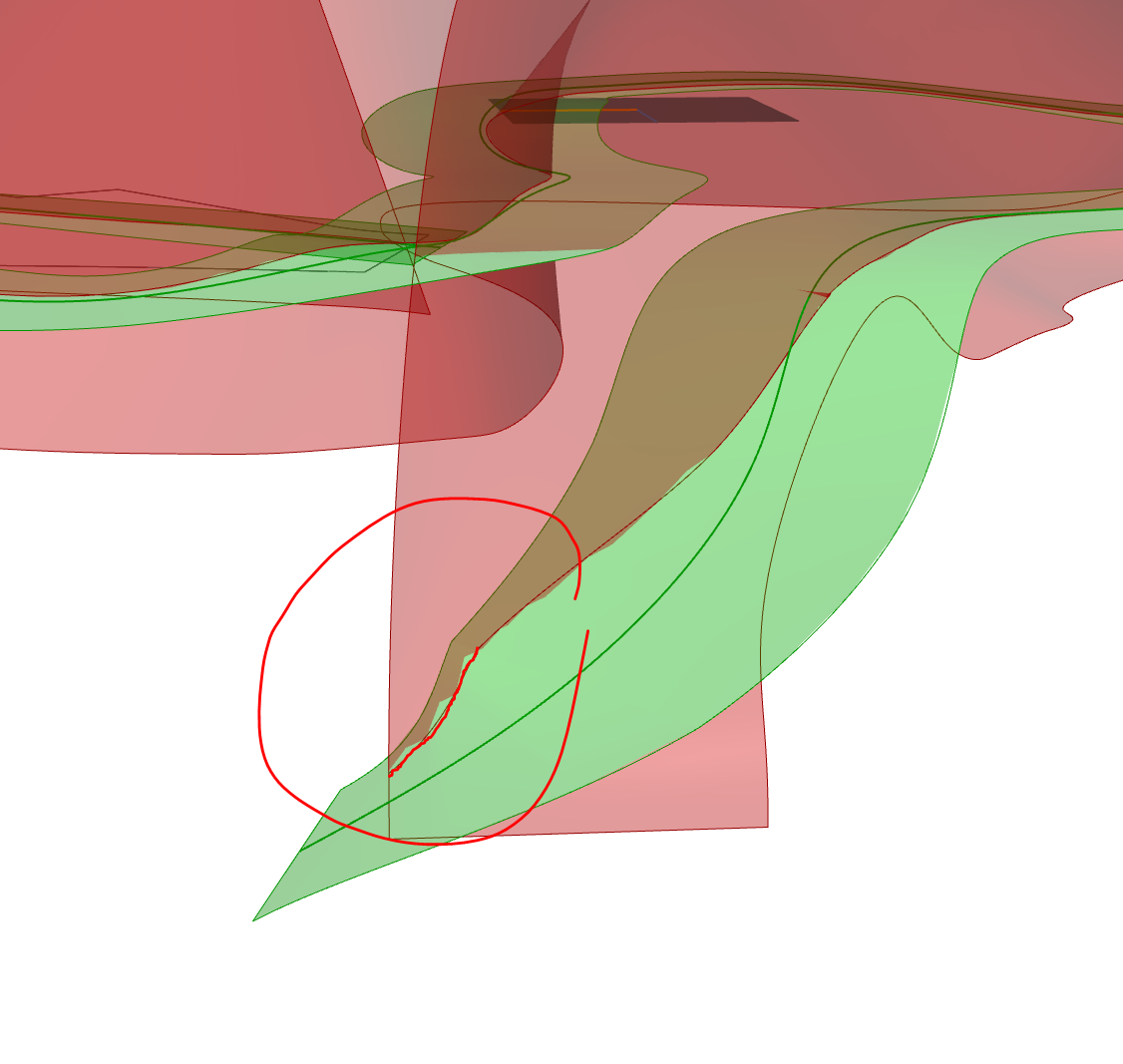
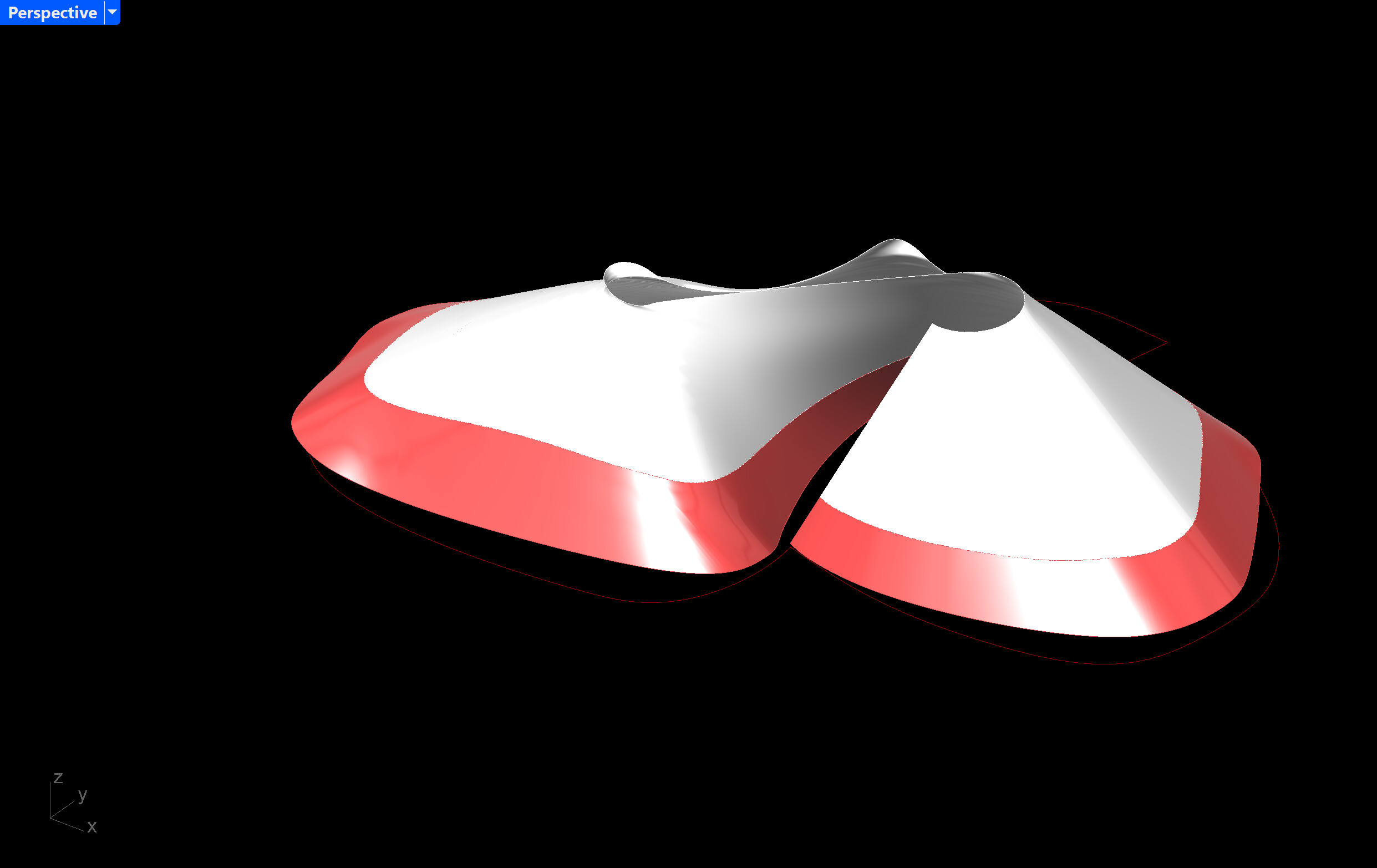
Also, your selected curve doesn’t fully intersect the surface you want to trim, so you’ll need to make sure it does and also extend it past the edge of the surface.
It’s best to correct this earlier in the modeling process.
In the meantime, I’d move your curve up past that problematic region and try to use Pull Crv. ProjectCurveOnSrf_cc.gh (363.8 KB)
I went on a long run when I saw that the “pull crv” component was not working as I wanted..just to fit the 3D curve on the surface befor splitting the complex shape….
You used ruled surface which give something quite great. I tried sweep rail1 or 2 but without a good result like ruled surface output… And rebuilding the curve once projected onto the surface is clever… I tried it too but the pullcrv component wasnt outputing something descent.. little frippon…
Anyway Thanks for the demonstration, I learn alot! .. Again ^^.
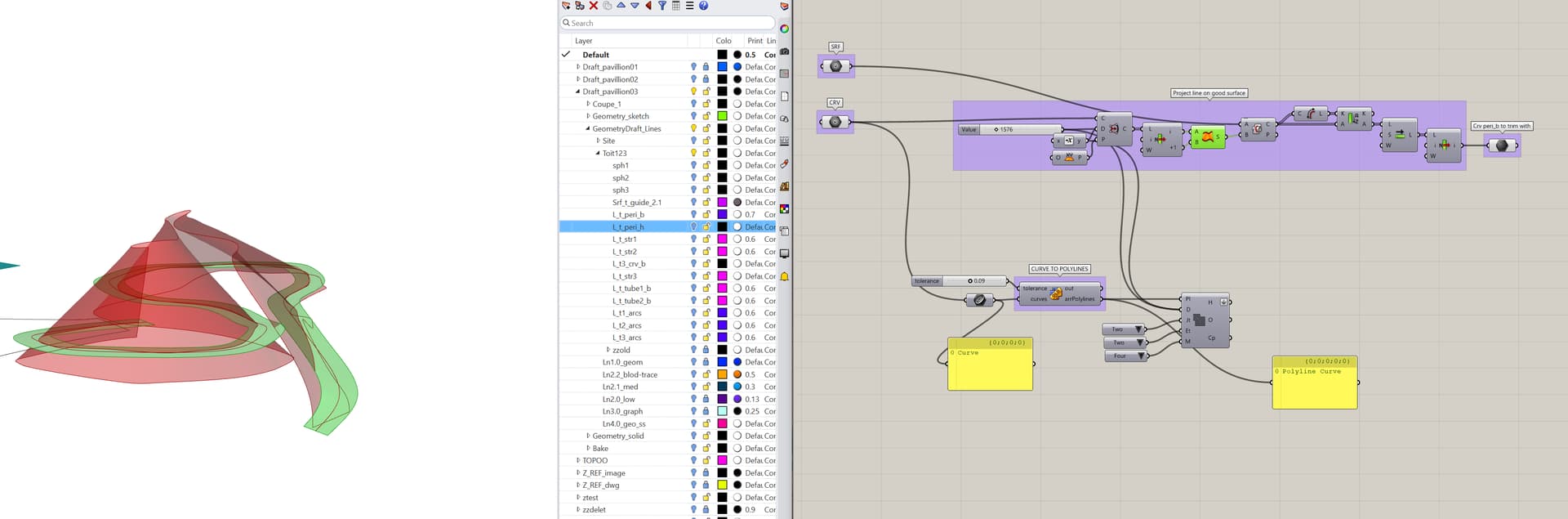
Hello @René_Corella, I remember why I went away from the “pull curv” to surface technique. Somethimes it creates wierd things… and I don’t know exactly why. Maybe you could enlighten me on this ?
** In my main gh file which is EXACTLY the same definition for this part as the .gh file I provide down here, the pull curve mess-up. (I don’t get it, I internalize the srf and the curve and they are exactly the ones I put in the .gh file down here… but pull curve result differ..)
and the file size is too big… 23mo…. (20 is max)
Also your srf 1 take 10 sec to split, while srf2 takes 4 min…. ?!?..
I think it’s important to distinguish these techniques as different from an actual projection. Pulling is influenced by more factors than just a projection along a direction. Needless to say, working with this surface is complicated. I wonder if rather than trying to attract a reference curve we instead rely on its proximity to the surface to generate a point and then isocurves to split the shape with. It’s more ‘true to the surface’, speeds up the process, and eliminates the need for pulling or projecting: ProjectCurveOnSrf_RC1_CC2.gh (11.2 MB)
I wonder if rather than trying to attract a reference curve we instead rely on its proximity to the surface to generate a point and then isocurves to split the shape with
By doing so, we loose precise detail I would like to conserve…
Also, I didn’t see much of information on this strategy, but I was interested in trying to rebuild a curve directly on a surface. But I didn’t see any component capable of this… I will dig this further.
I see - are you referring to the shape and position of the reference curve?
There’s CurveOnSrf but I think it’ll end up too crazy with this surface, but maybe there’s a way to order the uv coordinates to interpolate it correctly on the surface.
Thinking about adding ‘precision’ to this, though I’m not sure I understand what the current issue is, nor what defines precision for this project in the first place.
Nonetheless, I do think pulling the curve won’t be helpful at all in this scenario.
So, two new ideas I’ll come back to:
An IsoVist Ray + CurveOnSrf combo
An IsoVist Ray + CurveOnSrf + MapCrvToSrf combo if idea #1 does something crazy
Thinking about adding ‘precision’ to this, though I’m not sure I understand what the current issue is, nor what defines precision for this project in the first place.
Yes ofc, I understand with a better picture of what I’m after, it might be easier to understand/tackle the challenge.
So the challenge is getting as close as possible to the original design SubD shape but adding to it the reality of construction. And from there many recipes are possible ofc.
By the way, I know you were trying to solve it as you go and learn, which is THE way to learn and I can’t interfere with that, but man, having all the information helps! I wish we had started with this from your first post:
It’d be pretty straightforward to interpolate a curve using the edges of your SubD’s control polygon, for example:
Generate the fake “unrolled” version of your surface, interpolate the curve on-surface, map it back to 3D - the trick is that the curve information is first obtained from your 3D curve via the IsoVist Ray in order to skip unprecise pull method and rely on projecting curve points:
Haven’t avoided splitting, but the pulling is eliminated for sure now. The key thing was to adjust curve ends in order to have a nicer mapping back to 3D: DrawCurveOnSrf_RC2_CC2.gh (11.3 MB)
Ok so first idea (previous post) tries to reduce slowness by skipping pull.
Second goal was to kill splitting with something similar to the subsurface idea by making two lofts, divided by what would otherwise be your splitting curve:
@LeGaulois man, I can’t believe this older idea (Sporph component) works fine here! No pulling, no splitting. Map the curve to 2D, make two planar region surfaces, map them back to 3D with sporph: DrawCurveOnSrf_RC1_CC2_SPORPH.gh (11.2 MB)
If anything the new goal would be to speed up the IsoVist + ‘unrolled srf’ parts, but they help keep things precise, at least now we’re talking under 5 seconds as-is
@René_Corella from now one, I call you the Wizzard o_O !
Wow I’m impressed by the technique! Would never in 100 years thought of this “sporph” way to project the curve. SO clever !!! What mesmerised me is, how this complex srf could be projected on a rectangle srf, and then reprojected back…
reduced the 20 mins to generate 2 trims, into few seconds. And the result is really adequate!
I will go from here, and see if I can refine the edge even in a smoother way. Sord of second rebuild curve pass! Will post back.