It is because they run a python subprocess in the current directory of the script. Rhino is running python in Embedded mode so python is loaded like a library to the Rhino.exe process. Therefore os.getcwd() reports the path that Rhino.exe was started on.
Here is an example of running a python script that prints os.getcwd() from two different directories. Notice that printed results are different:
This also means getting the current working directory is consistent across languages in the script editor. Both these scripts return the same path:
// #! csharp
using System;
Console.WriteLine(Environment.CurrentDirectory);
#! python3
import os
print(os.getcwd())
Here is my rationale for breaking this behaviour:
It only affects a subset of scripts that run in the main editor and from those only a subset that tries to determine the script path from os.getcwd(). It’s a static state on python runtime and I don’t want to change it since it really should return the process cwd (I know it feels like it is a matter of opinion), and that also will cause problems down the line with parallel python scripts as they can’t all have different values coming from os.getcwd(). Previous Rhino did not rely on so many external python libs. With pip available now I want things in python to act as expected from the vantage point of external python libraries as well. It’s more pythoninc to use __file__ instead of os.getcwd(). A maybe-positive side effect is now finding path of Rhino executable is easy.
Thank you for your detailed explanation. I understand that you want to have a clean behavior between languages.
What is the difference between IronPython using the old Editor and IronPython within the new ScriptEditor?
Is it a subprocess in the old Editor and embedded, if I start it in the new ScriptEditor?
@daniel.kowollik Nope. They all run the same way. At some point in the past someone intentionally set the cwd to the script location before script execution. For the reasons I mentioed above it wasn’t much of a big deal back then.
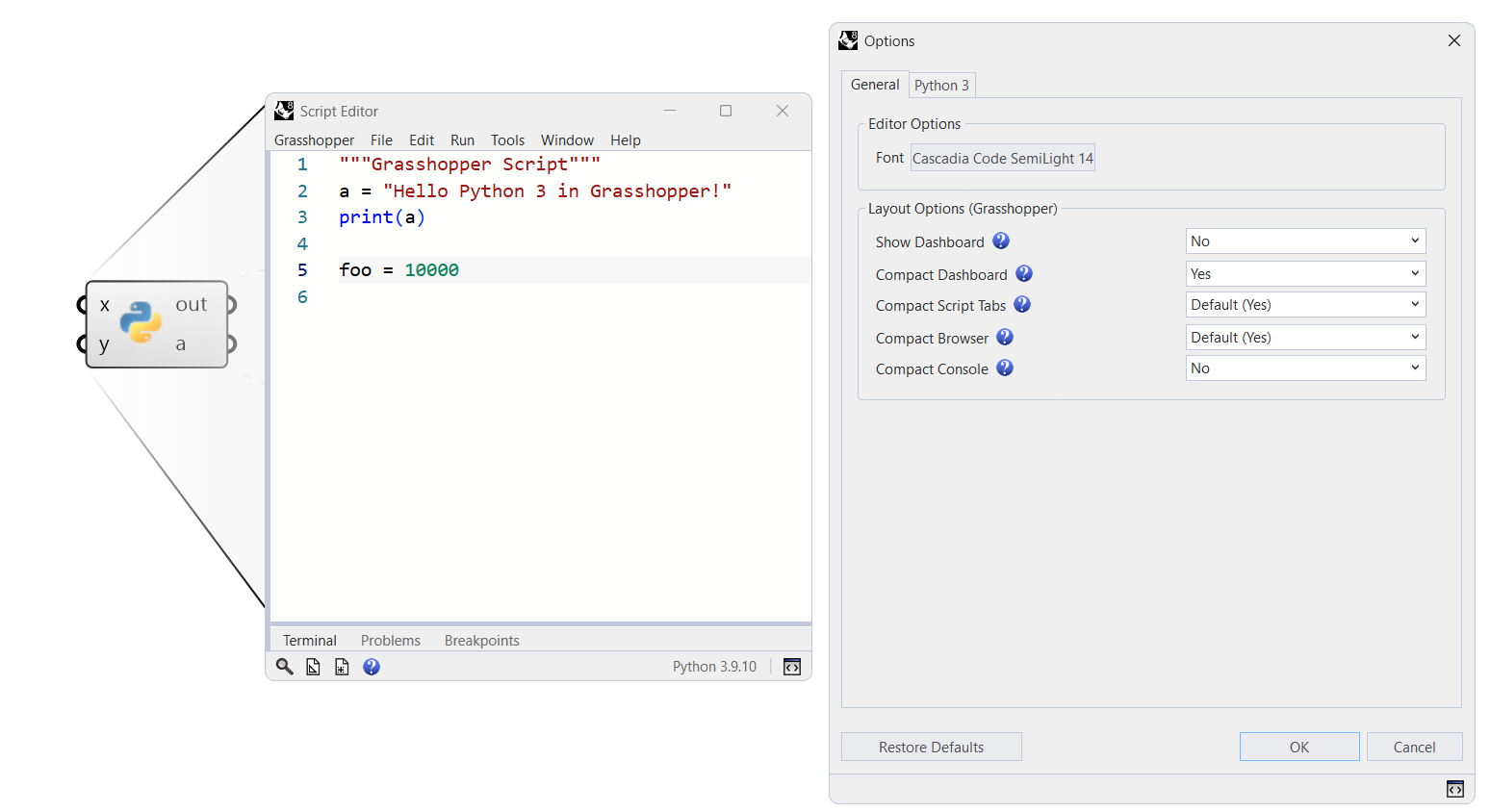
The font variations do not all appear to be fixed (edit:@eirannejad and @brian). For instance, here’s going from Consolas to Cascadia Code to Cascadia Code SemiLight side-by-side with GhPython, where the new editor appears to fall back to Consolas with the latter variation. One can tell by the zeros, where Cascadia (now being used here on Discourse too it seems) looks like eyes 00 :
Windows 11 (10.0.26100 SR0.0) or greater (Physical RAM: 32GB)
.NET 7.0.20
Computer platform: LAPTOP - Plugged in [100% battery remaining]
Hybrid graphics configuration.
Primary display: Intel(R) Iris(R) Xe Graphics (Intel) Memory: 128MB, Driver date: 5-12-2024 (M-D-Y).
> Integrated graphics device with 4 adapter port(s)
- Windows Main Display is laptop’s integrated screen or built-in port
Primary OpenGL: NVIDIA RTX 2000 Ada Generation Laptop GPU (NVidia) Memory: 8GB, Driver date: 6-26-2023 (M-D-Y). OpenGL Ver: 4.6.0 NVIDIA 536.45
> Integrated accelerated graphics device (shares primary device ports)
- Video pass-through to primary display device
OpenGL Settings
Safe mode: Off
Use accelerated hardware modes: On
GPU Tessellation is: On
Redraw scene when viewports are exposed: On
Graphics level being used: OpenGL 4.6 (primary GPU’s maximum)
Anti-alias mode: 4x
Mip Map Filtering: Linear
Anisotropic Filtering Mode: High
Vendor Name: NVIDIA Corporation
Render version: 4.6
Shading Language: 4.60 NVIDIA
Driver Date: 6-26-2023
Driver Version: 31.0.15.3645
Maximum Texture size: 32768 x 32768
Z-Buffer depth: 24 bits
Maximum Viewport size: 32768 x 32768
Total Video Memory: 8188 MB
Also, we’re finally about to start rolling out Rhino 8 across our offices. In that context it would be great to hear if there are any plans to address some of the other outstanding issues raised up here:
For now we’ve only been using the new script editor for testing and pretty much just for CPython. It would be great to start using it in production for IronPython and C# scripting as well.
Hi @eirannejad,
I just updated to Version 8 SR17
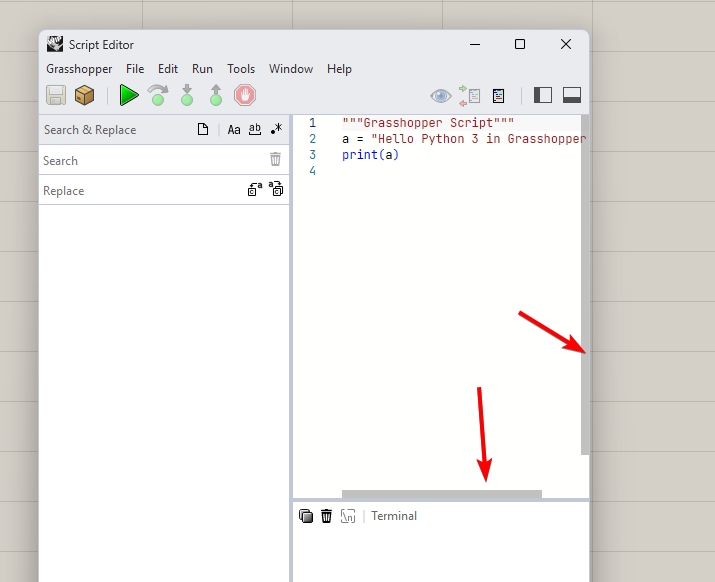
(8.17.25056.13001). If I open a side window such as Explorer or Search & Replace, the scroll bar in the text editor disappears. I have to close Rhino and reopen it to get the scroll bar back.
Pushed a fix for this in 8.18 however it is a bit incomplete. The problem is Monaco, the editor control that we use in the new ScriptEditor does not have a font style setting. So on windows @Alain and I decided to use the common css weights and apply that to the css styling of the control to get to this work on Windows. This covers bolding (weight) of the text but not Italicizing.
On macOS, Monaco uses the WebKit engine and is much better so it just works and does not have this limitation.
Hi @brian, think you might have accidentally edited my post there. I just tested the issue in Rhino 8.18.25070.14001 and I’m afraid it has still not been fixed (see e.g. Cascadia Code SemiLight):
Edit: Looks like the attempted fix might have broken things further. Setting the font is now highly unpredictable and can seemingly “get stuck” (@eirannejad):
Hi @Alain,
I hope this helps. The scrollbar dissappears whatever I change on the window size of the code window, for example terminal window, search window or the entire size of the editor.