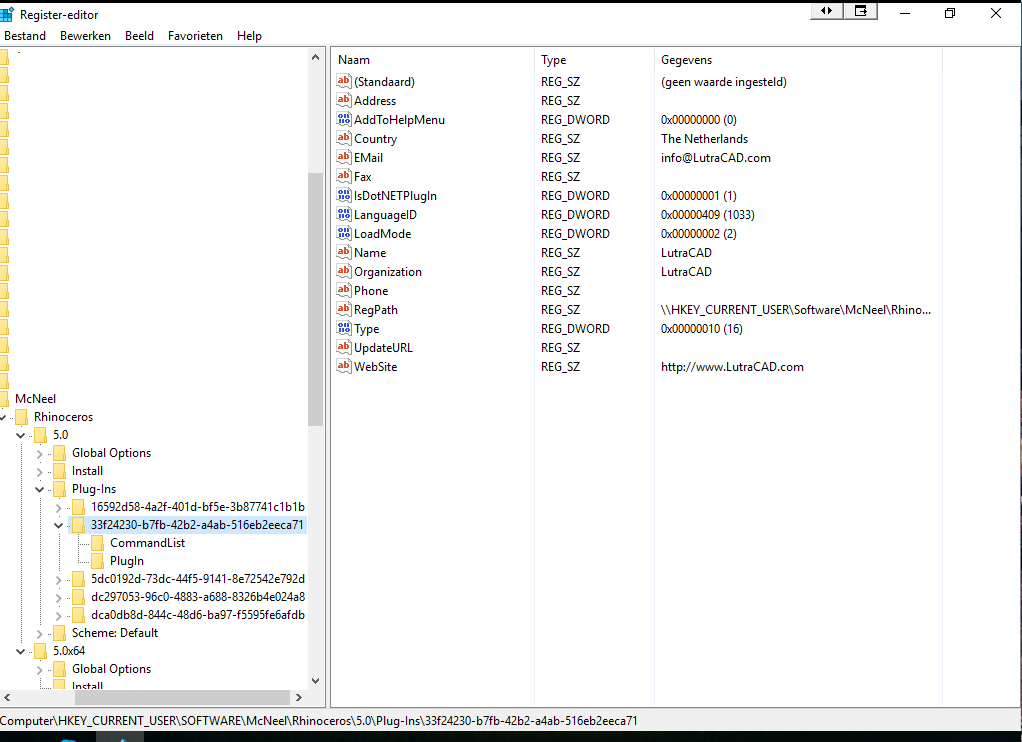
I am trying to register my plugin before starting Rhino to automate some things, but I get the following error: Unable to load LutraCAD.rhp plug-in: application initialization failed.
EDIT: Oke I think Rhinoceros started faster than both the registry values could be added so it gave an error…
I just Thread.Sleep(1000) before starting and everything works perfect now.
Oke this is weird.
In my own application I add the 2 registry values.
When I start rhino like:
Dim psi = New ProcessStartInfo('RhinoLocation')
Dim myProcess As Process = Process.Start(psi)
It gives an error, BUT if I add the 2 values and open the EXE manually it works perfect…
I want to make it as easy as possible for my users.
So I made a setup for my program (A client manager)
After this is started for the first time it adds the registries, opens rhino, load the plugin, runs a command from the plugin and closes rhino.
Then it is all ready to go for the user.