Is it possible to have the perspective view follow a new CPlane?
I have attached images to explain.
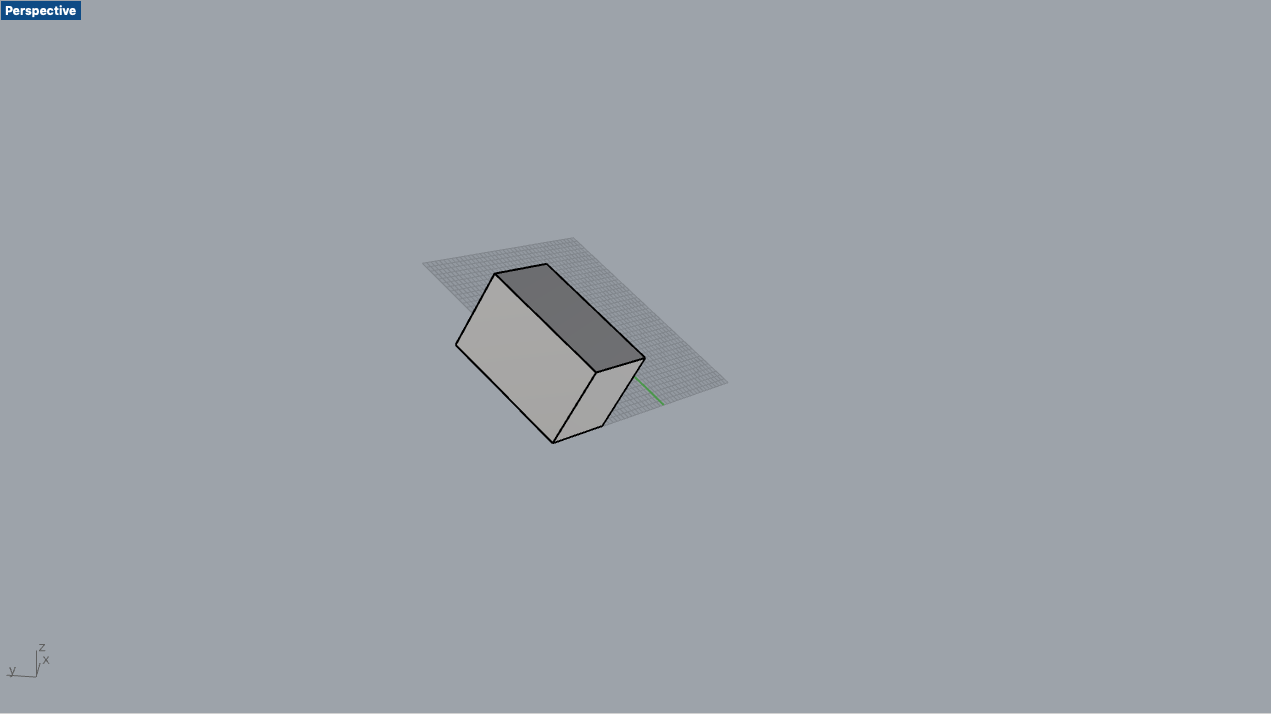
Image 1: I have an object that is rotated off axis
Image 2: I set a new CPlane on a surface and have “Universal Construction planes” turned on in “Preferences > Modeling Aids > Contruction planes”. I’ve understood the view should change to match the new CPlane but it doesn’t. The view stays the same as seen in the image.
The view in Image 3 is what I would like to have (or that panning the camera would stay on the axis of the objects CPlane).
Hope this is the right place to ask questions like this. First time posting on the forum.
Unfortunately this doesn’t really solve the problem. Freeing the camera’s “ortho lock” with cmd+shift+RMB does allow me to pan around the object a bit easier but I still have to find the right panning angle manually.
I’d like to be able to pan around the tilted object (with the new CPlane on a side) as if it wasn’t tilted at all.
I very vaguely remember being able to do this on a previous version of Rhino years ago (while just toggling “Universal Construction planes” on). Could’ve been on a Windows computer though.
did you check the other options ?
rotate arround cplane-z-axis etc… ?
ok - maybe the follow is more close to what you want:
preferences:
→ modeling aids ->universal construction plan active
→ view → rotate arround cplane z- axis
4view
set cplane in perspective (the 3 other views will change)
set view in Perspective to _setview _cplane _right (***)
start rotating the view
(***)
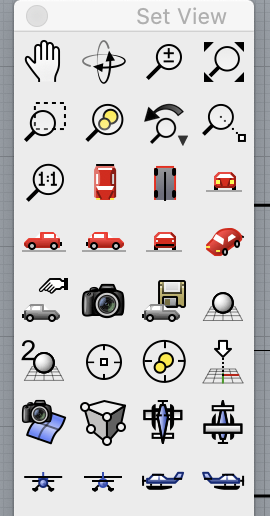
in the set view toolbar it is the blue airplane - lowest row in my screenshot