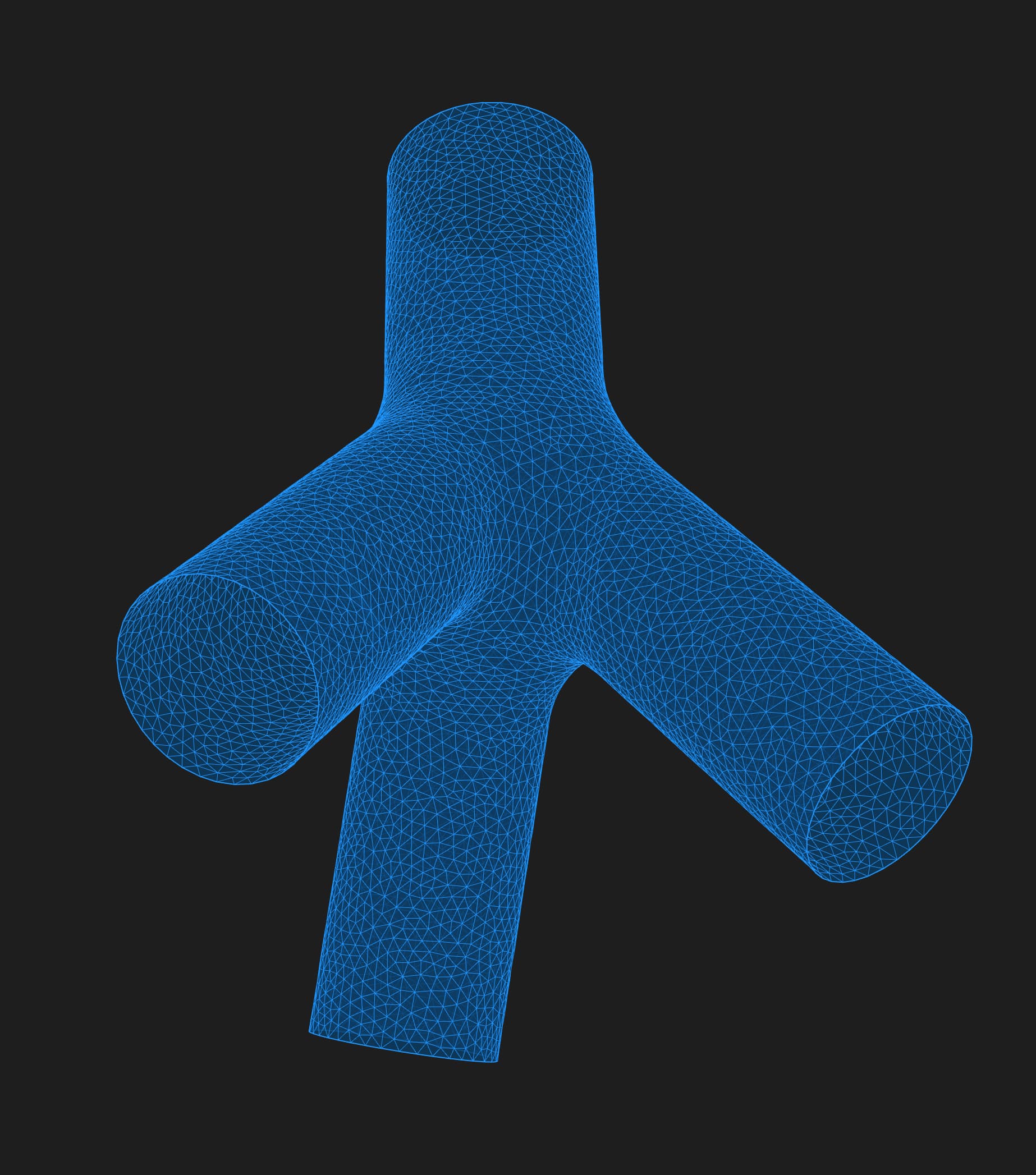
I have a simple triangular mesh that has been capped using the “Mesh Cap” component, and I would like to subtract it with cylindrical meshes using the Mesh Difference component, but I end up with a rather ugly output mesh. The second problem I ran into is that the mesh is not quad remeshable using “Quad Remesh” (weird but, the same command in Rhino works reliably well the same mesh), whereas applying the “Solid Offset” component to the mesh preliminary makes quad remeshing possible. Can anyone give advice on these issues? MeshDifference.gh (310.5 KB)
Please note, I know it’s best to do all the subtractions with brep/surfaces and only then create a mesh for it, but unfortunately in my case this is not feasible because the original mesh is created by the Kangaroo solver, i.e. the shape is initially created from the mesh.
Rhino knows how to cap the holes in a mesh. I’m sending the right incantation your way.
I’ll add a reminder for David Rutten to add this. RH-80087. It’s not a complicated script.