Hi everyone,
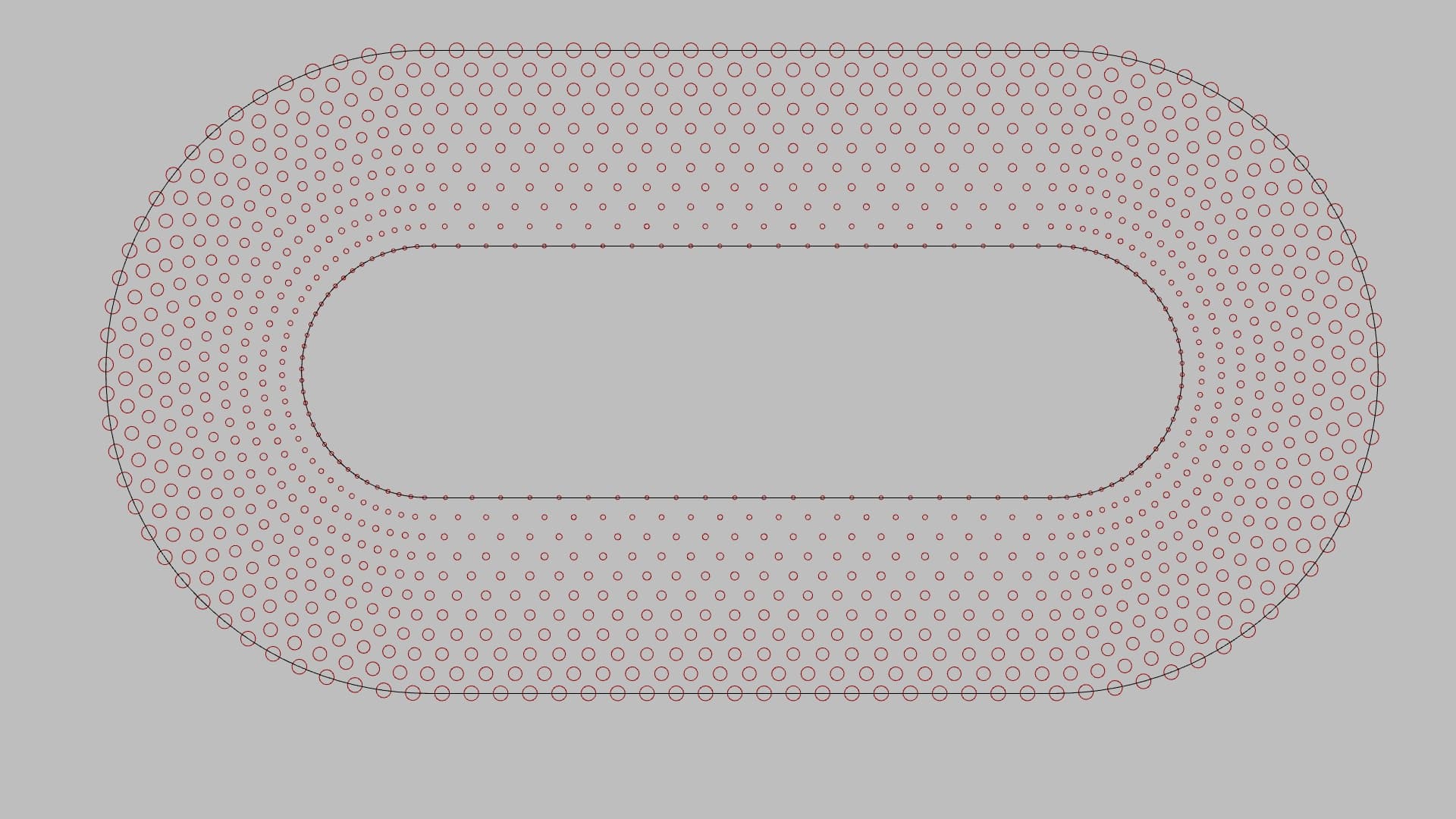
I’m attempting to map a concentric dot pattern onto a curved surface using surface morph and wondered if you could help me please? Thanks!
Map Curve to Surface.gh (144.5 KB)
Uploading: ViewCapture20220922_145408.jpg…
Hi everyone,
I’m attempting to map a concentric dot pattern onto a curved surface using surface morph and wondered if you could help me please? Thanks!
Map Curve to Surface.gh (144.5 KB)
Uploading: ViewCapture20220922_145408.jpg…
The easy way looks off by 90 degrees? Tried but failed so far to fix it. 
P.S. By the way… we discussed this last October? Might be better to create the circles on the curved surface?

Hi Joseph,
Thanks for your help.
Yes we did and I used the same gradient dot pattern definition you provided to create these curves  I still don’t know how I would go about creating the dot pattern on the curved surface to begin with
Offset on Surface looks promising?
Ok, I’ll give that a try. Thank you.
There is probably a way to get map/morph to surface working. I have other things to do this morning, maybe later.
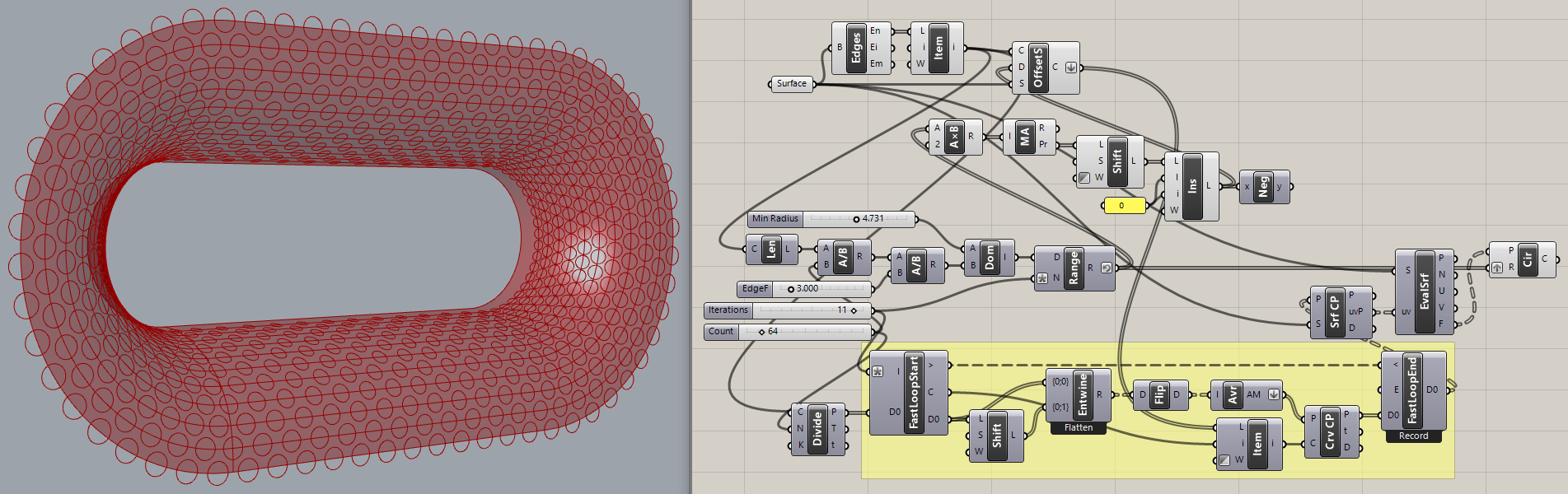
Oh look! I hastily got something to work. More fiddling with the parameters is needed, the circles need to be pulled (or projected/extruded?) to the surface to cut holes, etc., but the basic idea of adapting the old code appears to work.
Great work, @Joseph_Oster! Thanks for coming through to help me again!
Added a “gutter” slider (blue group) to inset the outer ring of circles, added cut holes (orange group, SLOW!), adjusted some parameters slightly.
Very nice, @Joseph_Oster !
here the circles get smaller when closer to the big opening , is there anyway we could make all circles equal radius?