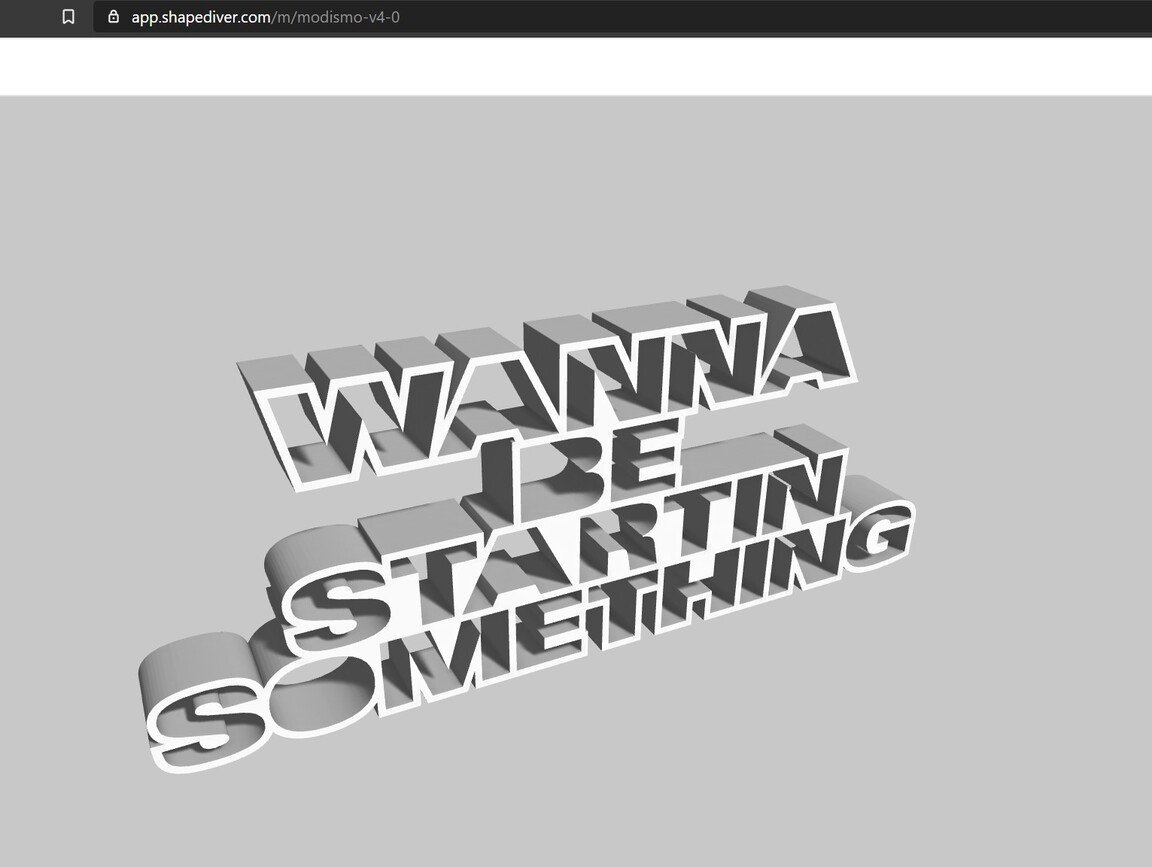
I don’t know what we are doing wrong or if its just incredibly buggy, but we can’t for the live of us get lighting settings to stick.
I change the lights in the shapediver platform and see the preview. I even save it as a light scene.
Then I go to the embedded model and its back to the default.
Also what’s the point in saving light scenes, that I can only use for that model but not other models? Shouldn’t a light scene that I save be available for all my models?
Did you apply settings after saving the light scene? The button is at the bottom of the page so you might need to scroll down on the laptop screen. We know that this is not ideal UX and it will be improved.
You can also try the re-upload feature to reuse settings as explained here.
We could not yet reproduce the problem on our side. It would help if you could provide a link with the model embedded not showing the right light settings.
However, we have identified potential causes for the issue and are working on it.
Also, I often notice that the starting rotation of the camera is wrong in some browsers. For me the first time I open up a Shapediver viewer on the web, the camera is rotated 180 degrees to what it is set on Shapediver. How can I make sure the camera starting position is the same everywhere?
The first step is to update your embedding code to the latest version of the viewer: you are currently using version 2.13.0, please update to the latest 2.19.2. The lighting API has changed a lot since the version you are using so I’m thinking it might solve most (if not all) problems. Let’s look again after this update.
Oh, okay, I didn’t notice that. I took the example code from your website. Maybe they need a little update
Or you could have a link to the latest version, which automatically updates. Something like shapediver-latest-min.js. That way those who want to auto-update could use that link.