Hi,
I’m looking to import 1-bit bitmap images into Rhino and export them without any loss, meaning preserving the strict 1-bit black and white format — no grayscale or anti-aliasing.
This is important in fields like offset printing, where file size and precise tone reproduction are critical.
When importing a 1-bit image using the _Picture command, does Rhino preserve the original 1-bit format internally?
If Yes on export, I haven’t been able to generate PDFs that maintain the 1-bit bitmap format. Is there any way to export a file (e.g., as a PDF/X-4 or similar) that preserves the 1-bit data, potentially allowing high-resolution output (like 1200 or 2400 dpi) without converting it to grayscale?
Also, is it possible to use a custom RIP or driver within Rhino to preserve this kind of data? On Mac or Windows?
Bitmap.3dm (6.4 MB)
PDF from Rhino
RhinoPDF.pdf (2.2 MB)

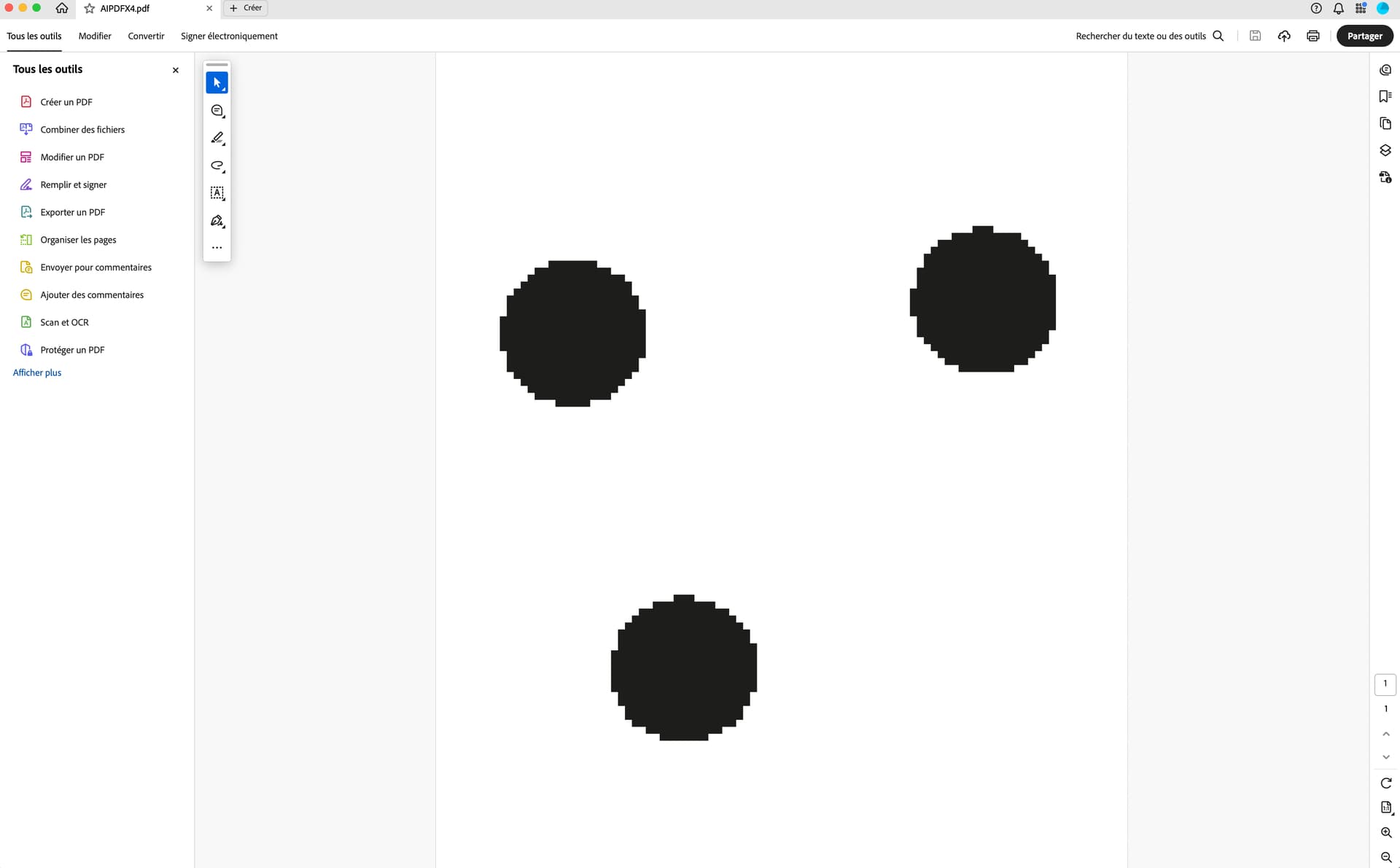
PDF X-4 from Illustrator (same .bmp as in Rhino)
AIPDFX4.pdf (812.1 KB)
Thanks in advance!
Best,
Pip