Hi Guys,
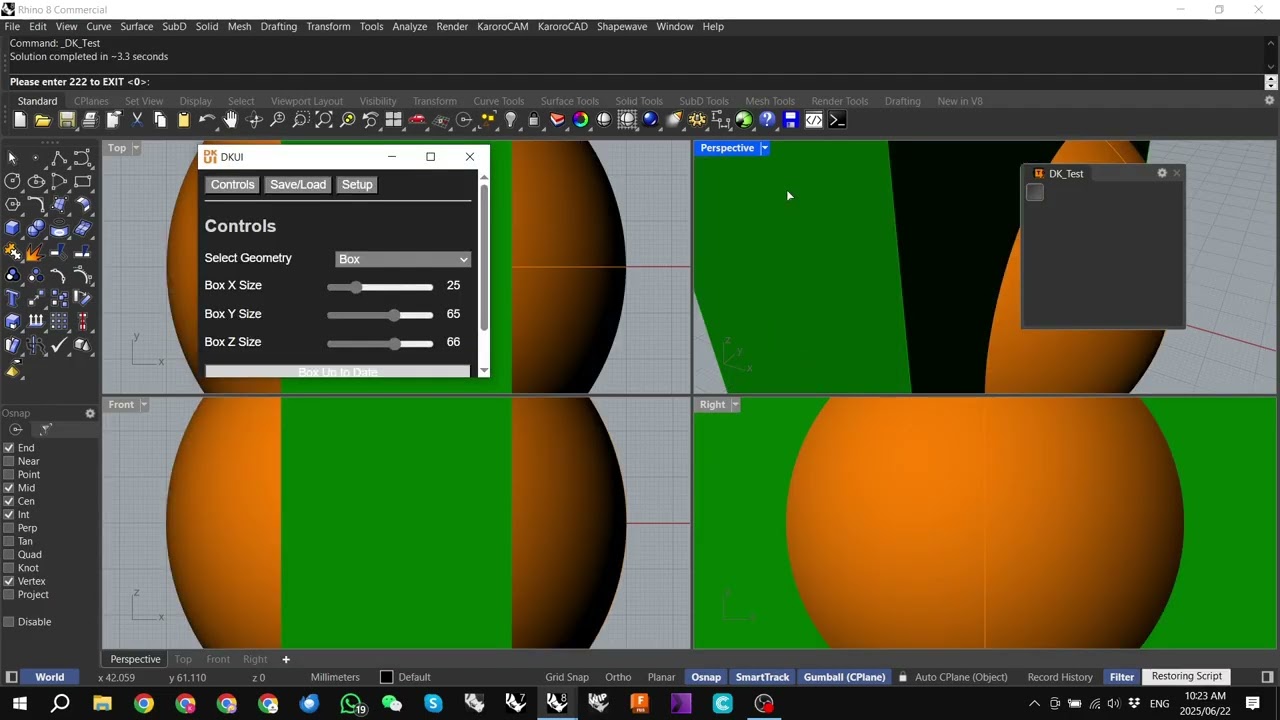
I’ve had a few people ask me recently about the process I go through to compile a Grasshopper file with DKUI user interface into a YAK deliverable Rhino Plugin.
This morning I made a video going over the process and uploaded to my channel:
I hope you find it useful.
Cheers
DK
Hey there !
Thanks again a lot for documenting all this !
I’m running in a small issue over here… I don’t have any preview when running my plugin.
The whole process of building up the plugin is totally fine, I have the loading up Eto window, then the DKUI window, just nothing displaying.
Am I missing something with the RCP panel?
/
This is the file
And here is when using the plugin
Hi @antoinemaes
A couple of pointers:
Are you using my launch script before you launch the file?
If you are, can you add a single item to the GH RCP panel - just a text box is fine. This will force GH to stay open in the background.
If you are not using my launch script you will need to make sure that Keep After Command completes is checked in the document properties in your GH script.
Let me know if those help
Cheers
DK
I’ve used your python script.
I became paranoiac and went down to leaving it as is, and naming my definition (and rest just like yours). Since its the same plugin as yours, I’m also preventing auto-updates on the package manager so it stays my silly grasshopper file.
I’ve added the panel and slider to the RCP, saved, rebuilt, updated, closed and opened, but still nothing … and the rcp stays empty.
–
If I call grasshopper (after running the plugin) and open the window, the file is empty, I don’t know if that’s normal?
If this looks odd to you, I’ll just dig more… I must be missing something basic.
Hi @antoinemaes
Yes, that behavior of the GH file not being visible when you open the GH window is normal and in fact is important - otherwise your customers have direct access to your source code.
Could try closing Rhino completely on your machine, restarting, launching GH THEN your plugin command
Cheers
DK
To keep the thread up to date, @antoinemaes sent me his file.
I was able to compile/install/run without needing the launch script, but just needed to check the Keep open after command completes box the file/document properties menu:
Cheers
DK
Maybe just a little recap for the reader encountering this:
Always tick that box, even if using the python loader script
Very cool workflow, I’m gonna use it a lot !
Thanks for sharing and helping ! 
Hi all 
As a follow-up to the original video, I’ve now created a new video showing how to achieve the same plugin workflow using the Rhino Script Editor:
 Rhino Script Editor-based Plugin with DKUI
This method has its own unique setup requirements, but offers a potentially smoother user experience—especially since it allows the script to close cleanly on demand.
Additionally, as an appendix to that video, I’ve included a short tutorial on how to add and manage custom icons and start buttons within the plugin:
Adding Icons and Start Buttons to Your Rhino Plugin
Hope this helps anyone looking to polish their UI and plugin packaging workflow!
Happy to answer any questions or clarify anything.
OK, I propose this process should claim its own acronym:
 DGRS Stack
Pronounced: “digress”
A modern stack for building interactive Rhino plugins using DKUI as the unified cross-platform UI system.
 Components:
| Letter |
Tool |
Role |
| D |
DKUI |
Cross-platform GUI framework tailored for Grasshopper; handles UI layout and interaction |
| G |
Grasshopper |
Parametric and visual programming engine; logic and computation layer |
| R |
Rhino |
Host 3D modeling environment and geometry engine |
| S |
Rhino Script Compiler |
Compiles and packages logic/UI into deployable Rhino plugins |