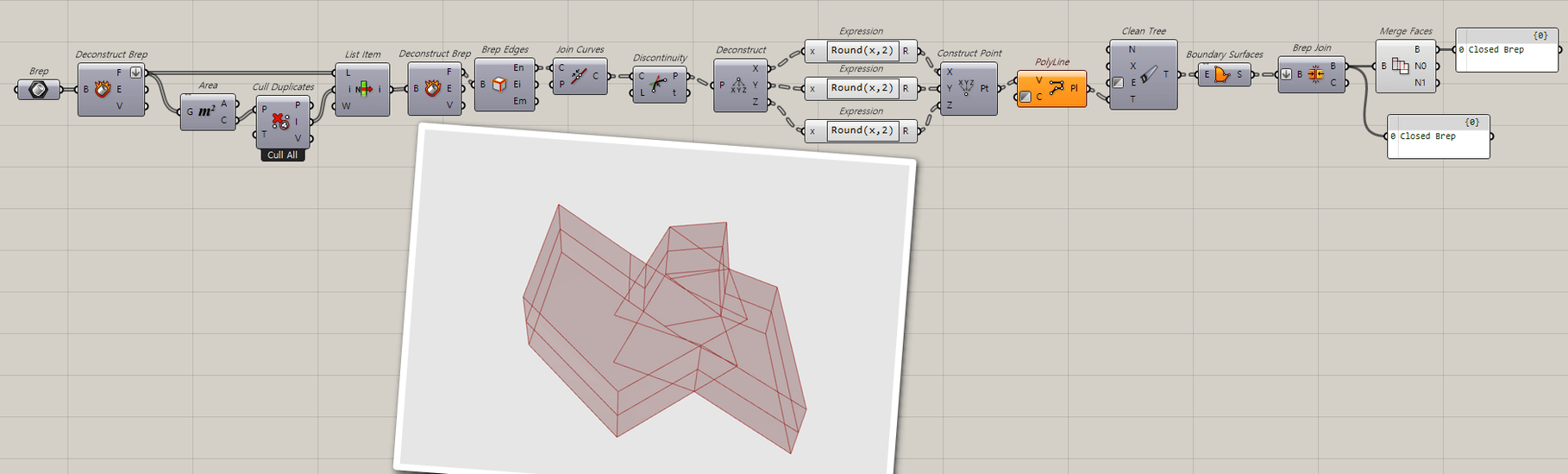
I don’t know why this happens. but usually when you explode and re- join the polysurface in rhino make closed polysurface. for grasshopper I don’t have any idea except using python rhino library to do the same procedure.
thanks it worked on all of them I just think if rounding to two decimals will not mess up whole building…
I am struggling to graft this tree correctly as I need each space as separate item ()closed brep in tree. Could you help with this.
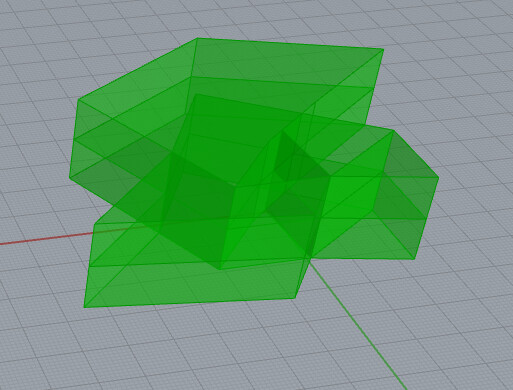

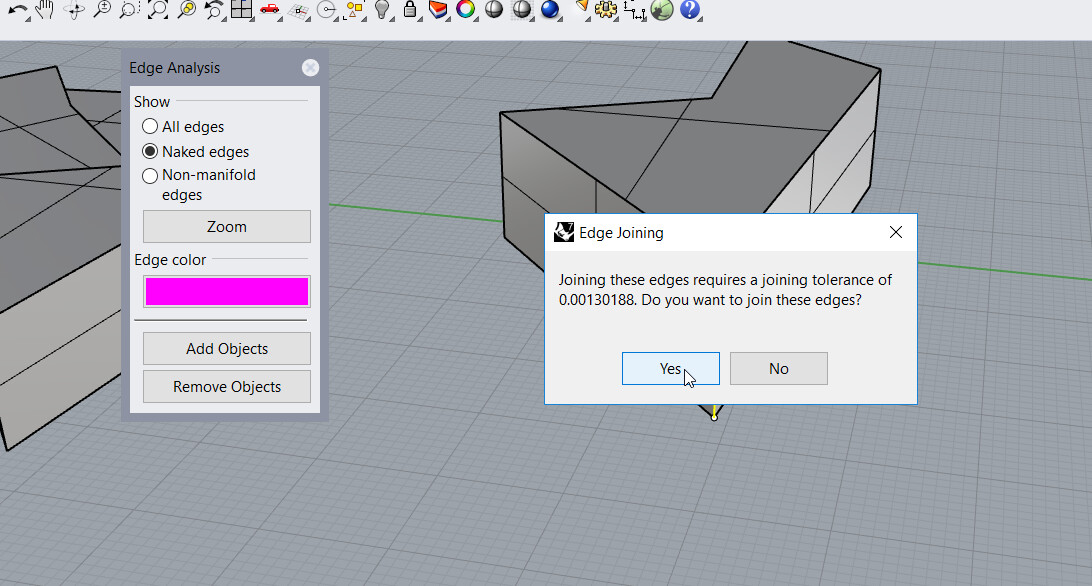
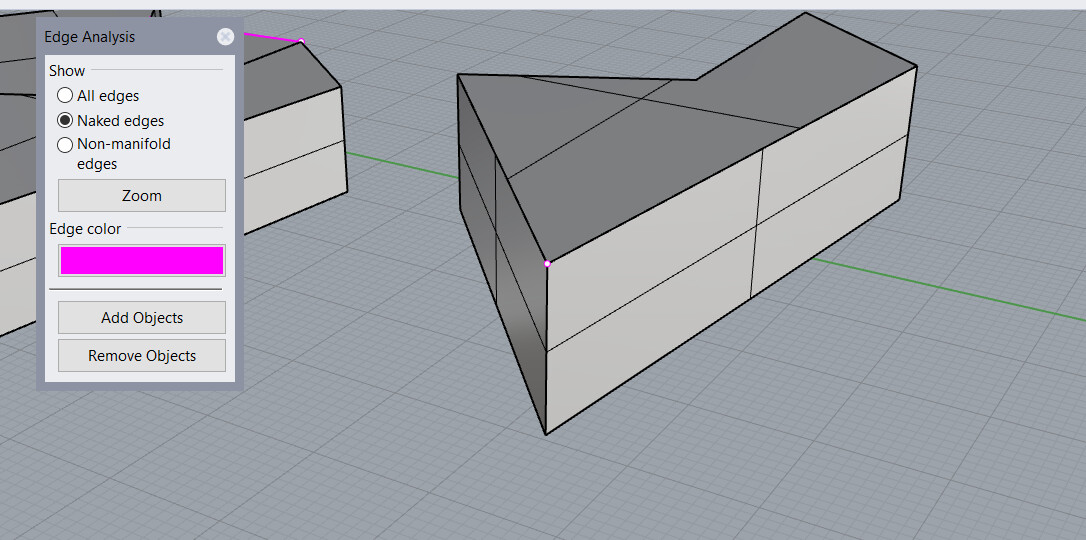

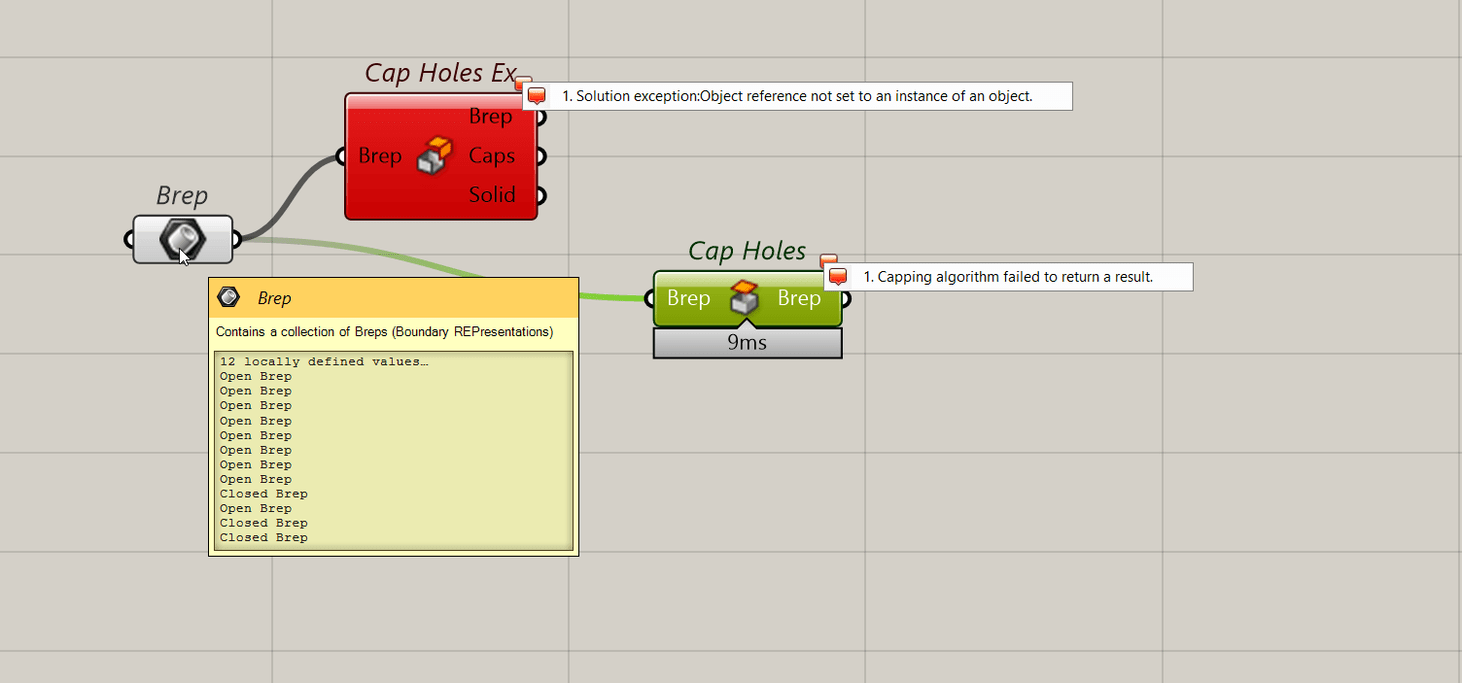
 but usually when you explode and re- join the polysurface in rhino make closed polysurface. for grasshopper I don’t have any idea except using python rhino library to do the same procedure.