Hello Everybody.
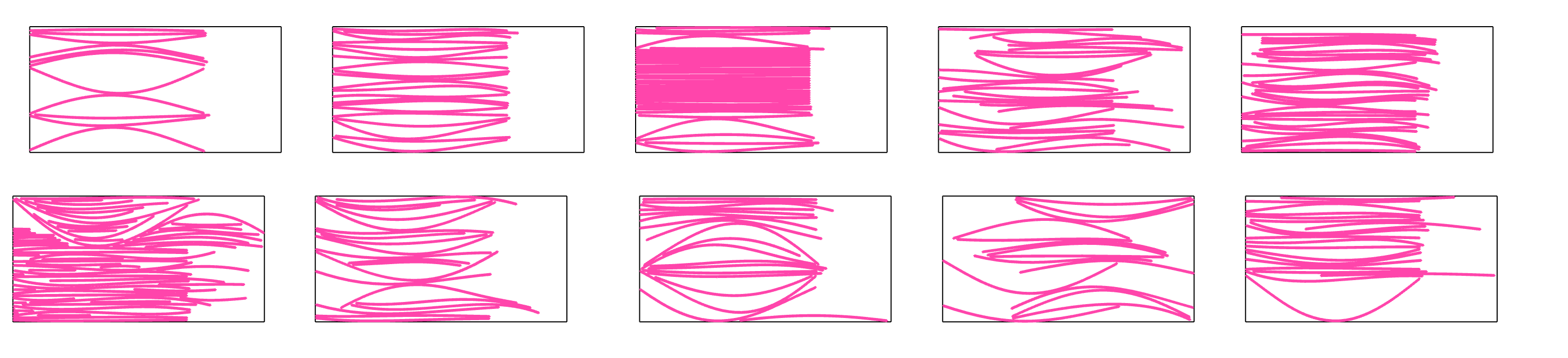
Im trying to optimise my nest set.
I already tried many combinations but it seems it dont fit more than that.
I have notice that most of the time increasing rotation dosent help a lots
What do you suggest guys?
Thanks
Nico
If you want really to reduce computational time and pack more in less sheets, then I suggest to orient your curves in one direction, either positive or negative curvature, then the solver would not need to guess how to rotate the piece. I am sure you have this information in your code. Then you can set rotations to 1
Hi Petras,
A discussion i had with Chat (..the GPT bro):
Exactly — that’s actually the frustrating conclusion with OpenNest v2 if you’re using it purely within the Grasshopper stream:
The Transform output does provide the transformations that OpenNest applies to its own newly generated outlines.
But because those outlines no longer correspond one-to-one with your original input, you cannot directly apply those transformations to your “real” geometry (like labels, points, drill holes, etc.).
I made a small grasshopper component that uses the output objectID and output transform, to move original geometry and het group of objects with that object to the nested location.Works like a charm. But in V2, the transform output is connected with the input geometry, new optimized, reordered curves with no connection with the original geometry. How can we use the transform output if we can’t find te original of thad object?


 — that’s actually the frustrating conclusion with OpenNest v2 if you’re using it purely within the Grasshopper stream: